


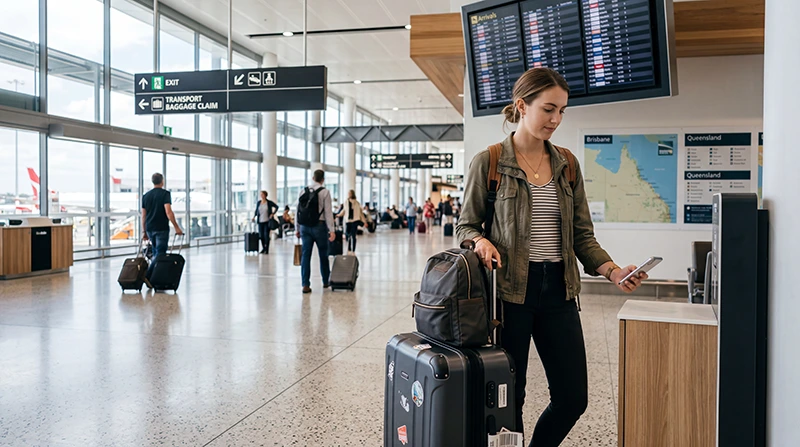

Brisbane Airport Wi-Fi is available free across the International and Domestic terminals. The official network name is BNE Free Wi-Fi, and passengers register their details through the access page.
A lounge may broadcast its own network, so check the network name when the expected airport signal does not appear. Use public Wi-Fi for routine travel tasks with appropriate security caution.
NoveSIM travel eSIMs are data-only and can provide mobile-data backup beyond the terminal. They do not include an Australian number or traditional calls and SMS.
Quick answer: Enable Wi-Fi, select BNE Free Wi-Fi, open a browser and complete the registration page. If the portal does not load, disconnect and reconnect, disable VPN temporarily and try a normal HTTP page.
Top Australia eSIMs

Australia eSIM
Fixed
1 GB, 7 days3.00$2 GB, 15 days4.00$3 GB, 30 days5.50$Unlimited
Unlimited, 1 day3.00$Unlimited, 3 days6.50$Unlimited, 5 days9.50$
Asia eSIM
Fixed
1 GB, 7 days5.00$2 GB, 15 days9.00$3 GB, 30 days12.00$Unlimited
Unlimited, 1 day6.50$Unlimited, 3 days17.50$Unlimited, 5 days28.50$How to connect to Brisbane Airport Wi-Fi
- Turn on Wi-Fi and view available networks.
- Select BNE Free Wi-Fi.
- Open a browser if the registration page does not appear automatically.
- Enter the requested details and accept the current terms.
- Test a normal webpage before opening travel apps.
Brisbane Airport states that the service covers both passenger terminals. Inside a lounge, ask whether a separate lounge network should be used.
Fix a missing login page
- Forget the network, then join it again.
- Turn off VPN or Private Relay until the portal completes.
- Disable mobile data briefly so the browser uses Wi-Fi.
- Open a non-HTTPS page to trigger the captive portal.
- Move away from a weak-signal corner or ask airport staff.
If you need independent arrival data, follow the Brisbane Airport eSIM setup or compare Brisbane Airport SIM options.
Use public airport Wi-Fi carefully
Confirm the exact network name, keep sharing disabled and avoid sensitive financial or account changes. Prefer encrypted websites and your own mobile connection for confidential work.
Prepare mobile data before leaving the terminal
Select the Australia eSIM for data and follow its roaming instruction. If NoveSIM APN entry is required, use data.esim. Keep the installed profile unless support explicitly instructs deletion. The Brisbane Airport internet guide compares all arrival options.
Related Articles
FAQ
Is Brisbane Airport Wi-Fi free?
Yes. Brisbane Airport provides free Wi-Fi in both International and Domestic terminals.
What is the official Brisbane Airport network?
Select BNE Free Wi-Fi. Lounges may operate separate networks.
Why does the portal not appear?
Reconnect, pause VPN or privacy relay, and open a browser page to trigger the login screen.
Can I install an eSIM over airport Wi-Fi?
It may work, but trusted Wi-Fi before departure is safer and more predictable.
Final Recommendation
Use Brisbane Airport Wi-Fi by selecting BNE Free Wi-Fi and completing the official registration portal.
Reserve public Wi-Fi for ordinary travel tasks and configure data.esim where a NoveSIM APN is required.
Test mobile data before leaving the terminal so navigation continues beyond airport coverage.