


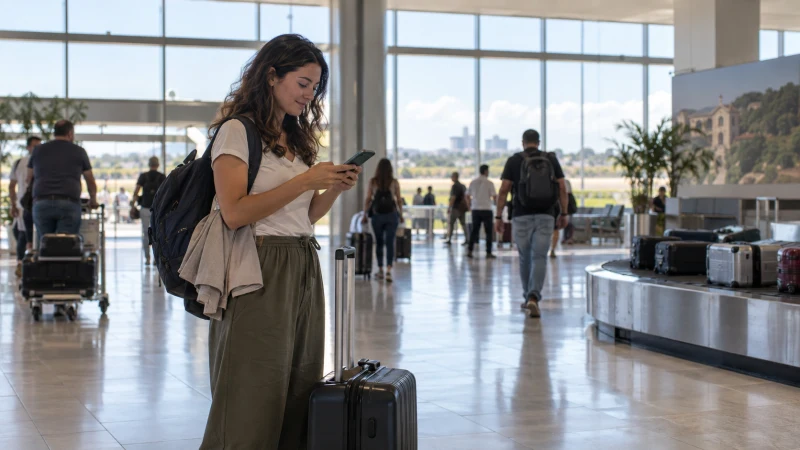

Wi-Fi at Asunción’s Silvio Pettirossi International Airport can provide a useful first connection for messages, transport and accommodation details. Availability and login behaviour can change, so do not make airport Wi-Fi the only way to retrieve an eSIM order or reach the city.
The airport is in Luque, outside central Asunción. Arrivals may need data immediately for a ride, address or late check-in, which makes preparation before the flight more reliable than searching for a solution after baggage claim.
NoveSIM travel eSIMs are data-only. We do not provide a Paraguayan number, conventional calls or SMS, but ride-hailing, maps and internet messaging work through data.
Quick answer: Save your hotel address and transport plan offline, install an eSIM before departure if you want immediate mobile data, and use airport Wi-Fi as a backup. If buying a local SIM, confirm the outlet is open, the line can be registered to your documents and the package is active before leaving the terminal.
Top Paraguay eSIMs


Is free Wi-Fi available at Asunción Airport?
Current airport guides report free Wi-Fi at Silvio Pettirossi International Airport, but network names, session requirements and performance can change. Check signs in the terminal or ask the information desk rather than connecting to a similarly named unknown network.
Public Wi-Fi is suitable for basic arrival tasks. Avoid sensitive account activity unless you trust the network and use an encrypted connection.
What should you save before the flight?
- The full accommodation address and check-in instructions.
- A screenshot of the transport booking or pickup point.
- The first map route between the airport and accommodation.
- The eSIM QR code and provider instructions.
- An offline contact method for the hotel or host.
This preparation keeps a failed Wi-Fi login from becoming a transport problem.
Should you install an eSIM before arriving?
Yes, installation is safer on dependable Wi-Fi before departure. Follow the plan’s activation rule so that you do not start validity earlier than intended. Current options are listed on the Paraguay eSIM product page.
- Confirm that the phone supports eSIM and is carrier-unlocked.
- Install the profile and label it clearly.
- Keep the home line from using mobile data abroad.
- After landing, select the travel eSIM for mobile data.
- Enable data roaming on that line if required and load a webpage.
Use the Paraguay eSIM selection guide if you still need to choose a plan. Device support can be checked on the compatible devices page.
Can you buy a local SIM at the airport?
SIM availability can depend on the retailer, stock and opening hours. A late arrival may not match normal shop hours. If a SIM is available, ask for the total cost, included allowance, validity, registration process and renewal method before paying.
Do not leave until the seller has shown that the line is registered and mobile data loads. The Paraguay SIM card guide covers the differences between local operator service and a travel eSIM.
What if the eSIM shows signal but no data?
Check the selected data line, data-roaming setting and plan status first. Toggle airplane mode once and restart only if the provider instructions recommend it. Do not delete the eSIM, because the installation code may not be reusable.
If APN settings are required for a NoveSIM plan, use data.esim. Do not copy a domestic operator’s APN into the travel line.
How should you stay connected after leaving ASU?
Test transport and navigation before leaving the terminal. Once connected, keep the first route offline in case reception changes on the way. For the broader choice between roaming, local SIM, eSIM and Wi-Fi, see the mobile internet guide for Paraguay.
If the trip continues beyond Asunción, review the Paraguay coverage guide and prepare offline information for rural sections.
Related Articles
FAQ
Does Asunción Airport have free Wi-Fi?
Current airport guides report free Wi-Fi, but the network name, login and performance can change. Confirm the official network from terminal signs or staff.
Can I install an eSIM using airport Wi-Fi?
You may be able to, but installation before departure on a reliable private connection is safer. Save the QR code and instructions offline.
Can I buy a SIM card at Asunción Airport?
SIMs may be available through airport retailers, but stock and opening hours are not guaranteed. Confirm registration and activation before leaving.
Should I delete an eSIM that does not connect after landing?
No. Check the data line, roaming, plan status and APN first, and delete the profile only if support explicitly instructs you.
Final Recommendation
Treat airport Wi-Fi as a useful backup, not the single point of failure for your arrival in Asunción.
Install the travel eSIM and save transport details before departure, then test data while still inside the terminal.
If you prefer a local SIM, confirm the outlet, registration and active package before beginning the journey into the city.