


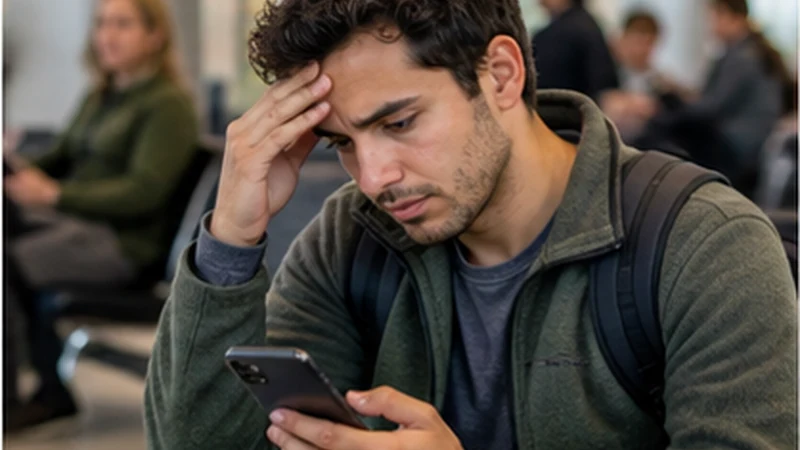

Viru Viru Airport Wi-Fi Not Working: the immediate priority is the transfer and accommodation plan rather than repeatedly reconnecting to unknown hotspots.
Offline addresses, screenshots and a pre-installed eSIM provide safer alternatives to sharing personal information with someone offering unofficial help.
A NoveSIM eSIM is data-only and can support messages after network registration, without supplying a Bolivian telephone number.
Quick answer: If Viru Viru airport Wi-Fi is not working, use saved arrival details first, verify the official network once and switch to a pre-installed travel eSIM when available.
Top Bolivia eSIMs


Viru Viru Airport Wi-Fi Not Working: First Steps
- Confirm the official network name using current signage.
- Forget only the failed Wi-Fi network and reconnect once.
- Open saved transfer and accommodation details.
- Activate the installed travel data line.
The complete airport internet guide explains alternative arrival connections. Do not enter passwords or payment information into an unverified captive portal.
Check the eSIM Instead
Select the travel profile for data, enable Data Roaming and use Airplane Mode for 30 seconds. Enter data.esim only when the handset shows signal and manual APN setup is necessary.
Do not delete the installed eSIM. Use the Bolivia eSIM troubleshooting guide and retain the activation profile.
Continue the Arrival Offline
Use the stored driver contact, meeting point and Santa Cruz address. The Santa Cruz guide can be used once a reliable connection returns.
Related Articles
FAQ
Should I connect to a similarly named airport network?
No. Verify the official name before connecting.
Can I reach Santa Cruz without airport Wi-Fi?
Yes, if the transfer and destination details were saved before arrival.
Should I reset all phone settings?
No. Start with limited reversible checks rather than broad resets.
Can I delete and reinstall the eSIM?
Do not delete it unless NoveSIM Support specifically instructs you to do so.
Final Recommendation
Viru Viru Airport Wi-Fi Not Working should not prevent a prepared traveller from completing the arrival.
Use offline details, verify networks carefully and activate the installed eSIM without deleting it.
Resolve non-essential connectivity questions after reaching the Santa Cruz accommodation.