


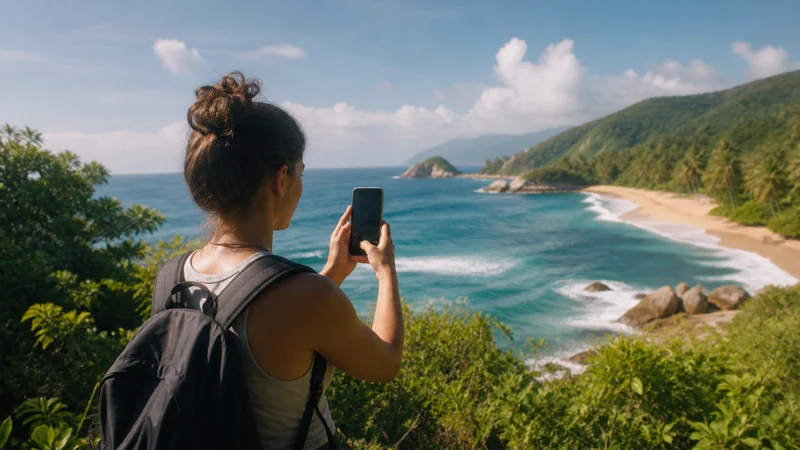

Mobile internet around Tayrona should be treated as intermittent rather than continuous. Forest, terrain and distance from settlements can weaken reception along access roads, trails and beaches even if a phone connects near an entrance.
Complete essential downloads in Santa Marta, agree on meeting points with companions and keep park and transport arrangements independent of instant messages. Mobile data is a convenience here, not a safety system.
NoveSIM Colombia eSIM plans provide data without a local number, conventional calls or SMS. Online messaging and calls work only while a usable data connection is available.
Quick answer: Prepare for mobile internet around Tayrona to come and go: test the eSIM in Santa Marta, download the relevant area, store tickets and return details offline, and follow official or operator safety arrangements.
Top Colombia eSIMs

Colombia eSIM
Fixed
1 GB, 7 days€ 3.992 GB, 15 days€ 7.103 GB, 30 days€ 10.20Unlimited
Unlimited, 1 day€ 5.32Unlimited, 3 days€ 17.75Unlimited, 5 days€ 24.40
Prepare mobile internet around Tayrona in Santa Marta
Activate the plan on dependable Wi-Fi, select it for cellular data and follow its roaming instructions. Confirm that ordinary browsing works before starting the transfer. See the Santa Marta mobile internet guide for gateway preparation.
If data does not connect in a covered city area, toggle airplane mode, restart and verify the selected line. Use data.esim only if manual APN entry is required. Keep the installed eSIM; deletion is not an early troubleshooting step.
Separate navigation from live reception
Download the correct map area and save entrance, accommodation and pickup pins. A cached map is helpful, but it does not replace current park instructions, marked trails or guidance from authorised operators.
Tell companions what to do if the group becomes separated and where to meet without messaging. Coverage estimates in the Colombia eSIM coverage guide cannot predict reception at every point on a trail.
Protect power and essential information
Bring a charged power bank, protect the phone from water and heat, and avoid leaving the screen on continuously. Save the return transport time, operator contact and accommodation address as screenshots that remain accessible offline.
Pause automatic uploads to conserve both data and battery. If choosing an allowance for a longer itinerary, consult the Colombia data-use guide.
Related Articles
FAQ
Is there mobile signal inside Tayrona?
There may be service in some locations, but forest and terrain can produce weak or absent reception. Do not plan for continuous access.
Can I use an eSIM for navigation in Tayrona?
Use it where coverage exists, but download the map first and follow official routes and park guidance.
What information should I save offline?
Keep entry documents, map areas, meeting points, accommodation details, operator contacts and return transport instructions on the phone.
Does no service mean the eSIM setup is wrong?
Not necessarily. It may be a local coverage gap. Test again in a populated area before changing settings, and never delete the profile as a first response.
Final Recommendation
Expect mobile internet around Tayrona to be supplementary and intermittent throughout the visit.
Do all setup and downloading in Santa Marta, then carry the itinerary, map and return plan offline.
Use park guidance and agreed meeting arrangements for safety, whether or not the phone shows a signal.