


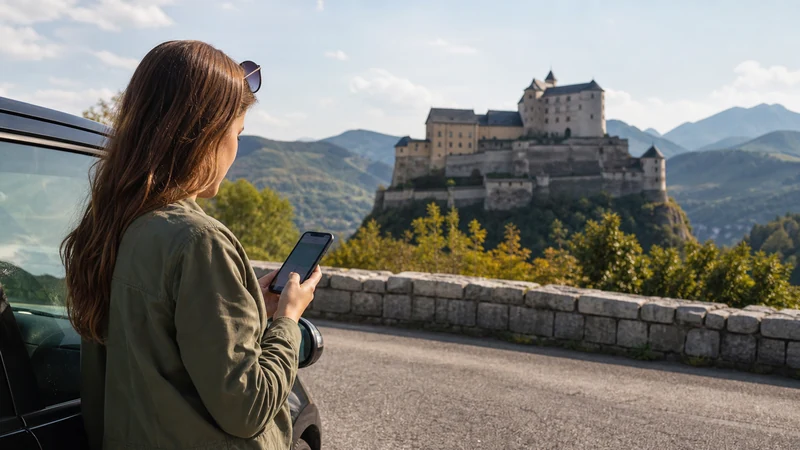

A Slovakia castle road trip moves between cities, rural roads, hilltop sites and parking areas where coverage can vary. Navigation should remain usable without a live connection.
Quick answer: Download each driving segment, pin the correct parking entrance and save opening details before departure. Check the plan’s partner coverage, but keep automatic selection and offline maps as the default.
Top Slovakia eSIMs

Slovakia eSIM
Fixed
1 GB, 7 days€ 2.222 GB, 15 days€ 3.553 GB, 30 days€ 4.44Unlimited
Unlimited, 1 day€ 2.22Unlimited, 3 days€ 5.32Unlimited, 5 days€ 7.99
Europe Extra eSIM
Fixed
1 GB, 7 days€ 2.222 GB, 15 days€ 3.553 GB, 30 days€ 4.44Unlimited
Unlimited, 1 day€ 2.66Unlimited, 3 days€ 5.32Unlimited, 5 days€ 8.87Europe+ eSIM
Fixed
1 GB, 7 days€ 2.662 GB, 15 days€ 3.993 GB, 30 days€ 5.32Unlimited
Unlimited, 1 day€ 2.66Unlimited, 3 days€ 6.21Unlimited, 5 days€ 10.20Pin the parking location
The castle name may route to the wrong access road. Save the official parking or visitor entrance and a walking route.
Download each rural segment
Store the complete route and alternative roads. Use the Slovakia navigation guide.
Save visitor information
Keep current opening times, ticket confirmation and last admission offline; these can change seasonally.
Plan battery and safe phone use
Carry power and stop before changing directions or network settings.
Related Articles
FAQ
Will data work at every castle?
No. Rural terrain and thick structures can weaken signal.
What location should I save?
Save the official parking or visitor entrance, not only the castle name.
Do I need offline maps?
Yes, download each route segment and alternatives.
Can I change navigation while driving?
No. Stop safely before using the phone.
Final Recommendation
Pin the correct entrances, download rural routes and visitor details, and make every driving segment possible without mobile signal.