


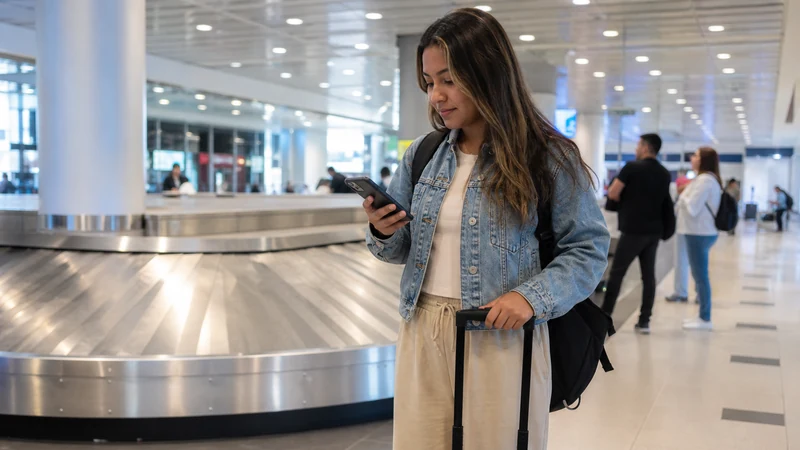

Internet at Tocumen Airport comes from the airport’s official Wi-Fi and available mobile data. The useful distinction is not which is “better”, but when each connection stops being available.
Airport Wi-Fi can retrieve a booking or send an arrival message. A prepared Panama eSIM can continue supporting maps and driver contact after the traveller leaves the building.
NoveSIM Panama plans are data-only. They provide internet access but no Panamanian number, conventional calls or SMS.
Quick answer: Check current terminal signage for the official Wi-Fi name, use it only as needed, and activate the Panama eSIM before leaving arrivals. Test a map and message with Wi-Fi switched off so the airport-to-city connection is proven rather than assumed.
Top Panama eSIMs

Panama eSIM
Fixed
1 GB, 7 days€ 4.402 GB, 15 days€ 7.493 GB, 30 days€ 9.69Unlimited
Unlimited, 1 day€ 4.84Unlimited, 3 days€ 11.89Unlimited, 5 days€ 18.93
Central America eSIM
Fixed
1 GB, 7 days€ 7.052 GB, 15 days€ 11.453 GB, 30 days€ 15.41Unlimited
Unlimited, 1 day€ 6.61Unlimited, 3 days€ 16.29Unlimited, 5 days€ 25.98Official internet at Tocumen Airport
On 2 September 2026, the official Tocumen Wi-Fi page listed Airport_Tocumen, 60 minutes of free access at up to 10 Mbps and paid premium periods after that. Airport services and prices can change, so the live portal and terminal signs are authoritative on the day.
The advertised network covers public areas, not every aircraft stand, vehicle or point on the road to Panama City. The moment the traveller leaves its range, another connection is required.
Use the free hour for arrival, not setup surprises
- Message the accommodation or driver.
- Retrieve a booking reference that was not saved offline.
- Confirm the terminal and meeting point.
- Check a transport change while still inside the public area.
Installing an eSIM at baggage claim is possible only if the phone, QR code and order instructions are ready. It is safer to confirm compatibility and complete permitted installation over reliable private Wi-Fi before the flight.
Connect without trusting a convincing network name
- Compare the Wi-Fi name with current official signage.
- Join the verified network and open the captive portal.
- Read the current time and payment terms before accepting them.
- Avoid sensitive account changes on the public connection.
- Disable file sharing and broad device visibility.
- Forget the network after use so the phone does not rejoin automatically.
If a VPN or private DNS prevents the captive portal from appearing, pause it only long enough to complete the portal and then restore it. Do not change eSIM settings to solve a Wi-Fi problem; the two connections are independent.
The handover from airport Wi-Fi to mobile data
Before walking to the pickup area, enable the Panama eSIM, select it for mobile data and turn on Data Roaming for that line. Keep roaming off for the home SIM and disable automatic data switching.
Now switch Wi-Fi off. Load the accommodation on the map, send a short message and confirm that the phone remains online. The Panama activation guide explains the settings if the line was installed in advance.
If one connection fails, use the other correctly
If the portal will not load, forget and rejoin the official network, open a simple webpage and move to another public area. Airport staff can confirm the current network details.
If the eSIM shows no data, check that it is enabled, selected for data and allowed to use Data Roaming. Leave network selection on Automatic. When signal is present but manual APN entry is required, use data.esim. Do not delete the profile; follow the Panama eSIM diagnosis.
Leave the terminal with these items offline
- The accommodation name and address in a form a driver can read.
- The pickup point and driver contact.
- A map of the airport-to-city route.
- Booking references and emergency details.
- Sufficient battery for the complete transfer.
For the rest of the stay, compare the broader Panama internet options.
Related Articles
FAQ
Does Tocumen Airport have free Wi-Fi?
The official airport site listed a 60-minute free period when checked on 2 September 2026. Confirm the current offer at the terminal.
What was the official Wi-Fi name?
The official page listed Airport_Tocumen. Always verify it against current signage before connecting.
Should I test my eSIM before leaving arrivals?
Yes. Switch airport Wi-Fi off and test maps and messaging so a problem can be handled before the transfer begins.
Can I install the eSIM after landing?
It may be possible, but completing permitted installation over reliable private Wi-Fi before travel avoids compatibility and QR-code surprises at baggage claim.
Final Recommendation
Use internet at Tocumen Airport through verified Wi-Fi for short arrival tasks and the Panama eSIM for continuity outside the terminal.
Prove the handover with Wi-Fi off before leaving arrivals.
Keep the first route and contact details offline even when both connections work.