


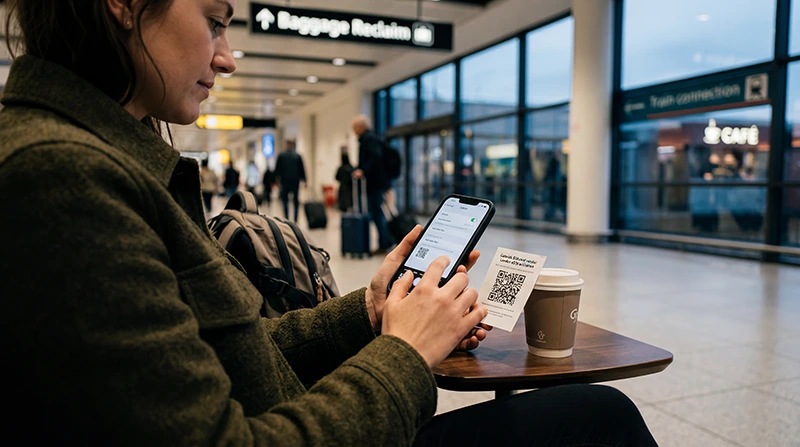

A SIM card at Gatwick Airport may provide a UK number and domestic package, but buying one after landing depends on an authorised outlet and activation. A compatible traveller who mainly needs data can install a UK eSIM before departure.
The first connection should cover live tickets, pickup messages and the journey beyond the terminal. Airport Wi-Fi is a backup, not a connection for the onward train or road transfer.
We provide data-only travel eSIMs. We do not provide a UK telephone number, conventional calls or carrier SMS, although internet calling and messaging apps work through data.
Quick answer: buy a local SIM at Gatwick when a UK number is essential and an authorised seller is available. Choose an eSIM for data prepared before arrival, and save the ticket, destination and meeting point offline.
Top United Kingdom eSIMs

United Kingdom eSIM
Fixed
1 GB, 7 days€ 2.222 GB, 15 days€ 3.113 GB, 30 days€ 4.44Unlimited
Unlimited, 1 day€ 2.66Unlimited, 3 days€ 5.77Unlimited, 5 days€ 9.32
Europe Extra eSIM
Fixed
1 GB, 7 days€ 2.222 GB, 15 days€ 3.553 GB, 30 days€ 4.44Unlimited
Unlimited, 1 day€ 2.66Unlimited, 3 days€ 5.32Unlimited, 5 days€ 8.87Europe+ eSIM
Fixed
1 GB, 7 days€ 2.662 GB, 15 days€ 3.993 GB, 30 days€ 5.32Unlimited
Unlimited, 1 day€ 2.66Unlimited, 3 days€ 6.21Unlimited, 5 days€ 10.20Compare UK eSIM plans and check the phone on the compatible-device list. It must also be network-unlocked.
Can You Buy a SIM at Gatwick?
Retail availability, hours and stock can change. Do not make a late arrival depend on one counter. If buying locally, confirm the number, allowance, validity, top-up method and any identification requirement before paying.
Local SIM or eSIM?
A local SIM suits travellers needing a UK number. An eSIM suits advance data setup while keeping the normal SIM in place on a Dual SIM phone. Neither format guarantees coverage; the network, device, building and route determine the result.
Prepare and Connect
- Install the eSIM on reliable Wi-Fi and follow its activation timing.
- Save the ticket, accommodation and transfer offline.
- After landing, select the eSIM for Mobile Data.
- Enable Data Roaming on the travel line.
- Disable switching to the home SIM.
- Keep network selection Automatic and test with Wi-Fi off.
See mobile internet in the UK when the trip continues beyond London.
Protect the Onward Journey
Store the complete destination, platform or pickup point and one contact outside a single app. Keep enough battery to show the ticket at the end of the transfer. Calls and SMS on an enabled home line remain subject to its roaming terms.
If the eSIM Does Not Connect
Check the active line, Data Roaming, validity, allowance and Automatic network selection. Toggle aeroplane mode briefly and restart once. Use data.esim if manual APN entry is required.
Do not delete the installed profile. Keep it available while using the UK eSIM troubleshooting guide or contacting Support.
Related Articles
FAQ
Is a SIM always available at Gatwick?
No. Availability depends on current outlets, hours, stock and activation service.
Can I install a UK eSIM before flying?
Yes. Install it on reliable Wi-Fi and follow the plan’s activation instructions.
Is airport Wi-Fi enough for the transfer?
No. It does not continue beyond the terminal, so keep the route offline and prepare mobile data.
Does a NoveSIM UK eSIM include a UK number?
No. We provide mobile data without a UK number, conventional calls or carrier SMS.
Final Recommendation
Choose a local SIM when a UK number justifies buying it after arrival.
Choose an eSIM for advance data setup and protect the home line from data roaming.
Keep the Gatwick ticket and onward route offline so arrival does not depend on a shop or public Wi-Fi.