


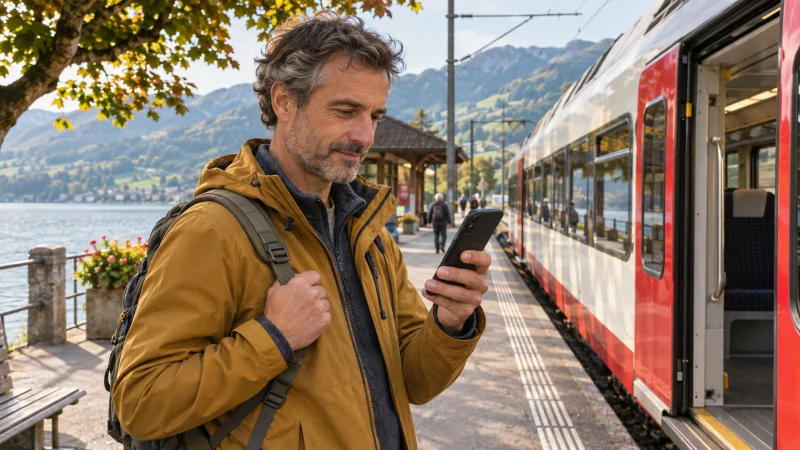

With EasyRide in SBB Mobile, you check in before boarding and check out when you reach your final stop. The app records the journey and calculates the fare afterwards. Before you board, make sure EasyRide has actually issued a ticket with a barcode.
Quick answer: Sign in with a SwissPass login, add a payment method and check that EasyRide covers your route. Keep internet, location services and Bluetooth on during the journey. If check-in fails and you have no barcode ticket, buy a regular ticket before boarding.
Set up EasyRide before heading to the station
You can create a SwissPass login without a physical SwissPass card. Use it to sign in to SBB Mobile, then set up EasyRide with an accepted payment method. Check the route on SBB’s EasyRide map, especially if your trip includes a mountain railway or another service whose coverage you’re unsure about.
SBB requires a working internet connection during the ride. If your current plan doesn’t cover Switzerland, you can use a Switzerland travel eSIM for mobile data where it has coverage. NoveSIM supplies the data connection. You’ll still need to set up your SBB login and payment separately. Check that your device is unlocked and supports eSIM before buying a plan.
From the first platform to your final stop
- Open EasyRide in SBB Mobile just before your journey. Swipe to check in before you board.
- Look for the barcode ticket in Tickets & Travelcards. If it doesn’t appear, you don’t have an EasyRide ticket. Buy a regular ticket before getting on.
- Keep internet, location services and Bluetooth enabled, and make sure your phone has enough battery for the journey. If you’re making an ordinary connection without a substantial break, stay checked in while you change vehicles.
- After you get off at your final stop, swipe to check out and review the recorded journey. If you forgot to check out, follow the refund and correction guidance in SBB’s EasyRide help.
When a regular ticket is the better option
If your first platform is underground, SBB suggests checking in above ground where your phone can locate you more reliably. If you can’t get a confirmed check-in, or you’d prefer to have the ticket settled in advance, buy a regular SBB ticket and have it ready in the accepted format before boarding. You can also buy a ticket from a machine or staffed counter where available.
If your phone keeps joining station Wi-Fi that asks you to sign in, switch to a working data connection before attempting check-in. The guide to internet on Swiss trains explains the difference between station Wi-Fi, onboard access and your own mobile data.
FAQ
Do I need a physical SwissPass card to use EasyRide?
SBB requires a SwissPass login, which you can create without a physical card. You also need a working data connection and an accepted payment method.
Do I check out when I change trains?
For a normal connection within the same journey, stay checked in. Check out after getting off at the end of the trip. If you’re taking a longer break, check SBB’s guidance for the stop you’re planning.
Final Recommendation
Try EasyRide on a route you’ve checked in advance, with a charged phone and working data. At the platform, use the barcode to confirm you’re ready to board. If you can’t get that confirmation, buy a regular ticket first.