


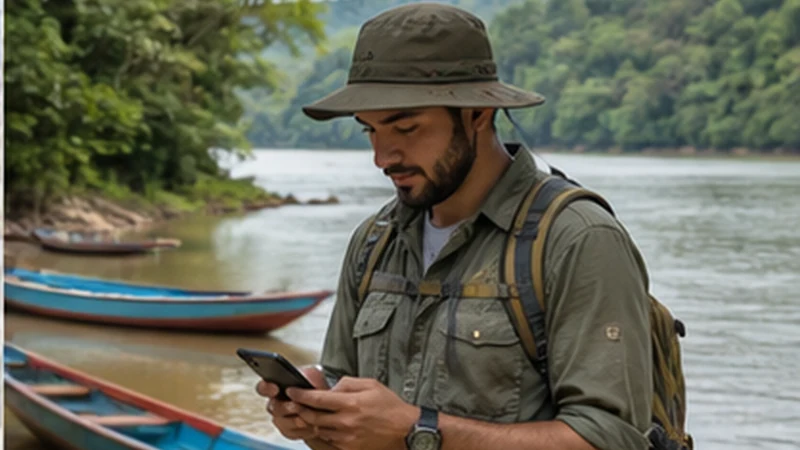

Rurrenabaque mobile internet can help with accommodation, operator messages and travel changes while the traveller is in town.
The connection expected in Rurrenabaque should not be treated as the standard for river journeys, pampas tours or rainforest stays. Excursion details need to remain usable offline.
NoveSIM travel eSIM plans are data-only and provide no Bolivian number, traditional calls or SMS. Messaging apps can work over mobile data when reception is available.
Quick answer: For Rurrenabaque mobile internet, set up the eSIM before arrival and use the town connection to download tour instructions, meeting points and emergency details before any remote excursion.
Top Bolivia eSIMs


Rurrenabaque Mobile Internet in Town
Save the accommodation address and arrival instructions before a flight or overland transfer. Once connected in town, confirm tour pickup details through the original operator channel and keep screenshots of the response.
Install the profile with the Bolivia eSIM guide. Select it for data after arrival, enable Data Roaming on the travel line and keep the home line’s roaming and automatic data switching disabled.
Town Coverage Is Not Excursion Coverage
River travel, vegetation, terrain, distance from infrastructure and local conditions can interrupt reception beyond the gateway town. A coverage map cannot guarantee service at a lodge, on a boat or along a wildlife route.
Review the Bolivia coverage guide, then ask the tour operator how communication is handled when mobile networks are unavailable. Do not substitute a consumer data plan for the operator’s safety process.
Download Before Leaving Rurrenabaque
- Operator name, meeting place and departure time.
- Accommodation and return-transfer details.
- Emergency contacts and insurance information.
- Offline maps and any documents requested for the trip.
Place important details on the phone itself, not only inside an app requiring login. Share the itinerary and expected return time with a trusted contact before leaving town.
Protect the Phone and Its Battery
Heat, moisture, navigation and repeated network searching can affect practical battery time. Use suitable protection, start with a full charge and carry a power bank approved for the transport being used.
Pause automatic updates and cloud photo backup. Use the Bolivia data-planning guide to reserve the allowance for messages, booking changes and navigation after the excursion.
Safe Troubleshooting
- Test the phone in town or another place where reception is reasonably expected.
- Confirm the eSIM is enabled and selected for mobile data.
- Enable Data Roaming on the travel profile only.
- Use Airplane Mode for 30 seconds, reconnect and restart.
- If signal appears without data, use data.esim only when manual APN entry is required.
Do not delete the installed eSIM because a remote location has no signal. Keep the profile and consult the Bolivia eSIM troubleshooting guide when back in a location with expected coverage.
Related Articles
FAQ
Can I use an eSIM in Rurrenabaque?
Yes, when the phone and plan are compatible, but actual service depends on the location and available local network.
Will mobile data work on an Amazon excursion?
It may not. Prepare for extended periods without service and follow the tour operator’s communication and safety arrangements.
What should I download before a tour?
Save meeting details, the operator contact, return arrangements, emergency information and any required documents directly on the device.
Should I delete an eSIM when a remote area has no signal?
No. Lack of local reception is not evidence of a damaged profile. Keep it installed and test again in town.
Final Recommendation
Rurrenabaque mobile internet is useful for organising a trip while in the gateway town, not as a promise of rainforest or river coverage.
Configure the travel line before arrival and keep the installed profile throughout reversible connection checks.
Download tour and safety information before departure, protect the phone and follow the operator’s procedures whenever the excursion leaves mobile service behind.