


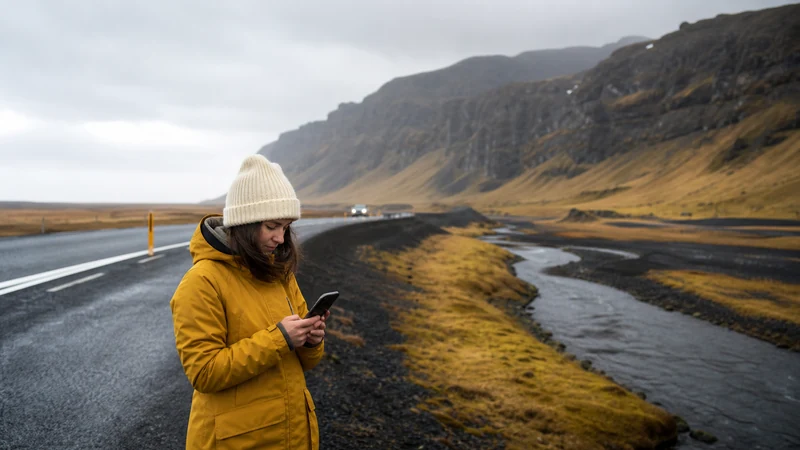

The Reykjavík-to-Vík mobile-internet task is to secure the first South Coast stage before leaving the capital.
Save the road, planned waterfall or beach stops, parking and Vík accommodation so a local signal loss cannot derail the driving day.
NoveSIM supplies data through available partner coverage, not a continuous road guarantee.
Quick answer: Download Reykjavík to Vík and every stop, save parking and accommodation details, check official weather and roads, test mobile data and carry enough power for navigation through arrival.
Top Iceland eSIMs

Iceland eSIM
Fixed
1 GB, 7 days€ 2.232 GB, 15 days€ 3.573 GB, 30 days€ 4.46Unlimited
Unlimited, 1 day€ 2.23Unlimited, 3 days€ 5.36Unlimited, 5 days€ 8.03
Europe Extra eSIM
Fixed
1 GB, 7 days€ 2.232 GB, 15 days€ 3.573 GB, 30 days€ 4.46Unlimited
Unlimited, 1 day€ 2.68Unlimited, 3 days€ 5.36Unlimited, 5 days€ 8.93Europe+ eSIM
Fixed
1 GB, 7 days€ 2.682 GB, 15 days€ 4.023 GB, 30 days€ 5.36Unlimited
Unlimited, 1 day€ 2.68Unlimited, 3 days€ 6.25Unlimited, 5 days€ 10.26Finish the First-Stage Pack
- Download the road plus map areas around all planned stops.
- Save parking locations and safe return pins.
- Store Vík accommodation, access and contact details.
- Check official weather, roads and alerts immediately before leaving.
- Turn Wi-Fi off and confirm the intended SIM carries data.
Use the canonical South Coast stage guide for the wider journey and the Vík checkpoint before continuing east.
Reserve Data and Battery for Changes
Pause cloud photo backup and hotspot clients. Photography, navigation, cold or wind and weak-signal searching can drain the same phone. Follow the offline-map test before departure.
Related Articles
FAQ
Will data work at every stop between Reykjavík and Vík?
Do not assume so. Check current eligible-network maps and keep every stop usable offline.
What should be stored for Vík?
Accommodation address, access instructions, contact, arrival route and the next stage if continuing east.
Final Recommendation
Secure the complete Reykjavík-to-Vík stage before leaving city connectivity.
Keep stop, parking and overnight information outside live apps.
Use mobile data for current changes while preserving power through arrival.