


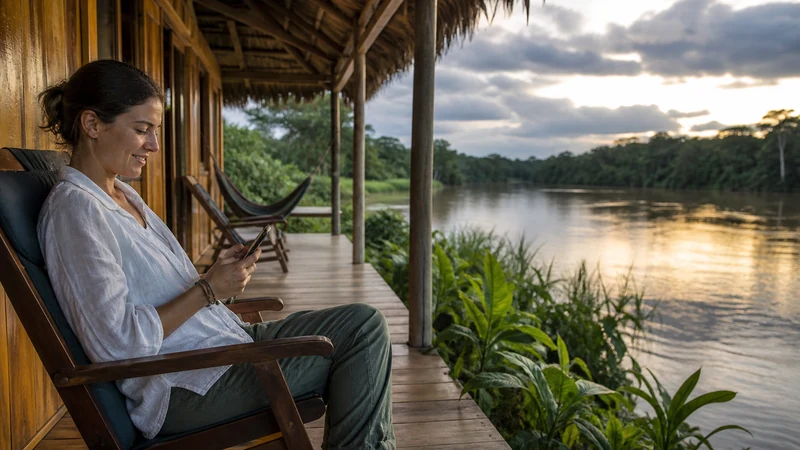

Mobile internet at Quilotoa is best planned around gaps. A phone may connect near a settlement or accommodation and lose usable service on roads, slopes or walking sections around the crater and wider loop.
Save the correct trail or driving route, transport arrangements, lodging details and the return plan offline. Do not use a coverage indicator as evidence that an outdoor route is safe or fully navigable.
NoveSIM travel eSIM plans are data-only and do not include an Ecuadorian number, calls or SMS. App messaging works only when a data connection is available.
Quick answer: Download the entire Quilotoa route before arrival, confirm transport and accommodation while connected, and expect mobile data to be supplementary rather than continuous.
Top Ecuador eSIMs

Ecuador eSIM
Fixed
1 GB, 7 days€ 4.452 GB, 15 days€ 7.573 GB, 30 days€ 10.24Unlimited
Unlimited, 1 day€ 4.90Unlimited, 3 days€ 8.46Unlimited, 5 days€ 12.03
Use Mobile Internet at Quilotoa Between Offline Stages
A saved pin does not contain the roads, paths and surrounding villages needed to recover from a missed turn. Download a sufficiently large offline map area and keep written accommodation and transport details.
Use the Andes connectivity guide for broader highland planning.
Confirm the Next Transfer While Connected
- Check the meeting location and expected departure time.
- Save the driver, operator or accommodation contact.
- Take a screenshot of the booking reference.
- Keep enough battery for navigation and later communication.
- Tell another person the expected route and arrival time.
Manage the Phone During a Signal Gap
Repeated network searching can consume battery. When live service is not needed, Airplane Mode can preserve power until the next planned check. Re-enable the eSIM in a safe location and give it time to register.
If service fails in a place where it previously worked, use the Ecuador troubleshooting guide. Do not delete the profile as an early step.
Keep Media Uploads for Later
Photos and video from the crater can consume much more data than maps or messages. Pause automatic backup and upload from trusted Wi-Fi after the route. The Ecuador data guide explains the difference between light navigation and media-heavy use.
Related Articles
FAQ
Is there guaranteed mobile data around Quilotoa?
No. Local terrain and route position can change reception, so prepare maps and logistics for offline use.
Should I leave network search running all day?
Not when you do not need live service. Airplane Mode can preserve battery during known gaps, but remember to reconnect at planned stops.
Can I rely on app messages for my return transfer?
Confirm the transfer while connected and keep the details offline. App messages require usable data at both ends.
What if service does not return near a connected stop?
Keep the installed eSIM, recheck roaming and line selection, and use data.esim only when manual APN setup is required.
Final Recommendation
Prepare mobile internet at Quilotoa as support for an offline navigation and logistics plan.
Use mobile data at connected stops to confirm the next stage, not as the only copy of the plan.
Preserve battery, delay media uploads and follow current outdoor guidance independently of connectivity.