


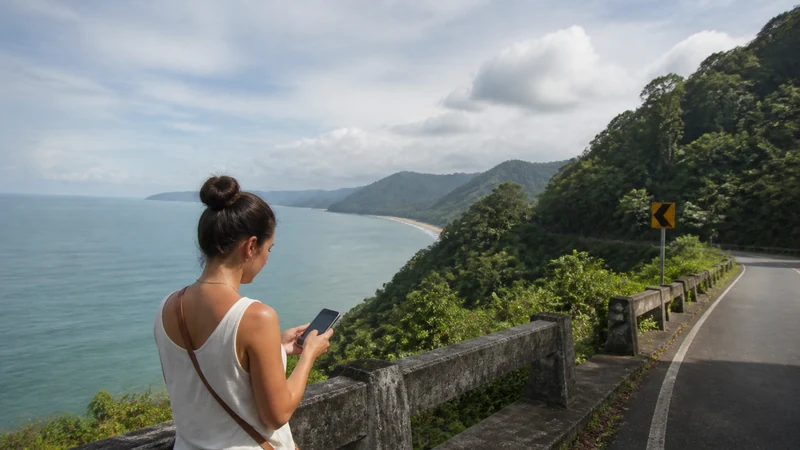

Offline maps are essential for a Panama road trip because mobile signal can change between towns, highlands, forest roads and coastal routes.
A downloaded destination pin is not enough; the approach, alternate road and return must also be available.
NoveSIM Panama plans are data-only and useful where coverage exists, but cannot guarantee navigation everywhere.
Quick answer: Download every route area over Wi-Fi, save addresses in readable text and test offline navigation before departure.
Top Panama eSIMs

Panama eSIM
Fixed
1 GB, 7 days€ 4.462 GB, 15 days€ 7.593 GB, 30 days€ 9.82Unlimited
Unlimited, 1 day€ 4.91Unlimited, 3 days€ 12.05Unlimited, 5 days€ 19.19
Central America eSIM
Fixed
1 GB, 7 days€ 7.142 GB, 15 days€ 11.603 GB, 30 days€ 15.62Unlimited
Unlimited, 1 day€ 6.69Unlimited, 3 days€ 16.51Unlimited, 5 days€ 26.33Download more than the map
- Complete route.
- Return route.
- Fuel and planned stops.
- Accommodation coordinates and written address.
- Pickup and emergency information.
Test before driving
- Open the route.
- Switch Wi-Fi and mobile data off.
- Confirm search and navigation remain available.
- Store screenshots for critical junctions.
Keep live data for changes
Use mobile data for weather, closures and booking messages where available. The road-trip guide covers connection planning.
Do not troubleshoot while driving
Stop safely before touching settings. Keep the installed eSIM, leave network selection Automatic and use data.esim only for required manual APN.
Related Articles
FAQ
Do offline maps work without signal?
Downloaded areas can, subject to the app’s features.
Should I download the return?
Yes.
Can GPS work offline?
Location can work, but map data and live traffic may not.
Should a passenger fix settings?
Only when the vehicle is safely stopped.
Final Recommendation
Download complete Panama road-trip maps before departure.
Keep written addresses and alternate routes.
Use mobile data for changes, never as the only navigation copy.