


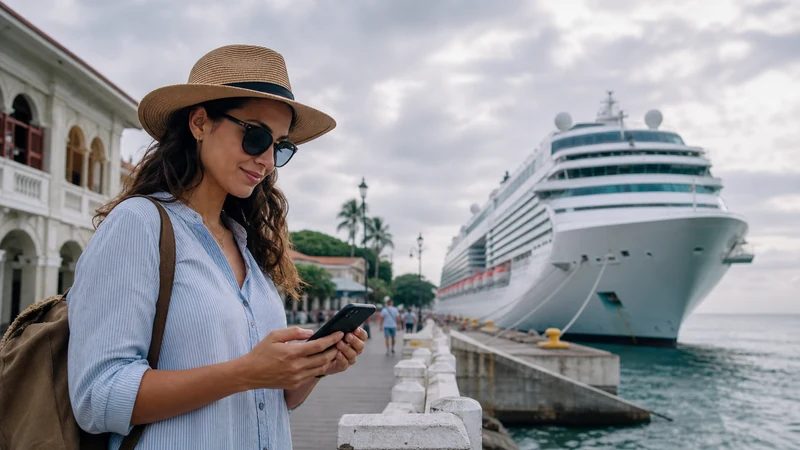

A Panama eSIM for cruise passengers can use authorised terrestrial networks during a port call or shore excursion. It should not be expected to provide internet at sea.
On the ship, Wi-Fi and maritime cellular service are separate products with separate charges. The main risk is not losing the Panama signal; it is allowing the home SIM to register on an expensive maritime network.
NoveSIM Panama plans are data-only. They support internet apps in covered land areas but do not provide a local number, conventional calls or SMS.
Quick answer: Keep the phone in aeroplane mode at sea and turn Wi-Fi back on only for the ship’s approved network. In a Panama port, enable the travel line, select it for data and keep home-line roaming off. Return to aeroplane mode before terrestrial service fades after departure.
Top Panama eSIMs

Panama eSIM
Fixed
1 GB, 7 days€ 4.442 GB, 15 days€ 7.543 GB, 30 days€ 9.76Unlimited
Unlimited, 1 day€ 4.88Unlimited, 3 days€ 11.98Unlimited, 5 days€ 19.08
Central America eSIM
Fixed
1 GB, 7 days€ 7.102 GB, 15 days€ 11.543 GB, 30 days€ 15.53Unlimited
Unlimited, 1 day€ 6.66Unlimited, 3 days€ 16.42Unlimited, 5 days€ 26.18Where a Panama eSIM for cruise passengers can work
A country eSIM relies on land-based mobile infrastructure. Signal may appear as the ship approaches port, strengthen alongside and vary again on a shore route. After departure it will weaken or disappear.
A ship may provide satellite-backed Wi-Fi or a maritime cellular network. Neither should be assumed to be included in the Panama plan. Check both the cruise line’s and home operator’s current terms.
Before embarkation, remove the need for shipboard setup
- Confirm the phone is eSIM-compatible and carrier-unlocked.
- Install the Panama profile over reliable Wi-Fi when permitted.
- Label it clearly as the port data line.
- Download the cruise app, tickets and shore confirmations.
- Save the port meeting point, excursion contact and all-aboard time.
- Check maritime roaming terms for the home SIM.
Aeroplane mode is the at-sea control
Enable aeroplane mode before leaving terrestrial coverage. Turn Wi-Fi back on separately if using the ship’s network. This is clearer protection than merely selecting the Panama eSIM for mobile data, because the other line might still register for calls, SMS or background activity.
Switch to port data deliberately
- Wait until normal cellular use is permitted.
- Enable the Panama eSIM and select it for mobile data.
- Turn on Data Roaming for the Panama line.
- Keep roaming off for the home line.
- Disable automatic data switching.
- Switch ship Wi-Fi off and test a small webpage.
- Check the displayed network before heavier use.
Steel cabins and internal decks can block terrestrial signal even alongside. Test in an open passenger area where phone use is allowed.
Shore-excursion information must survive offline
- Ship name, berth and terminal.
- All-aboard time in local time.
- Excursion operator and emergency contact.
- Meeting point and return instructions.
- A downloaded port and route map.
Mobile data helps with maps and messages but does not replace the operator’s return procedure. The Panama coverage guide explains why an inland or remote excursion can still encounter gaps.
Count land days, not sea days, when buying data
Port-call use is usually light: maps, messages, tickets and quick searches. One to three gigabytes may cover several restrained port days, while a larger plan makes sense only when Panama also includes a longer land stay.
An unlimited country plan still cannot create maritime coverage. Use the Panama data estimator for the land portion of the itinerary.
Return to sea mode before the network changes
Do not wait for the Panama signal to vanish. Follow ship instructions and switch back to aeroplane mode around departure, then enable Wi-Fi separately if needed. This reduces the chance of the phone searching for a maritime network as terrestrial service weakens.
If the eSIM does not connect in port
Move to an open permitted area, switch ship Wi-Fi off and verify the Panama line, Data Roaming and automatic network selection. Use aeroplane mode briefly to refresh registration and check validity and allowance.
If signal is present but manual APN entry is required, use data.esim. Do not delete the profile. If the phone displays a ship or maritime network, do not force a data session; use approved ship Wi-Fi or wait for terrestrial coverage.
Related Articles
FAQ
Will a Panama eSIM work at sea?
No standard country eSIM should be expected to cover open water. Ship Wi-Fi and maritime cellular services have separate terms.
Can I use it while the ship is in port?
Potentially, when an authorised terrestrial partner is available. Select the Panama line for data and verify the displayed network.
How do I avoid maritime roaming charges?
Use aeroplane mode at sea, enable Wi-Fi separately and keep home-line roaming disabled.
Should I delete the eSIM after losing signal at sea?
No. Loss of terrestrial signal after departure is expected, and the activation credential may not be reusable.
Final Recommendation
Treat a Panama eSIM for cruise passengers as a port and land connection, never an open-water plan.
Use aeroplane mode at sea and switch lines deliberately during the port call.
Keep the all-aboard time and return details offline regardless of signal.