


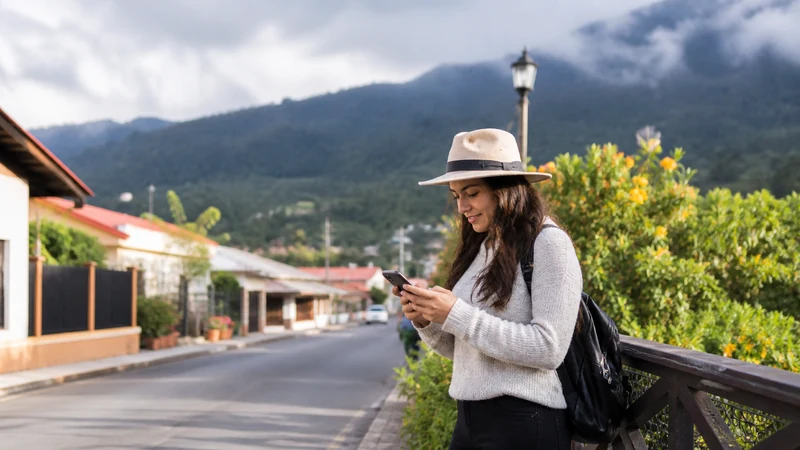

Mobile internet from Panama City to Boquete changes from a strong urban environment to address-sensitive highland terrain.
The route should be stored offline, and the accommodation should confirm current Wi-Fi and mobile reception.
NoveSIM Panama plans are data-only and do not include a Panamanian number, calls or SMS.
Quick answer: Activate and test in Panama City, download the full route and retest in central Boquete before judging a rural property.
Top Panama eSIMs

Panama eSIM
Fixed
1 GB, 7 days€ 4.442 GB, 15 days€ 7.543 GB, 30 days€ 9.76Unlimited
Unlimited, 1 day€ 4.88Unlimited, 3 days€ 11.98Unlimited, 5 days€ 19.08
Central America eSIM
Fixed
1 GB, 7 days€ 7.102 GB, 15 days€ 11.543 GB, 30 days€ 15.53Unlimited
Unlimited, 1 day€ 6.66Unlimited, 3 days€ 16.42Unlimited, 5 days€ 26.18Prove the setup before departure
Use Panama City internet to test the data line.
Keep route changes offline
Save transport, host contact and return information.
Reset expectations in the highlands
Central Boquete does not predict every slope or finca. Read Boquete connectivity.
Preserve the working profile
If it worked in the city, do not delete it after a rural gap. Leave Automatic selection and use data.esim only when required. See highlands planning.
Related Articles
FAQ
Will the city signal continue in Boquete?
Not necessarily; exact address and terrain matter.
Should I download the whole route?
Yes, including return options.
Where should I retest?
In central Boquete before a rural transfer.
Should I delete after No Service?
No. Keep the profile.
Final Recommendation
Prepare Panama City-to-Boquete internet in the city.
Verify the highland address separately.
Retain the eSIM through route-specific gaps.