


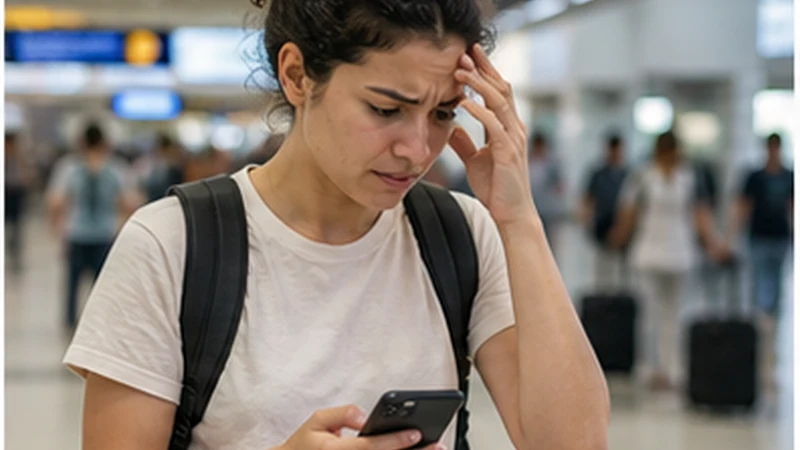

Airport Wi-Fi can fail because the login page does not open, a previous session is stuck or the signal is weak at a particular seat. First determine whether the phone has joined the network without actually reaching the internet.
Keep the troubleshooting short. The essential arrival tasks are contacting the transfer, opening the booking and reaching the accommodation.
Never bypass certificate warnings or submit payment details to an unexpected portal simply to obtain airport access.
Quick answer: Forget and rejoin the official network, trigger the login page with a normal browser page, move within the terminal and then use mobile data or saved documents if access still fails.
Top Mauritius eSIMs

Mauritius eSIM
Fixed
1 GB, 7 days€ 5.802 GB, 15 days€ 9.823 GB, 30 days€ 13.39Unlimited
Unlimited, 1 day€ 6.25Unlimited, 3 days€ 16.51Unlimited, 5 days€ 26.33
Identify the Failure You Actually Have
| Symptom | First response |
|---|---|
| Network absent | Check the official network name and move to another public area |
| Joined, no login page | Open a fresh non-sensitive webpage in the browser |
| Portal loops | Forget the network, disable VPN temporarily if appropriate and rejoin |
| Very weak connection | Finish only essential messages or switch connection |
For normal usage expectations, see the Mauritius airport Wi-Fi guide.
Use the Legitimate Network
Confirm the current official network name from airport signage or staff. Lookalike hotspots can expose browsing or credentials. Avoid sensitive account work on public Wi-Fi unless properly protected.
Retry Once Cleanly
- Turn Wi-Fi off and on.
- Forget the saved airport network.
- Reconnect to the verified official name.
- Open a browser to trigger the portal.
- Accept only the expected terms.
If that clean attempt fails, stop repeating it and move to the arrival fallback.
Switch to Mobile Data
If an eSIM is already installed, select it for data, enable its roaming when required and switch Wi-Fi off. Do not rescan the QR code, and do not delete the installed profile.
The airport eSIM checklist covers the handover; persistent mobile faults belong in the Mauritius diagnostic guide.
Complete Arrival Offline
Use screenshots of the accommodation, driver and route. Airport connectivity is convenient, but a prepared traveller should still be able to reach the first property without it.
Related Articles
FAQ
Why am I connected to Wi-Fi but still offline?
The captive login may not have completed. Open a fresh browser page and check for the official portal.
Should I ignore a certificate warning?
No. Verify the network and avoid entering sensitive information on an unexpected or insecure page.
Can I finish arrival without airport Wi-Fi?
Yes, with working mobile data or offline copies of the transfer, booking and route.
Final Recommendation
Make one clean attempt on the verified airport network and avoid unsafe portals.
If it still fails, switch promptly to a tested travel line or the saved arrival pack.
Do not allow Wi-Fi troubleshooting to delay the essential transfer and accommodation tasks.