


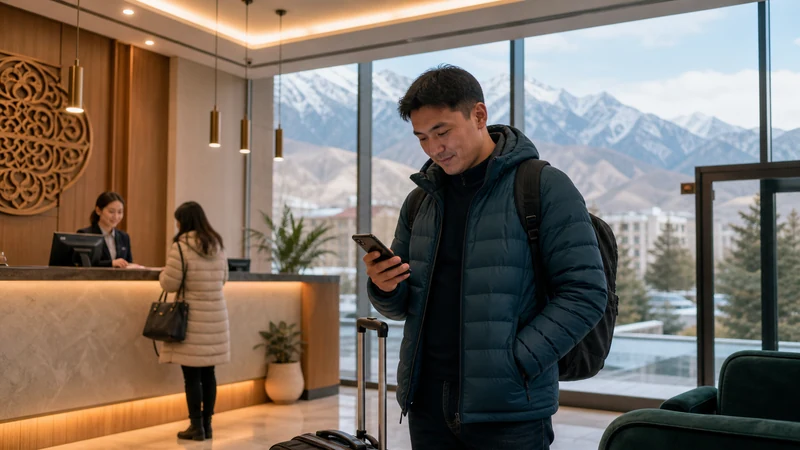

Running a Kyrgyzstan eSIM alongside your home SIM in dual-SIM mode lets you keep your regular number active for calls and texts while using local data for browsing, maps, and messaging apps throughout your trip.
Quick answer: Set your Kyrgyzstan eSIM as the default for cellular data while keeping your home SIM active for calls and texts. Most modern iPhones and Android phones support this dual-SIM configuration without any special setup beyond selecting the right defaults.
Top Kyrgyzstan eSIMs

Kyrgyzstan eSIM
Fixed
1 GB, 7 days€ 3.112 GB, 15 days€ 5.773 GB, 30 days€ 7.99Unlimited
Unlimited, 1 day€ 5.32Unlimited, 3 days€ 11.98Unlimited, 5 days€ 18.64
Commonwealth of Independent States eSIM
Fixed
1 GB, 7 days€ 7.992 GB, 15 days€ 13.313 GB, 30 days€ 18.19Unlimited
Unlimited, 1 day€ 8.43Unlimited, 3 days€ 22.63Unlimited, 5 days€ 36.38Setting your eSIM as the default data line
Within your phone’s cellular settings, selecting your Kyrgyzstan eSIM as the default for data ensures your browsing and app usage draws from the local plan rather than expensive home roaming charges — the Kyrgyzstan eSIM for iPhone guide and Kyrgyzstan eSIM for Android guide cover this setting on each platform.
Keeping your home line active for calls
Your home SIM can remain active for incoming calls and texts, letting family or colleagues reach you on your usual number even while your data runs through the Kyrgyzstan eSIM.
Avoiding accidental roaming charges
Double-checking that data roaming is disabled on your home SIM line prevents accidental charges if your phone briefly switches to it — a common oversight in dual-SIM setups, related to the general connection troubleshooting covered in the eSIM not working guide.
Making calls over WiFi or data instead
Apps like WhatsApp or FaceTime let you call over your Kyrgyzstan data connection, often a better option than your home SIM’s calling rates while abroad — the hotspot guide covers a related scenario of sharing your data connection with other devices.
Setting this up before you travel
Configuring your dual-SIM preferences while still on home WiFi, before you even land, saves time and avoids fumbling with settings after arrival — the install eSIM guide covers the initial setup this fits into.
FAQ
Can I keep my home number active with a Kyrgyzstan eSIM?
Yes, dual-SIM mode lets you keep your home line for calls while using the eSIM for data.
Which line should be the default for data?
Your Kyrgyzstan eSIM, to avoid expensive home roaming charges.
Should I disable roaming on my home SIM?
Yes, this prevents accidental charges if your phone switches to it unexpectedly.
Can I still receive calls on my home number?
Yes, your home SIM stays active for incoming calls and texts in dual-SIM mode.
Should I use apps like WhatsApp for calls instead?
Often a better option, using your local data connection rather than home SIM calling rates.
Do most modern phones support this dual-SIM setup?
Yes, most recent iPhones and Android phones handle this configuration without special setup.
Final Recommendation
Set your Kyrgyzstan eSIM as the default for data while keeping your home SIM active for calls, and disable home roaming to avoid surprise charges. See the install eSIM guide to set this up before you travel.