


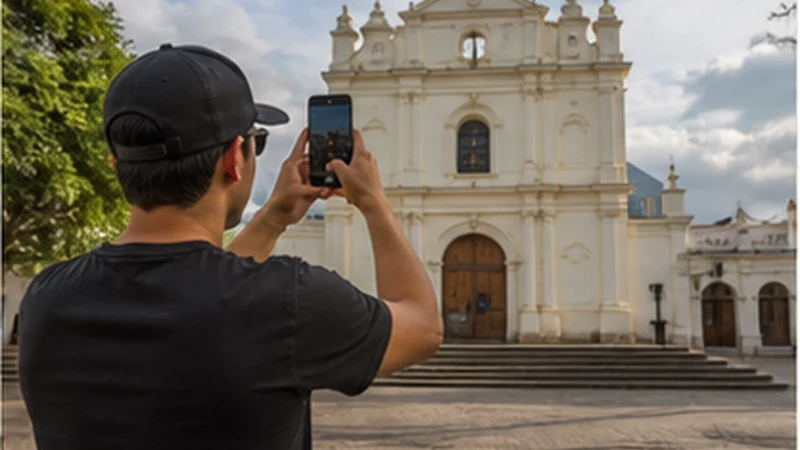

Juayúa mobile internet should support one stop within a wider western itinerary. Save the next town, accommodation and onward route before arrival rather than rebuilding the journey from a live map.
If staying overnight, verify Wi-Fi in the actual room. Use it for media backup and large downloads, while keeping travel data available for movement.
NoveSIM plans are data-only and do not provide a Salvadoran number, standard calls or SMS. Internet messaging works through data where coverage permits.
Quick answer: Download Juayúa and the next Ruta de las Flores stage, store the property entrance and test mobile data with Wi-Fi off. Continue from the offline itinerary through short coverage gaps.
Top El Salvador eSIMs

El Salvador eSIM
Fixed
1 GB, 7 days€ 4.012 GB, 15 days€ 7.133 GB, 30 days€ 12.03Unlimited
Unlimited, 1 day€ 5.35Unlimited, 3 days€ 17.82Unlimited, 5 days€ 24.50
Caribbean eSIM
Fixed
1 GB, 7 days€ 9.352 GB, 15 days€ 16.933 GB, 30 days€ 23.61Unlimited
Unlimited, 1 day€ 13.81Unlimited, 3 days€ 39.64Unlimited, 5 days€ 65.48Central America eSIM
Fixed
1 GB, 7 days€ 7.132 GB, 15 days€ 11.583 GB, 30 days€ 15.59Unlimited
Unlimited, 1 day€ 6.68Unlimited, 3 days€ 16.48Unlimited, 5 days€ 26.28Place Juayúa inside the route
| Before arriving | Before leaving |
|---|---|
| Save the town map and property | Download the next road section |
| Record check-in or meeting time | Confirm onward transport |
| Keep a charged phone | Store the final overnight address |
The canonical Ruta de las Flores internet guide connects Juayúa with the surrounding multi-stop route.
Prepare Juayúa mobile internet at the property
- Confirm the full address and entrance.
- Test Wi-Fi in the room or workspace.
- Turn Wi-Fi off and load a webpage over travel data.
- Download the next route and alternative road.
- Pause automatic photo and video backup.
- Charge the phone before checkout.
Use the El Salvador data guide if route navigation and media uploads share a small allowance.
Do not extrapolate reception to surrounding roads
Town-centre service and property reception do not prove coverage on every elevated or rural road. Terrain, buildings and eligible network access can change the result.
Review the coverage guide and keep the next stop available offline.
Use Wi-Fi for the stop and mobile data for the handover
Upload large media and update bookings on verified property Wi-Fi. Reserve mobile data for maps, messages and last-minute transport after checkout.
Backpackers can use the backpacking guide to reset battery, bookings and maps at each base.
If the travel line loses data
Select NoveSIM for data, enable roaming on it and keep network selection on Automatic. Use data.esim only if manual APN entry is required.
Follow the diagnostic guide. Do not delete the installed eSIM unless support instructs you to do so.
Related Articles
- Santa Ana to Ruta de las Flores Internet
- Mobile Internet in Santa Ana
- El Salvador Road-Trip Internet
FAQ
Can I use an eSIM in Juayúa?
Yes on a compatible unlocked phone with an eligible El Salvador plan, subject to local coverage.
Should I download the next town before leaving?
Yes. Save the road, accommodation and onward transport while you have a working connection.
Is property Wi-Fi enough?
It can handle large transfers, but mobile data remains useful between properties.
Why can reception change outside town?
Terrain, buildings and distance from network infrastructure affect local service.
Final Recommendation
Use Juayúa mobile internet to complete one well-prepared handover on Ruta de las Flores.
Verify the property, download the next stage and preserve the installed eSIM.
Leave town with the onward route available even if mobile data disappears temporarily.