


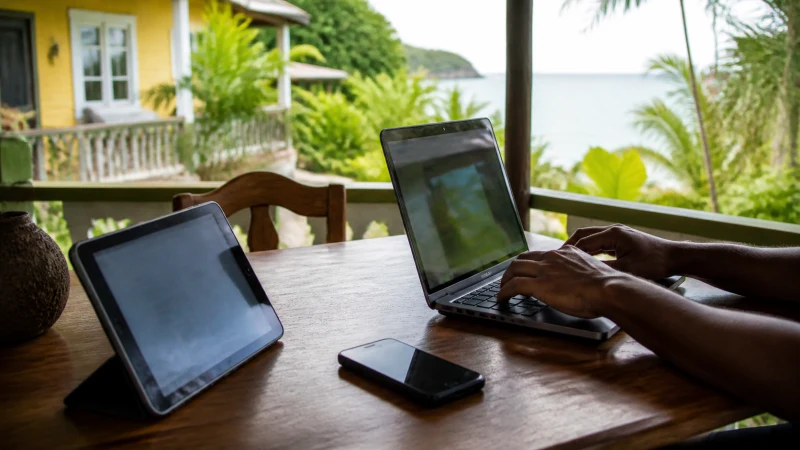

A Jamaica eSIM can provide a phone hotspot when the handset and selected plan permit tethering. The main limits are the plan’s hotspot rules, available high-speed data and the background traffic created by connected devices.
Quick answer: Check the live Jamaica plan for hotspot support, connect the phone to mobile data first and secure the hotspot with a strong password. Pause laptop updates, cloud backup and video downloads before sharing the connection.
Top Jamaica eSIMs

Jamaica eSIM
Fixed
1 GB, 7 days10.50$2 GB, 15 days19.00$3 GB, 30 days26.50$Unlimited
Unlimited, 1 day14.50$Unlimited, 3 days42.50$Unlimited, 5 days70.00$
Caribbean eSIM
Fixed
1 GB, 7 days10.50$2 GB, 15 days19.00$3 GB, 30 days26.50$Unlimited
Unlimited, 1 day15.50$Unlimited, 3 days44.50$Unlimited, 5 days73.50$Confirm that tethering is included
Do not assume that every plan treats hotspot use the same way. Review the selected product for tethering support, high-speed allowance and any fair-use restriction. An unlimited phone plan may still limit hotspot traffic.
Set up the phone before connecting a laptop
First confirm that a webpage loads over the Jamaica eSIM with Wi-Fi turned off. Then enable Personal Hotspot, Mobile Hotspot or Tethering in the phone settings. Use WPA2 or WPA3 security and a password that is not easy to guess.
Keep the phone charged and ventilated. Hotspot use, weak-signal searching and charging can generate heat.
Control data on connected devices
Laptops can run operating-system updates, cloud synchronisation, video autoplay and large backups without an obvious prompt. Mark the hotspot as a metered connection where the system supports it and close unnecessary applications.
Track usage during the first session. See how much data a Jamaica trip needs before planning repeated work calls.
If the hotspot does not work
Confirm that mobile data works directly on the phone and that the plan allows tethering. Restart the hotspot, forget and reconnect the receiving device, and try one phone restart. Check the APN instructions if connected devices join the hotspot but cannot reach the internet.
Do not delete the eSIM. A weak local signal or exhausted high-speed allowance can affect both the phone and shared devices.
Related Articles
- Mobile Data in Jamaica
- Unlimited Data in Jamaica
- Slow Mobile Data in Jamaica
- Jamaica eSIM Not Working
FAQ
Can I use a Jamaica eSIM as a hotspot?
Yes when tethering is supported by the selected plan and handset. Check the live product terms.
Does hotspot use more data?
It often does because laptops and additional devices run updates, backups and richer applications.
Can several devices connect?
The handset may allow several connections, but each device shares the same allowance and can reduce speed and battery life.
Why does the hotspot connect without internet?
Possible causes include missing tethering support, no phone data, an APN issue, weak coverage or an exhausted high-speed allowance.
Final Recommendation
Verify tethering support before purchase and control laptop background traffic. Test mobile data on the phone first, secure the hotspot and preserve the eSIM if a connection problem occurs.