


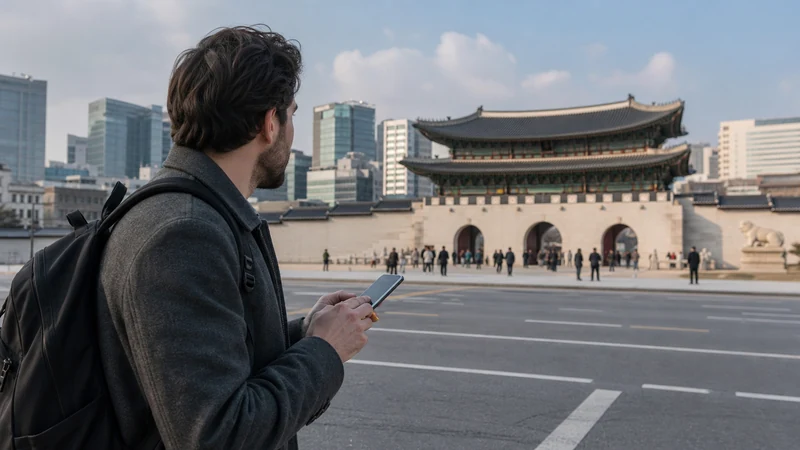

Mobile internet in Seoul helps with metro transfers, Korean addresses, translation, bookings and day-trip changes.
A travel eSIM, local SIM, roaming and trusted Wi-Fi serve different needs.
NoveSIM plans are data-only and provide no Korean number, calls or SMS.
Quick answer: For a short Seoul visit, install a South Korea eSIM before travel, keep the hotel address in Korean and save the next metro route offline. Choose a local SIM only when a Korean number is necessary.
Top Republic of Korea eSIMs

Republic of Korea eSIM
Fixed
1 GB, 7 days€ 4.882 GB, 15 days€ 7.993 GB, 30 days€ 10.65Unlimited
Unlimited, 1 day€ 4.88Unlimited, 3 days€ 13.31Unlimited, 5 days€ 21.30
Choose the Right Connection
An eSIM offers data without changing the physical SIM; compare Republic of Korea plans. Public Wi-Fi is useful for downloads but should not be the only connection between neighbourhoods.
Prepare for Seoul Transport
Save station names, exits and destinations in Korean. Underground spaces and crowds can affect usable signal even in a well-covered city. The coverage guide explains the limits.
Set Up the Phone
- Select the eSIM for data.
- Enable roaming on it when required.
- Disable primary-SIM roaming and data switching.
Do not delete the profile if data fails; use the troubleshooting guide.
Related Articles
FAQ
Does a South Korea eSIM work in Seoul?
Yes where the selected plan has supported coverage.
Is Seoul Wi-Fi enough?
Not for continuous access between venues.
Do I need a Korean number?
Not for maps or internet messaging.
Can I keep my home SIM active?
Yes, but disable its data roaming.
Final Recommendation
Use prepared mobile data for movement across Seoul and keep addresses and routes available offline.