


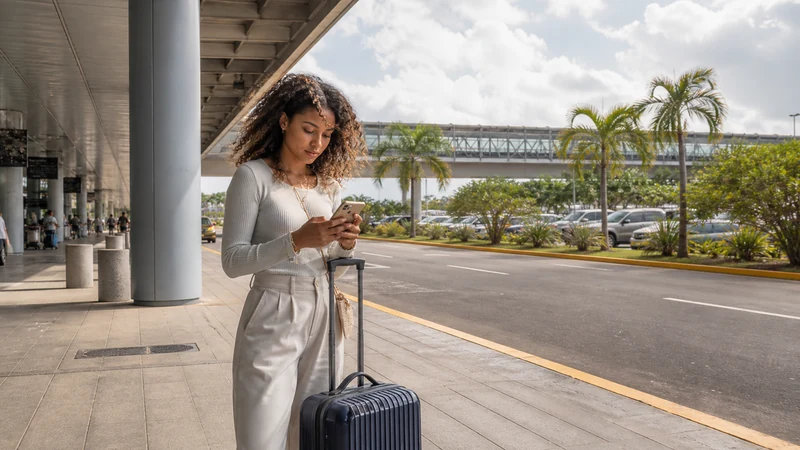

Internet at Las Américas International Airport (SDQ) should be planned as part of the transfer into Santo Domingo, not only as a terminal connection. Save the address, booking and transport contact before flying, then use a prepared travel eSIM or another verified option after landing.
Airport facilities and Wi-Fi terms can change. Do not copy Punta Cana Airport instructions or depend on an unverified SIM counter, because SDQ and PUJ are separate airports with different arrival arrangements.
NoveSIM Dominican Republic plans are data-only. They can support maps and internet messages during the transfer but do not provide a Dominican number, ordinary calls or SMS.
Quick answer: Download the SDQ-to-city route, install the eSIM before travel when permitted, activate it after landing and verify mobile data before leaving the terminal area.
Top Dominican Republic eSIMs

Dominican Republic eSIM
Fixed
1 GB, 7 days€ 4.442 GB, 15 days€ 6.663 GB, 30 days€ 8.43Unlimited
Unlimited, 1 day€ 4.44Unlimited, 3 days€ 10.20Unlimited, 5 days€ 16.42
Prepare the SDQ Transfer Offline
- Save the full accommodation address and exact map pin.
- Store the driver, transfer company or host contact.
- Download a map covering SDQ, the arrival corridor and central Santo Domingo.
- Keep the booking reference and pickup instructions in a screenshot or note.
- Carry enough battery for immigration, baggage collection and the transfer.
These files remain usable if terminal Wi-Fi is unavailable or mobile registration takes longer than expected.
Choose an Arrival Connection
| Option | Use at SDQ | Caution |
|---|---|---|
| Travel eSIM | Data that continues into Santo Domingo | Requires compatibility, unlock status and destination coverage |
| Airport Wi-Fi | Temporary setup or booking access when an official network is available | Verify the current network and portal at the airport |
| Home roaming | Short intentional use with a confirmed pass | Check price, destination inclusion and fair-use rules first |
| Local prepaid line | Domestic number or longer stay | Verify an official seller and current registration process rather than assuming airport availability |
Compare the full country options in the Dominican Republic mobile internet guide.
Activate the eSIM after Landing
- Switch on the installed Dominican Republic travel line.
- Select it for mobile data.
- Enable Data Roaming on the travel line and disable it on the home line.
- Turn off automatic data switching.
- Leave network selection on Automatic and wait for registration.
- Test a simple webpage with Wi-Fi off.
Use the Dominican Republic activation guide for the full settings sequence. If signal appears without data, check the NoveSIM data.esim APN. Do not delete the profile.
Continue into Santo Domingo
Once outside the terminal, keep the destination and transport details offline even if mobile data works. Urban reception can still vary inside vehicles and concrete buildings.
The Santo Domingo visitor internet guide covers Colonial Zone navigation, city Wi-Fi and onward travel.
Related Articles
FAQ
Is SDQ the same as Punta Cana Airport?
No. SDQ is Las Américas International Airport in the Santo Domingo arrival corridor; PUJ serves Punta Cana and its resort region.
Should I buy a SIM at Santo Domingo Airport?
Only after verifying a current official or authorised seller, stock, hours and registration terms. Prepare another arrival option rather than assuming a kiosk.
Can airport Wi-Fi activate an eSIM?
It can provide internet for a necessary setup step, but the plan activates according to its own terms and still needs local network registration.
Final Recommendation
Prepare the SDQ transfer and accommodation details offline before departure.
Activate a pre-installed travel eSIM deliberately and test it before leaving the airport area.
Verify current Wi-Fi and local-SIM facilities at SDQ instead of borrowing PUJ assumptions.