


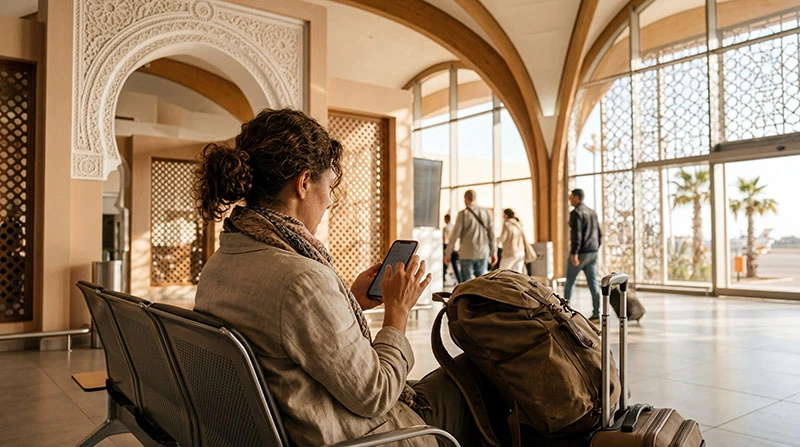

After landing at Marrakech Menara Airport, travellers often need data immediately for a ride, accommodation message or map. The practical options are airport Wi-Fi, a local SIM and a travel eSIM installed before arrival.
Each solves a different problem: Wi-Fi can cover the first few minutes, a local SIM may suit a longer stay, and an eSIM avoids the airport counter when the phone is compatible.
NoveSIM plans provide mobile data only and do not include a Moroccan number, standard calls or SMS.
Quick answer: Use airport Wi-Fi for an immediate message, but do not depend on it for the whole transfer. For faster departure, install a Morocco eSIM before flying and activate its data settings after landing. Buy a local SIM if you need a Moroccan number or prefer operator retail service.
Top Morocco eSIMs

Morocco eSIM
Fixed
1 GB, 7 days€ 3.552 GB, 15 days€ 5.773 GB, 30 days€ 7.99Unlimited
Unlimited, 1 day€ 4.44Unlimited, 3 days€ 11.54Unlimited, 5 days€ 18.64
Africa eSIM
Fixed
1 GB, 7 days€ 10.202 GB, 15 days€ 19.083 GB, 30 days€ 26.62Unlimited
Unlimited, 1 day€ 13.75Unlimited, 3 days€ 39.49Unlimited, 5 days€ 65.22Using Wi-Fi at Marrakech Menara Airport
Connect only to the network name displayed by the airport and follow the current sign-in screen. Availability, session rules and performance can change, so keep bookings and your accommodation address saved offline.
Avoid banking or entering sensitive credentials on an unfamiliar public network. If the portal does not open, disable mobile data temporarily, forget and rejoin the network, or open a plain web page to trigger the login screen.
Set Up an eSIM Before You Land
Confirm the phone is unlocked and eSIM-compatible, then choose a Morocco eSIM plan with suitable validity and allowance. Install it over reliable Wi-Fi before departure when the plan’s activation rules permit.
After landing, enable the profile, select it for mobile data and turn on Data Roaming for that line if required. Keep the home SIM from switching to roaming data. Allow several minutes for registration before refreshing the connection once.
Buying a SIM Card at or After the Airport
A local SIM can provide a Moroccan number and operator-specific service, but purchase and identity-registration steps take time. Check the package, activation status and total price before leaving the counter. The Morocco SIM comparison explains when a physical SIM is worth the extra stop.
Connection for the Ride into Marrakech
Download the route and pin the accommodation while still in the terminal. Mobile coverage can vary along the journey and inside riads. For broader trip planning, see mobile internet in Morocco.
Related Articles
FAQ
Is there Wi-Fi at Marrakech Airport?
Airport Wi-Fi may be available, but access rules and performance can change; check the current terminal instructions.
Can I activate an eSIM after landing?
Yes, with a compatible unlocked phone and internet access, though pre-installation is usually easier.
Does a travel eSIM include a Moroccan number?
No. NoveSIM travel eSIMs are data-only.
Should I delete an eSIM if it does not connect?
No. Check the data line, roaming, APN and network registration first.
Final Recommendation
Prepare an eSIM before departure if immediate mobile data matters, retain airport Wi-Fi as a short-term backup and choose a local SIM only when its number or retail package adds genuine value.