


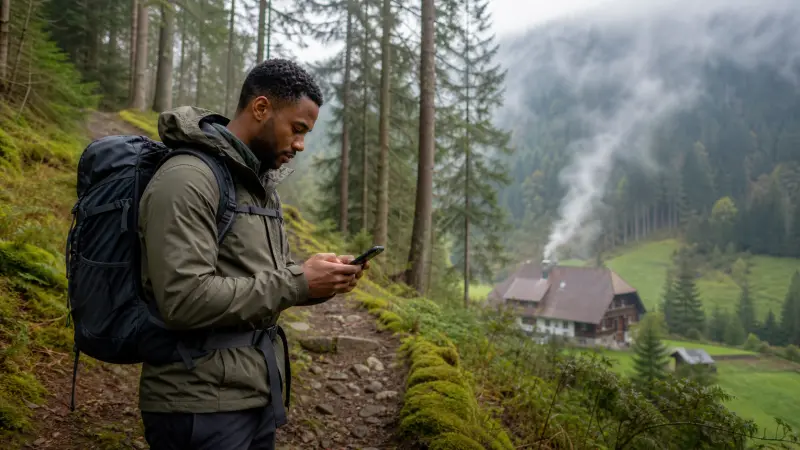

Internet in Germany’s Black Forest can vary over short distances because wooded hills, valleys and smaller settlements affect the usable signal. Mobile data remains helpful for route changes, weather and accommodation contact, but an offline-first setup is the safer way to travel.
A national coverage percentage cannot describe a particular trail, scenic road or guesthouse. The underlying partner network and exact itinerary matter more.
NoveSIM travel eSIMs are data-only and do not provide a German telephone number or conventional calls and SMS.
Quick answer: Verify coverage around overnight bases, download maps and trail information, and save addresses before leaving town. Treat mobile data as live assistance rather than the only source of navigation or safety information.
Top Germany eSIMs

Germany eSIM
Fixed
1 GB, 7 days€ 1.772 GB, 15 days€ 3.553 GB, 30 days€ 4.44Unlimited
Unlimited, 1 day€ 2.22Unlimited, 3 days€ 4.88Unlimited, 5 days€ 7.99
Europe Extra eSIM
Fixed
1 GB, 7 days€ 2.222 GB, 15 days€ 3.553 GB, 30 days€ 4.44Unlimited
Unlimited, 1 day€ 2.66Unlimited, 3 days€ 5.32Unlimited, 5 days€ 8.87Europe+ eSIM
Fixed
1 GB, 7 days€ 2.662 GB, 15 days€ 3.993 GB, 30 days€ 5.32Unlimited
Unlimited, 1 day€ 2.66Unlimited, 3 days€ 6.21Unlimited, 5 days€ 10.20Check valleys and accommodation locations
Reception shown for a town does not guarantee the same result inside a valley or thick-walled rural property. Identify the supported provider with the Germany network guide and ask hosts about on-site Wi-Fi.
Keep hiking information offline
Download the route, weather information available before departure and emergency details. A phone and eSIM are useful tools, but they do not replace appropriate navigation and safety preparation.
Prepare for road and rail gaps
Tunnels and terrain can interrupt live directions. Save fuel or charging stops, station details and the final accommodation approach. The Germany road-trip internet guide provides a broader driving checklist.
Control photo and media consumption
Automatic photo backup can use much more data than maps or messages. Pause uploads until reliable Wi-Fi and use the Germany data guide to choose a suitable allowance.
Configure the eSIM in advance
Install while stable Wi-Fi is available, select it for data and follow the roaming instructions. Enter data.esim if required and keep the profile installed unless support directs deletion.
Related Articles
FAQ
Is there mobile coverage throughout the Black Forest?
No. Terrain and remoteness can produce local gaps even when nearby towns have service.
Can an eSIM improve a weak local signal?
It provides access to its supported partner network but cannot create coverage where that network has none.
What should hikers download?
Keep maps, route information, accommodation details and essential safety contacts available offline.
How can I reduce photo data use?
Disable automatic cloud backup and upload images later on a trusted Wi-Fi connection.
Final Recommendation
For a Black Forest trip, pair mobile internet with complete offline navigation and saved travel details.
Check the partner network at overnight bases, but expect terrain-related gaps between them.
Use data.esim where required and retain the profile if troubleshooting is needed.