


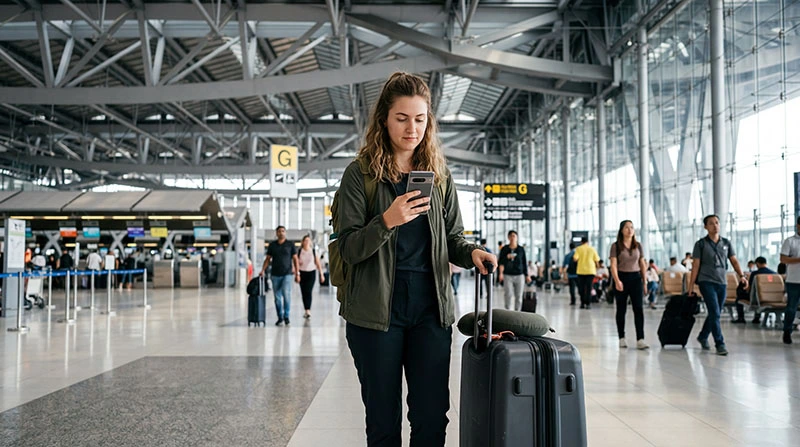

Bangkok has two main airports: Suvarnabhumi (BKK) and Don Mueang (DMK). Both require a clear airport code in your plans because they are in different parts of the city.
Airport Wi-Fi can help with messages and installation, while an eSIM prepared before arrival gives independent data for transport and navigation.
NoveSIM plans are data-only and do not include a Thai number, conventional calls or SMS.
Quick answer: Install the Thailand eSIM on trusted Wi-Fi before departure, then enable it after landing and test with airport Wi-Fi off. Save the airport code, hotel address and first route offline.
Top Thailand eSIMs

Thailand eSIM
Fixed
1 GB, 7 days€ 3.112 GB, 15 days€ 5.323 GB, 30 days€ 7.10Unlimited
Unlimited, 1 day€ 3.99Unlimited, 3 days€ 10.20Unlimited, 5 days€ 15.53
Confirm which Bangkok airport you use
Check BKK or DMK on the ticket before booking transport. A route saved for the wrong airport wastes time and may fail when you need it most.
Use airport Wi-Fi carefully
Follow current signs and the official network name. Avoid sensitive transactions on lookalike networks and disconnect after setup.
For installation requirements, read whether eSIM setup needs Wi-Fi.
Connect the eSIM after landing
- Turn airplane mode off.
- Enable the travel eSIM.
- Select it for mobile data.
- Enable roaming when the plan requires it.
- Disable data switching to the home SIM.
For manual NoveSIM APN use data.esim. Follow the arrival setup if registration is delayed.
Keep data working into Bangkok
Download the first route and accommodation details before leaving the terminal. Coverage can change on rail links, roads and inside buildings.
If signal appears without data, use the connection checks rather than deleting the profile.
Related Articles
FAQ
Which airport is BKK?
BKK is Suvarnabhumi Airport; DMK is Don Mueang Airport.
Should I install the eSIM at the airport?
Advance installation is safer when the plan’s activation rules allow it.
Do I need a Thai number?
Not for maps and internet messaging, but some local services may request one.
Should I delete an eSIM that does not connect?
No. Check line selection, roaming, network and APN first.
Final Recommendation
Confirm BKK or DMK, prepare the eSIM and offline route before departure.
Use airport Wi-Fi only as a setup fallback and test mobile data before leaving the terminal.