


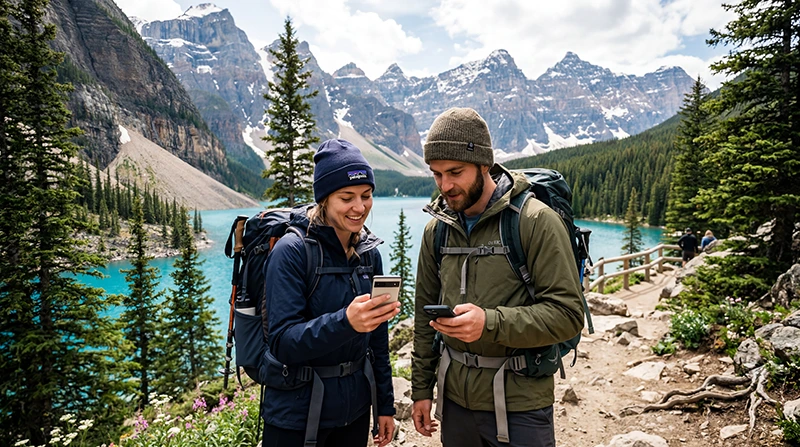

Internet in Banff for tourists is most dependable in the townsite and other developed areas, but travellers should expect weaker or absent mobile service on mountain roads, trails and remote parts of Banff National Park.
A Canadian travel eSIM can make navigation and messaging easier where partner-network coverage exists. It cannot create a signal in valleys or backcountry areas with no mobile infrastructure.
NoveSIM plans are data-only, so ordinary calls and SMS remain with your primary line. Internet messaging and calling apps can use the eSIM’s data connection.
Quick answer: Install a Canada eSIM before the trip, use it for Banff town and covered routes, and download maps, bookings and trail information offline before leaving reliable service. Never rely on mobile reception as your only backcountry safety plan.
Top Canada eSIMs


Where Internet in Banff for Tourists Is Most Useful
Mobile data is valuable for hotel messages, restaurant bookings, transit information and navigation around Banff town. It can also help along major roads, but terrain and distance from infrastructure make coverage variable.
Parks Canada warns that cellular coverage is not reliable throughout the national park. Check current conditions for the exact route and use the Canada mobile internet guide as general preparation rather than a guarantee for one trail or viewpoint.
Prepare Offline before a Drive or Hike
- Download the Banff area in your maps app and save the accommodation address.
- Save trail descriptions, shuttle details, permits and return times as screenshots or PDFs.
- Tell a reliable person your route and expected return when going beyond developed areas.
- Carry sufficient battery power; cold weather can reduce usable battery life.
- Do not treat a visible signal bar as proof that a call or data session will work.
Set Up a Travel eSIM for Banff
Choose a plan that explicitly covers Canada and remains valid for the whole stay. Confirm the exact phone on the compatible-device list, then install on dependable private Wi-Fi before travelling into the park.
- Label the travel line so it is easy to identify.
- After arrival, switch on the eSIM and select it for Mobile Data.
- Enable Data Roaming on the travel line and disable automatic data switching.
- Leave Network Selection on Automatic unless Support advises otherwise.
- If manual NoveSIM APN entry is required, use data.esim.
Do not delete an installed eSIM during troubleshooting unless NoveSIM Support instructs you to do so. The NoveSIM setup guide explains the normal installation sequence.
Use Wi-Fi as a Supplement
Accommodation, cafés and visitor facilities may provide Wi-Fi, but access, speed and opening hours vary. Verify the network name with staff, avoid sensitive activity on an untrusted hotspot and keep mobile data available for movement between locations.
Heavy video, cloud backup and laptop tethering can use an allowance quickly. Download entertainment before the trip and reserve mobile data for navigation, transport and communication.
Related Articles
- Canada eSIM plans
- Choose an eSIM for Canada
- How much data to use in Canada
- Troubleshoot a Canada eSIM
FAQ
Is there reliable internet in Banff for tourists?
Banff town and developed areas generally offer the best chance of mobile data and Wi-Fi, but service is not reliable throughout the national park.
Will an eSIM work on Banff hiking trails?
Only where the partner network has coverage. Mountain terrain and remoteness can leave long gaps, so download route information and use an appropriate offline safety plan.
Should I keep my home SIM active in Canada?
You can keep it available for your number, but turn off its Data Roaming and check your carrier’s charges for calls, SMS and voicemail.
Does NoveSIM provide a Canadian phone number?
No. NoveSIM travel eSIMs are data-only and do not include a local number or conventional calls and SMS.
Final Recommendation
For tourists, internet in Banff is best treated as a convenient connection in covered areas, not as a promise of continuous national-park reception.
Install before departure, select the travel line for data and save essential information offline while the connection is dependable.
For remote drives and hikes, follow Parks Canada guidance and use a safety plan that does not depend on a mobile signal.