


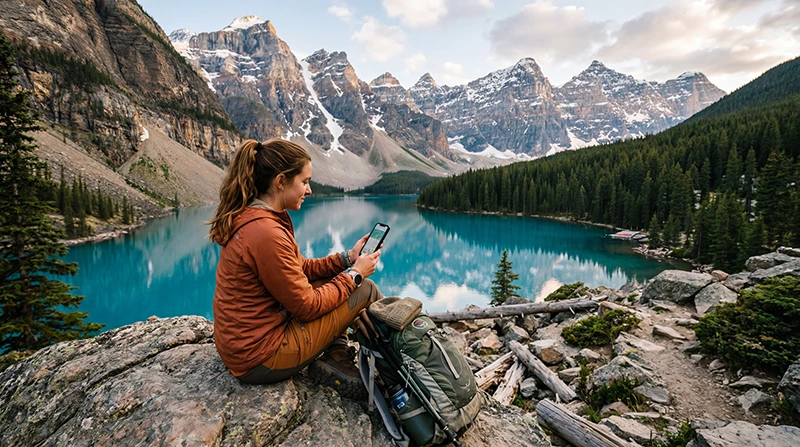

Internet in Banff National Park is useful for navigation, weather checks and accommodation messages, but a mobile signal should not be treated as guaranteed throughout a mountain itinerary.
Build the trip around downloaded maps and essential information, then use mobile data when coverage is available in the places you visit.
A NoveSIM Canada travel eSIM is data-only and does not include a Canadian number, conventional calls or SMS. Its available network and speed depend on the chosen plan, phone and local coverage.
Quick answer: Use a Canada eSIM or local SIM for connected areas around Banff, but download maps, bookings and emergency information before driving or hiking. No mobile plan removes the need for an offline backup in mountain terrain.
Top Canada eSIMs

Canada eSIM
Fixed
1 GB, 7 days€ 3.992 GB, 15 days€ 6.663 GB, 30 days€ 9.76Unlimited
Unlimited, 1 day€ 5.32Unlimited, 3 days€ 15.09Unlimited, 5 days€ 23.52
Where Should You Expect Coverage Gaps?
Reception can change with terrain, distance from populated areas, buildings, congestion and temporary network conditions. A coverage map is a planning tool rather than a promise at a trail, viewpoint or road section. Review the plan details on the Canada eSIM page before choosing service for the wider route.
Prepare an Offline Banff Pack
- Download the required map area and mark accommodation, parking and trail access points.
- Save booking confirmations, transport details and important telephone numbers.
- Take screenshots of directions that must work without data.
- Carry enough battery capacity for navigation and cold-weather use.
Estimate the data allowance separately from coverage. Maps and messaging are usually lighter than video, photo backup and hotspot use; the Canada SIM guide helps compare the available connection types.
Canada eSIM, Local SIM or Roaming?
A travel eSIM can be installed before departure and keeps the physical SIM slot available. A local SIM may suit a longer stay or a traveller who needs a Canadian number. Home-carrier roaming is convenient but should be checked for daily fees and fair-use limits. Compare the wider options in the Canada mobile internet guide.
Set Up Mobile Data Before the Park
- Confirm that the phone supports eSIM and is unlocked.
- Install the plan on dependable Wi-Fi and keep the activation details private.
- Select the travel eSIM for Mobile Data and enable Data Roaming on that line.
- Leave network selection on Automatic unless the plan instructions say otherwise.
If NoveSIM requires a manual APN, use data.esim. Do not delete the installed profile during troubleshooting unless Support specifically instructs you to do so.
Related Articles
FAQ
Is there reliable internet everywhere in Banff National Park?
No mobile service should be assumed everywhere. Terrain and location affect reception, so prepare offline maps and essential information.
Will an eSIM improve coverage?
An eSIM changes how the plan is installed, not the physical reach of a network. Coverage still depends on the plan’s partner network and your location.
How much data do I need in Banff?
Navigation and messaging can use modest amounts, while video, uploads and tethering use far more. Base the allowance on recent phone usage and trip length.
Should I rely on accommodation Wi-Fi?
Use it as a supplement, but keep critical maps and reservations available offline in case Wi-Fi is slow, unavailable or limited outside the property.
Final Recommendation
Use mobile internet in Banff National Park as a useful layer, not as the only navigation or safety plan.
Choose a Canada plan that covers the complete itinerary and configure it before entering less-connected areas.
Download the essentials while service is dependable so a coverage gap does not interrupt the trip.