


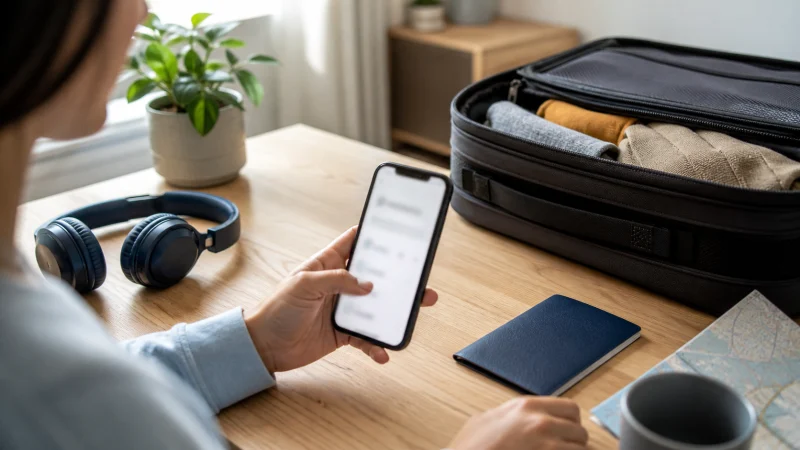

Install your Finland eSIM before departure to remove an arrival task, but do not confuse installation with activation. Add the profile on reliable Wi-Fi, then follow the plan instructions for when to enable it.
You will normally need an unlocked, eSIM-compatible phone and either a QR code or manual installation details. Keep the order information accessible on another device before starting.
NoveSIM Finland travel eSIMs provide data only. They do not include a Finnish number, standard calls or carrier SMS, although internet calling and messaging apps work through data.
Quick answer: Confirm compatibility, connect to secure Wi-Fi, add the eSIM from the supplied QR code, label it “Finland” and leave it disabled until the activation instructions say otherwise. Never delete the profile merely because it does not connect before arrival.
Top eSIMs

Check the phone before installation
- Confirm the exact model supports eSIM, not only the wider model family.
- Check that the handset is network-unlocked.
- Install pending operating-system updates before beginning.
- Make sure the QR code is displayed on another screen or printed.
- Keep the order email and support details available offline.
If compatibility is uncertain, use the Finland eSIM compatibility guide before scanning the code.
Install the Finland eSIM on iPhone
- Open Settings and select Mobile Service or Cellular.
- Tap Add eSIM.
- Choose Use QR Code and scan the supplied code.
- Follow the prompts and label the new line Finland.
- Keep it off until the activation timing supplied with the plan.
Menu wording varies by iOS version and region. More detail is available in the Finland eSIM guide for iPhone.
Install the Finland eSIM on Android
- Open Settings and find the SIM or mobile-network menu.
- Select the option to add an eSIM or mobile plan.
- Scan the supplied QR code or enter the details manually if instructed.
- Confirm the download and label the profile Finland.
- Do not select it for data early unless the plan instructions require activation before travel.
Android menu names differ between Samsung, Google and other manufacturers. See the Finland Android eSIM instructions for the common routes.
Configure the line after arrival
- Enable the Finland eSIM.
- Select it as the mobile-data line.
- Turn on Data Roaming for the Finland eSIM.
- Turn off Data Roaming for the home SIM.
- Disable mobile-data switching.
- Allow automatic network selection time to register.
If manual APN entry is required for a NoveSIM plan, use data.esim and leave unrelated fields unchanged. Follow the Finland activation guide for the arrival sequence.
If installation does not complete
Check the internet connection, restart the phone once and confirm that the code has not already been used. Do not repeatedly scan the same code or delete a profile that appears in the SIM list. Record any error message and contact NoveSIM support with the order and phone model.
Related Articles
- Finland eSIM APN Settings
- Manual Network Selection in Finland
- Finland eSIM Not Working
- Mobile Data in Finland
FAQ
Should I install my Finland eSIM before flying?
Yes, installation on reliable Wi-Fi is usually easier. Follow the plan instructions so that installation does not trigger activation earlier than intended.
Can I scan the QR code on the same phone?
Some phones can read a saved QR image, but displaying it on another device is more dependable. Manual details may also be available.
Should I delete the eSIM if it has no signal at home?
No. A Finland plan may not register before arrival. Keep the profile installed and contact support before deleting it.
Can I keep my physical SIM installed?
Yes, if the phone supports dual SIM. Assign the Finland eSIM to mobile data and protect the home line from roaming charges.
Final Recommendation
Install the profile before departure while you have stable Wi-Fi and time to resolve a genuine installation error.
Keep the Finland line clearly labelled, activate it according to the order instructions and use it as the data line after arrival.
Review the live Finland eSIM plans before purchase for current validity, allowance and supported features.