


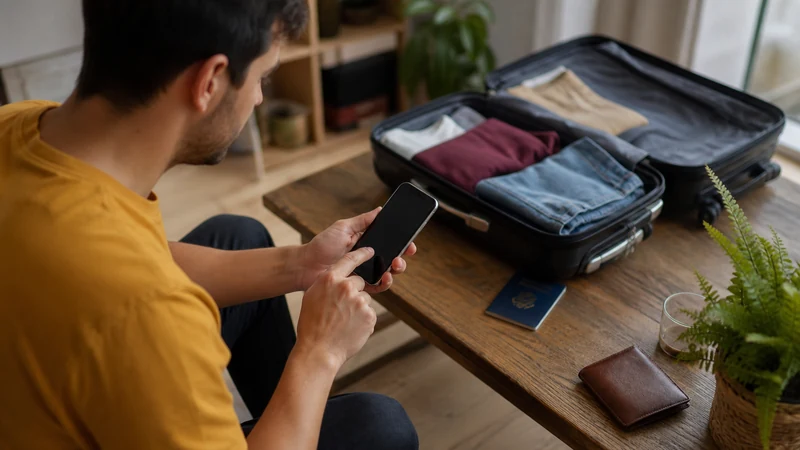

Install an eSIM for Argentina while you have stable Wi-Fi, ideally before departure. Installation adds the profile to the phone; activation and the start of validity depend on the specific plan terms.
Before scanning anything, confirm that the exact phone model supports eSIM and is unlocked. Keep the QR code private and available on a second screen or printed sheet if the phone cannot scan a code displayed on itself.
NoveSIM Argentina plans are data-only. They do not provide an Argentine number, conventional calls or carrier SMS, but internet calling and messaging can work over the data connection.
Quick answer: Connect to reliable Wi-Fi, add the eSIM through the phone’s mobile-network settings, label it “Argentina” and follow the plan’s activation rule. Do not delete the profile if it does not connect after landing; check the selected data line, roaming, network registration and APN first.
Top Argentina eSIMs

Argentina eSIM
Fixed
1 GB, 7 days€ 4.882 GB, 15 days€ 8.873 GB, 30 days€ 11.98Unlimited
Unlimited, 1 day€ 6.66Unlimited, 3 days€ 16.86Unlimited, 5 days€ 27.07
Check Compatibility before Installation
- The exact phone model must support eSIM.
- The device must be unlocked for use with another carrier.
- The operating system should be current enough to provide the required eSIM menu.
- The phone should have room for another stored or active eSIM profile.
- A reliable Wi-Fi connection is needed to download the profile.
Model names can cover different regional variants, so verify the model number in the device settings. NoveSIM’s compatible-device list is a useful starting point, but the carrier-lock status must still be checked separately.
Install an Argentina eSIM on iPhone
- Open Settings and select Mobile Service or Cellular.
- Tap Add eSIM.
- Choose the QR-code option and scan the code supplied with the plan.
- Follow the prompts to add the cellular plan.
- Label the new line Argentina so it is easy to identify.
- Keep the primary line as the default voice line if you still need calls or SMS on the home number.
- Leave mobile-data switching off unless you deliberately want the phone to use another line for data.
Install an Argentina eSIM on Android
Menu names vary by manufacturer and software version. The usual path is through Settings, Connections or Network & Internet, followed by SIM Manager or SIMs.
- Open the device’s SIM or mobile-network settings.
- Select the option to add an eSIM or mobile plan.
- Scan the supplied QR code.
- Approve the profile download and label the line Argentina.
- Keep the travel line switched off until the appropriate time if the plan instructions allow this.
Installation Is Not Always Activation
Some plans begin validity when they first connect to a supported network; others can start at installation or another defined event. Read the purchased plan’s instructions before adding the profile. Do not assume that every provider uses the same activation rule.
When the plan should become active, follow the separate Argentina eSIM activation guide. This distinction prevents accidental early use and makes arrival settings easier to verify.
Settings to Use after Arrival
- Turn on the Argentina eSIM line.
- Select it for mobile data.
- Enable Data Roaming on the travel line when required for partner-network access.
- Keep network selection on automatic initially.
- Turn off data roaming on the home SIM if you want to avoid unintended roaming charges.
- Wait several minutes for network registration, then test a browser page.
If an APN must be entered for a NoveSIM plan, use data.esim as explained in the Argentina APN guide.
If the eSIM Does Not Appear or Connect
First check whether the profile is visible in the phone’s SIM settings. If it is present, do not scan the QR code repeatedly and do not delete the profile. Verify plan status, data-line selection, Data Roaming and automatic network selection.
If there is signal but no internet, check the APN and restart the data session with Airplane Mode. Continue with the Argentina eSIM troubleshooting steps or contact support with the order details and screenshots of the relevant settings.
Related Articles
- Argentina eSIM Plans
- Internet in Argentina for Tourists
- How Much Data to Choose for Argentina
- Argentina eSIM Hotspot Use
FAQ
Should I install my Argentina eSIM before travelling?
Usually yes, because reliable home Wi-Fi makes installation easier. Check the plan’s activation rule first so installation does not start validity earlier than intended.
Can I scan the eSIM QR code from the same phone?
Some devices can import a saved code, but the most dependable method is to display the QR code on another screen or use a printed copy.
Should Data Roaming be on for the Argentina eSIM?
Often yes, because travel eSIMs commonly use a local partner network. Enable it on the travel line and follow the instructions supplied with the plan.
Should I delete an Argentina eSIM that is not connecting?
No. Deletion can make recovery harder and a QR code may not be reusable. Keep the profile installed and troubleshoot the plan, data line, roaming, network and APN unless support tells you otherwise.
Final Recommendation
Install the Argentina eSIM on dependable Wi-Fi after confirming compatibility, carrier-unlocked status and the plan’s activation rule.
Label the line clearly, keep the QR code private and apply the correct data, roaming and APN settings after arrival.
If the connection fails, preserve the installed profile and work through the settings in order rather than deleting and reinstalling it.