


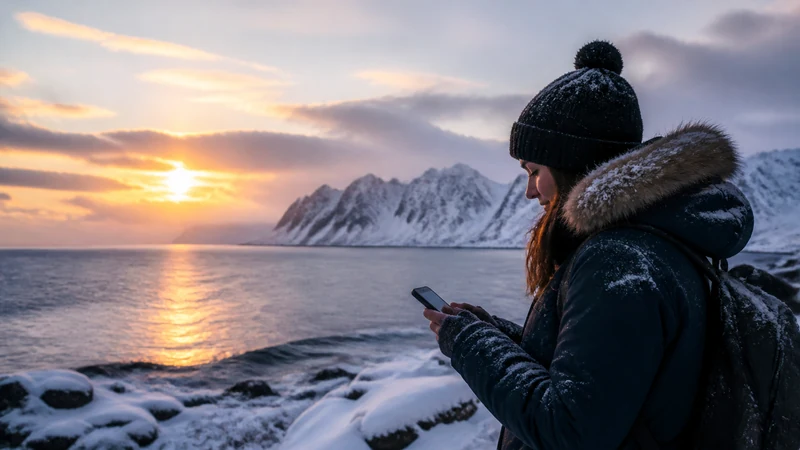

Winter mobile internet in Iceland is most valuable for obtaining current official weather, road and safety information before a decision. It must not become the only place where that information exists.
Wind, snow, closures and short daylight can change a route or delay an arrival, while cold reduces battery endurance and remote terrain can remove coverage.
A NoveSIM plan supplies data where the selected partner network is available. It does not provide an emergency guarantee or replace an appropriate vehicle, route decision and shared travel plan.
Quick answer: Check the Icelandic Met Office, current road conditions and SafeTravel before departure; save the result, map and accommodation contacts offline; keep the phone warm and powered; and recheck from a reliable connection before each new stage.
Top Iceland eSIMs

Iceland eSIM
Fixed
1 GB, 7 days€ 2.222 GB, 15 days€ 3.553 GB, 30 days€ 4.44Unlimited
Unlimited, 1 day€ 2.22Unlimited, 3 days€ 5.32Unlimited, 5 days€ 7.99
Europe Extra eSIM
Fixed
1 GB, 7 days€ 2.222 GB, 15 days€ 3.553 GB, 30 days€ 4.44Unlimited
Unlimited, 1 day€ 2.66Unlimited, 3 days€ 5.32Unlimited, 5 days€ 8.87Europe+ eSIM
Fixed
1 GB, 7 days€ 2.662 GB, 15 days€ 3.993 GB, 30 days€ 5.32Unlimited
Unlimited, 1 day€ 2.66Unlimited, 3 days€ 6.21Unlimited, 5 days€ 10.20Use Each Official Source for Its Own Decision
| Question | Primary source | Offline action |
|---|---|---|
| What weather and warnings are forecast? | Icelandic Meteorological Office | Save the written forecast and warning affecting the route |
| Is the road open and what is its surface condition? | Official road-condition service | Record the last checked time and an alternative destination |
| Are there traveller alerts or a need to change the plan? | SafeTravel | Share the revised itinerary with a trusted person |
SafeTravel warns that Icelandic weather and road conditions can change quickly. A screenshot is a fallback, not a permanent forecast; return online and recheck whenever conditions or timing change. The official-source directory keeps roles clear.
Prepare the Phone for Cold and Delay
- Begin the driving day with the phone and power bank charged.
- Keep batteries protected from cold, but do not trap a hot charging phone inside insulation.
- Download the complete route and save coordinates for accommodation and safe stops.
- Carry the booking and contact information outside the email inbox.
- Do not spend the remaining battery on continuous hotspot or unnecessary video.
Design a Checkpoint Routine
- Before departure, check official weather, warnings and road status.
- Decide whether to proceed, delay, shorten or cancel before leaving reliable shelter and connectivity.
- Save the decision-critical information and tell another person the current plan.
- At a staffed or connected stop, check again before the next exposed stage.
- If conditions differ from the plan, stop and reassess rather than driving merely to regain signal.
Coverage planning belongs in the Iceland route audit. Offline navigation belongs in the road-trip map procedure.
Northern Lights Trips Need a Return Plan
Darkness, cold and movement away from towns make a saved meeting point and return route more important than live photo sharing. Use the focused aurora connectivity checklist and do not interpret signal as proof that a road or parking location is safe.
Related Articles
- Emergency Connectivity Is Not Just Mobile Data
- Diagnose Slow Data Without Draining the Battery
- Choose an Iceland Mobile Connection
FAQ
Can I rely on live road conditions throughout a winter drive?
No. Check before each stage and save the latest information, but expect coverage gaps and conditions that can change after the check.
Why does my phone battery fall faster in winter?
Cold reduces battery performance, while weak-signal searching, navigation and hotspot use add load.
Final Recommendation
Use mobile data to obtain authoritative information before each winter travel decision.
Save the route, warning, contacts and alternative plan while power and coverage are dependable.
Let conditions—not the presence of a signal—decide whether the journey continues.