


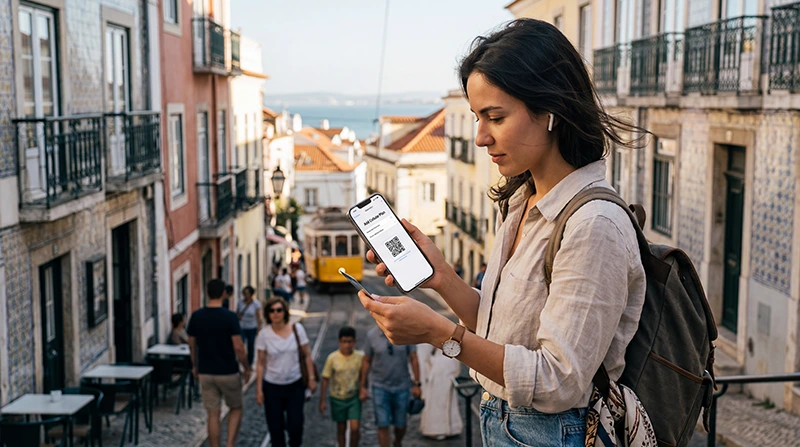

Activate a Portugal eSIM by switching on the installed travel profile, selecting it for Mobile Data and enabling Data Roaming on that line when required. Keep roaming off on the primary SIM unless its tariff has been checked.
Activation is not installation. The profile should normally be added beforehand on reliable WiFi, while the arrival steps tell the phone which line should provide data in Portugal.
NoveSIM travel eSIMs are data-only. The primary line can remain available for ordinary calls and SMS, but the home carrier may charge for those services abroad.
Quick answer: After arriving, turn on NoveSIM, choose it as the Mobile Data line, enable roaming on NoveSIM, disable roaming and automatic data switching on the home SIM, keep network selection automatic and test a website with WiFi off.
Top Portugal eSIMs

Portugal eSIM
Fixed
1 GB, 7 days2.00$2 GB, 15 days4.00$3 GB, 30 days5.00$Unlimited
Unlimited, 1 day2.50$Unlimited, 3 days5.50$Unlimited, 5 days9.00$
Europe Extra eSIM
Fixed
1 GB, 7 days2.50$2 GB, 15 days4.00$3 GB, 30 days5.00$Unlimited
Unlimited, 1 day3.00$Unlimited, 3 days6.00$Unlimited, 5 days10.00$Europe+ eSIM
Fixed
1 GB, 7 days3.00$2 GB, 15 days4.50$3 GB, 30 days6.00$Unlimited
Unlimited, 1 day3.00$Unlimited, 3 days7.00$Unlimited, 5 days11.50$Europe Lite eSIM
Fixed
1 GB, 7 days2.50$2 GB, 15 days4.00$3 GB, 30 days5.00$Unlimited
Unlimited, 1 day3.00$Unlimited, 3 days6.00$Unlimited, 5 days10.00$What must be ready before you activate a Portugal eSIM?
The profile must already be installed on a compatible unlocked phone. Confirm that the plan is valid for the current date and location, then review the current Portugal eSIM details.
If the profile is not on the phone, stop and follow the Portugal installation guide using dependable WiFi.
How do you activate it on iPhone?
- Open Settings and select Cellular or Mobile Service.
- Tap the line labelled Portugal and switch it on.
- Enable Data Roaming for the Portugal line when required.
- Return to the SIM screen and choose Portugal for Cellular Data.
- Turn Allow Cellular Data Switching off.
- Confirm Data Roaming is off on the primary line.
How do you activate it on Android?
Android menu names vary, but the same decisions apply.
- Open Settings and the SIM or Mobile Network section.
- Switch on the Portugal eSIM.
- Select it as the preferred SIM for Mobile Data.
- Enable roaming for the travel profile.
- Disable roaming on the primary SIM.
- Turn automatic mobile-data switching off.
How should you test the connection?
- Turn WiFi off.
- Wait several minutes for automatic network registration.
- Open a normal website.
- Load a saved place in Maps.
- Send a simple internet message.
A browser test separates mobile-data failure from a single app problem. Keep network selection automatic during normal use; the Portugal network guide explains why displayed 4G or 5G can vary by location.
What if there are signal bars but no data?
Recheck the active Mobile Data line and roaming setting. If they are correct, confirm the NoveSIM APN is data.esim, leaving username and password blank.
Use the Portugal APN guide for the relevant menu. Do not copy a domestic operator’s APN into a NoveSIM profile.
What if the eSIM shows no service?
Move away from thick walls, allow more time and toggle Airplane Mode for about 30 seconds. Confirm the plan includes the current mainland or island location. A manual network scan is a diagnostic step, not the normal configuration.
Continue with the Portugal troubleshooting sequence if registration or data still fails. Do not delete the installed eSIM unless NoveSIM Support explicitly instructs you to do so.
How do you avoid home-SIM data charges?
- Select NoveSIM for Mobile Data.
- Disable roaming on the primary line.
- Turn automatic cellular-data switching off.
- Review the home carrier’s call, SMS and voicemail charges.
- Check the active data line again after a restart.
Related Articles
FAQ
When should I activate a Portugal eSIM?
Follow the product’s validity instructions. The arrival data-line settings are normally completed after reaching Portugal.
Should Data Roaming be enabled?
Enable it on the NoveSIM travel line when required because the plan uses partner networks. Keep it off on the primary SIM.
Why does activation show signal but no internet?
The wrong data line, roaming being off or an absent APN can cause this. For NoveSIM, the manual APN is data.esim.
Can my normal number remain active?
Yes, on a compatible dual-SIM phone. Calls and SMS on that line remain subject to the home carrier’s roaming tariff.
Final Recommendation
Activate a Portugal eSIM after arrival by selecting it for Mobile Data and applying roaming only to the travel line.
Test with WiFi off, automatic network selection on and automatic data switching off.
If data still fails, verify data.esim and preserve the installed profile while contacting support.