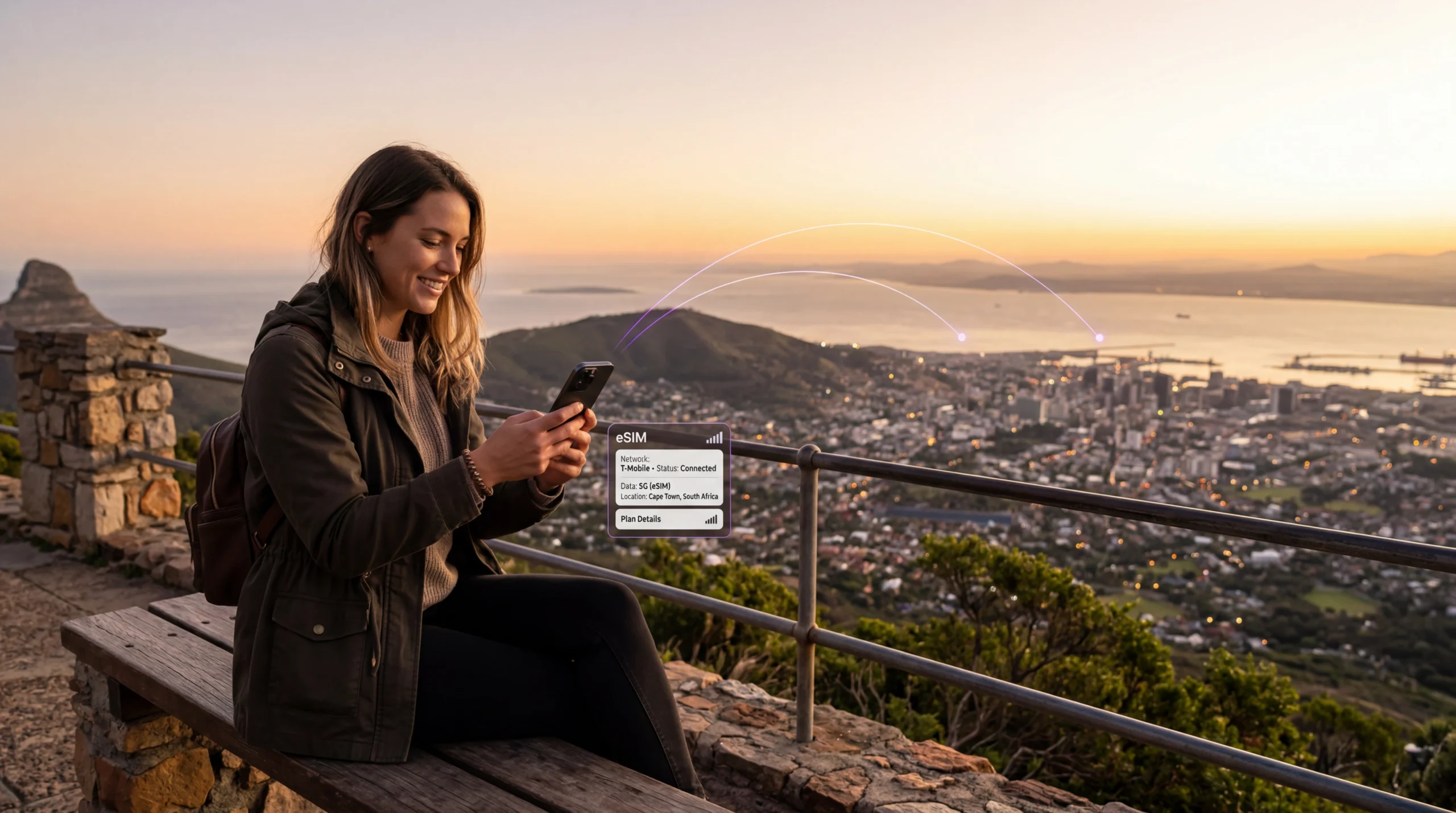
How eSIM works with NoveSIM
Buy your eSIM online, receive it instantly by email, install it in minutes, and stay connected in 190+ destinations. Browse travel eSIM plans by destination, activate your line, and avoid physical SIM swaps and roaming surprises.
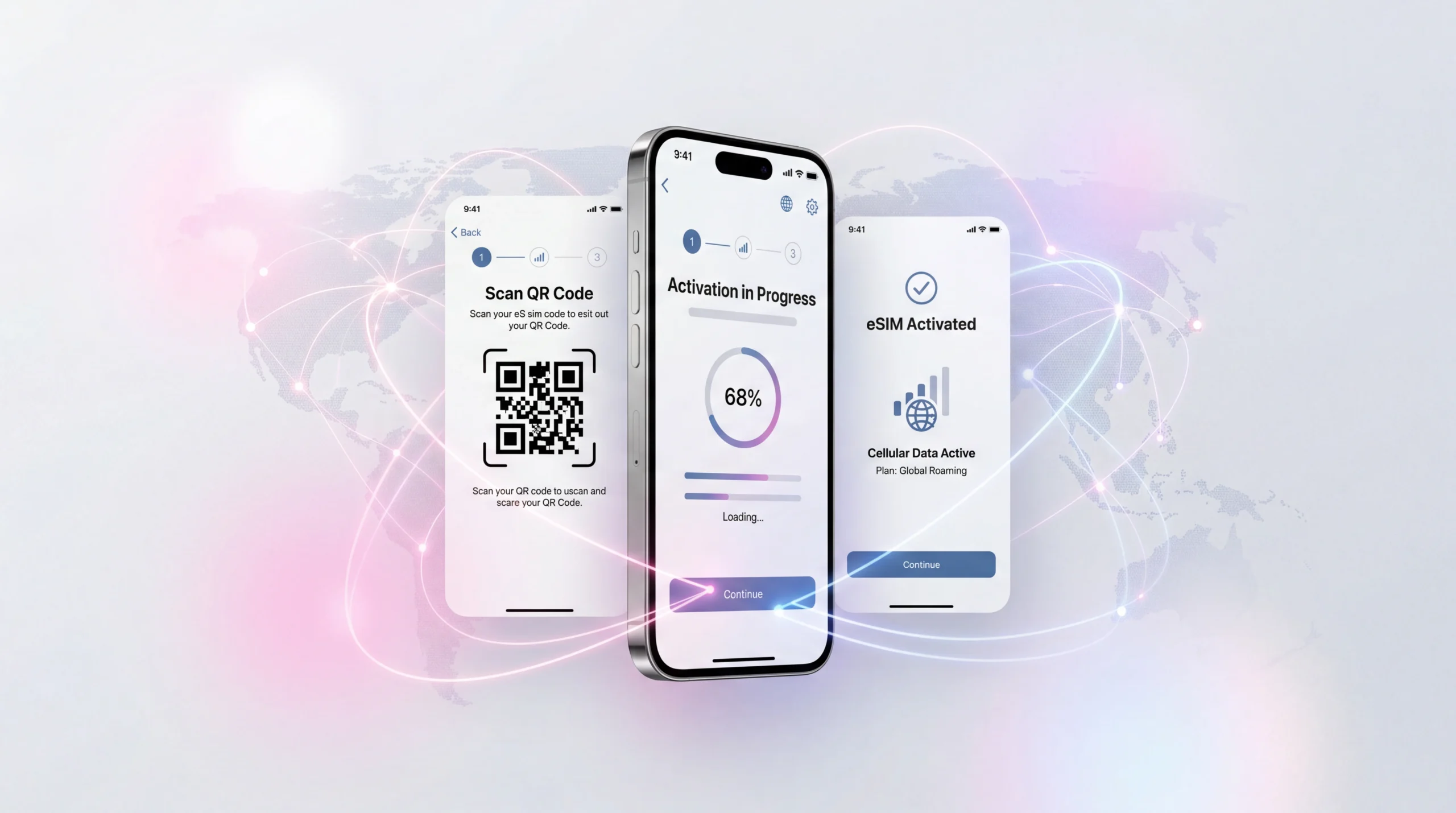
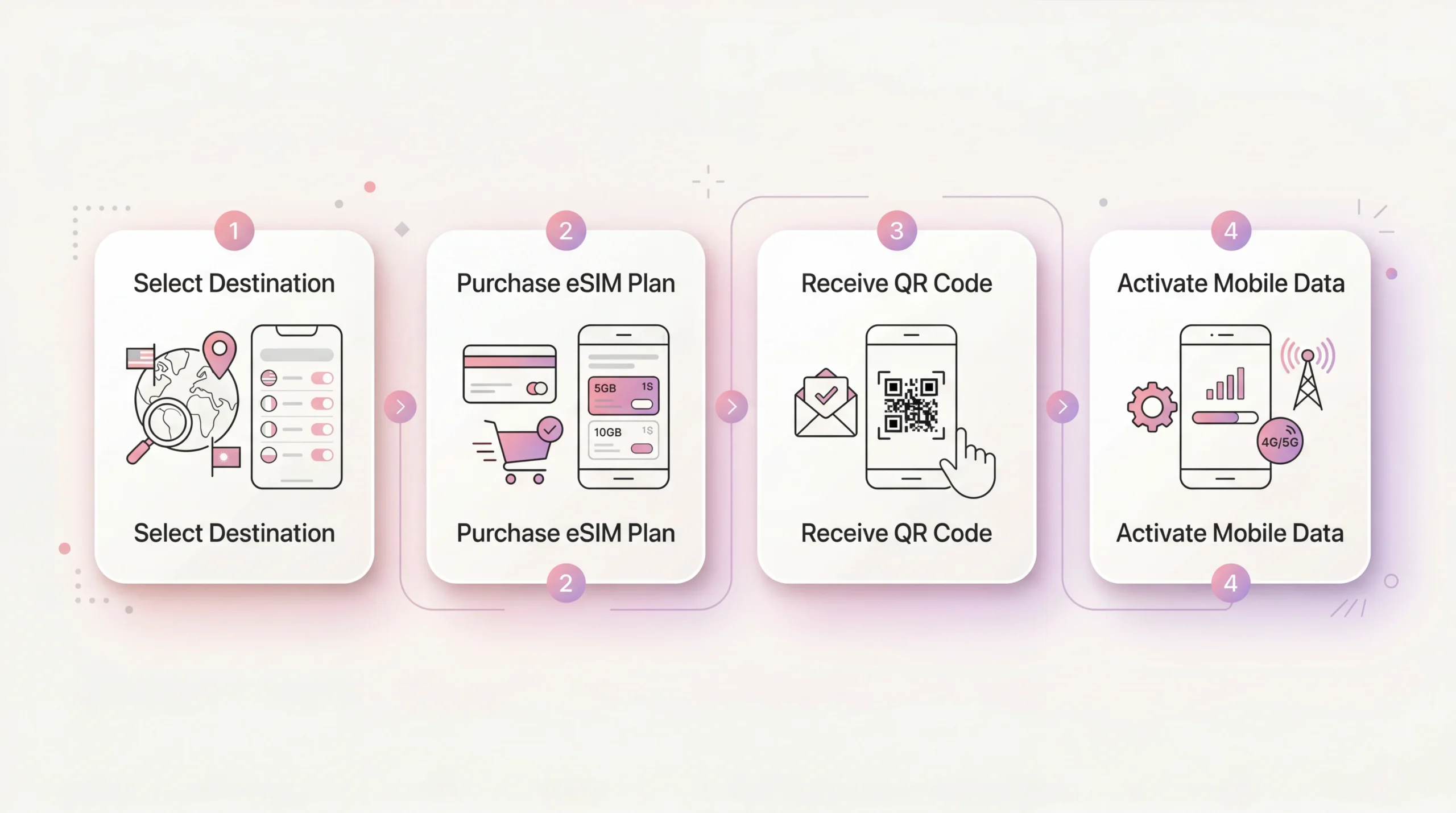
Get connected in 4 simple steps
NoveSIM makes travel connectivity easy. Browse available countries and regional plans, buy online, install your eSIM, and start using mobile data abroad in just a few minutes.
Setup takes less than 2 minutes. No app required.
Select your destination
Browse available destinations and choose the country or region you are traveling to.
Purchase your eSIM plan
Choose the right package for your trip and complete your order online in a few simple clicks.
Receive your QR code
Your eSIM QR code and installation details are sent to your email immediately after purchase.
Activate mobile data
Install the eSIM, turn on data roaming for the travel line, and connect as soon as you arrive.
First, check if your phone supports eSIM
Before purchasing, make sure your device is both eSIM-compatible and carrier-unlocked. Check your model on our compatible devices page to avoid installation issues later.
Check compatibility
Most recent iPhone, Samsung, Pixel, and other flagship models support eSIM, but always confirm first.
Make sure it is unlocked
Your phone must be unlocked by your carrier to install and use a travel eSIM abroad.
Confirm before purchase
Visit our device compatibility guide before you buy.
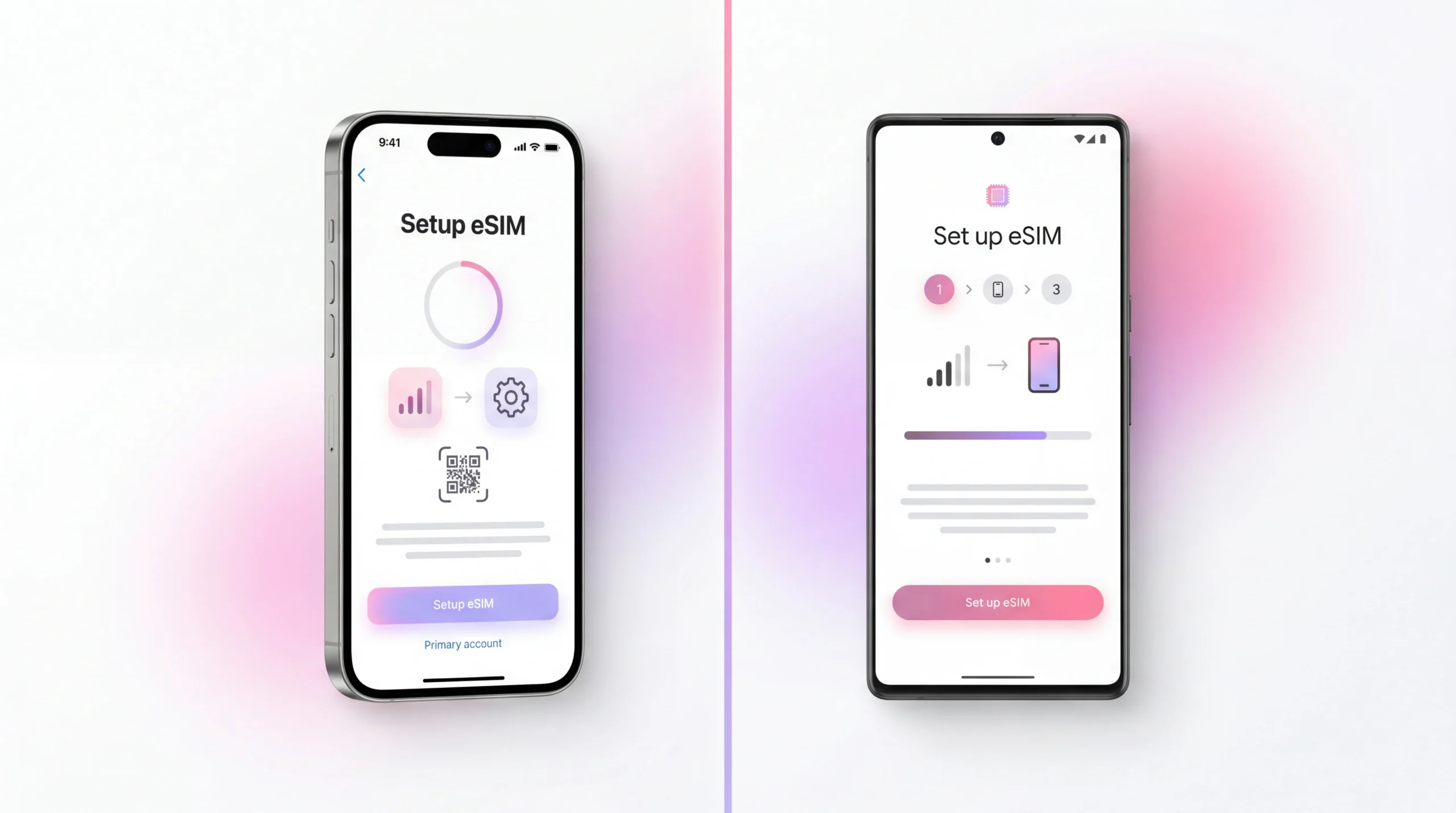
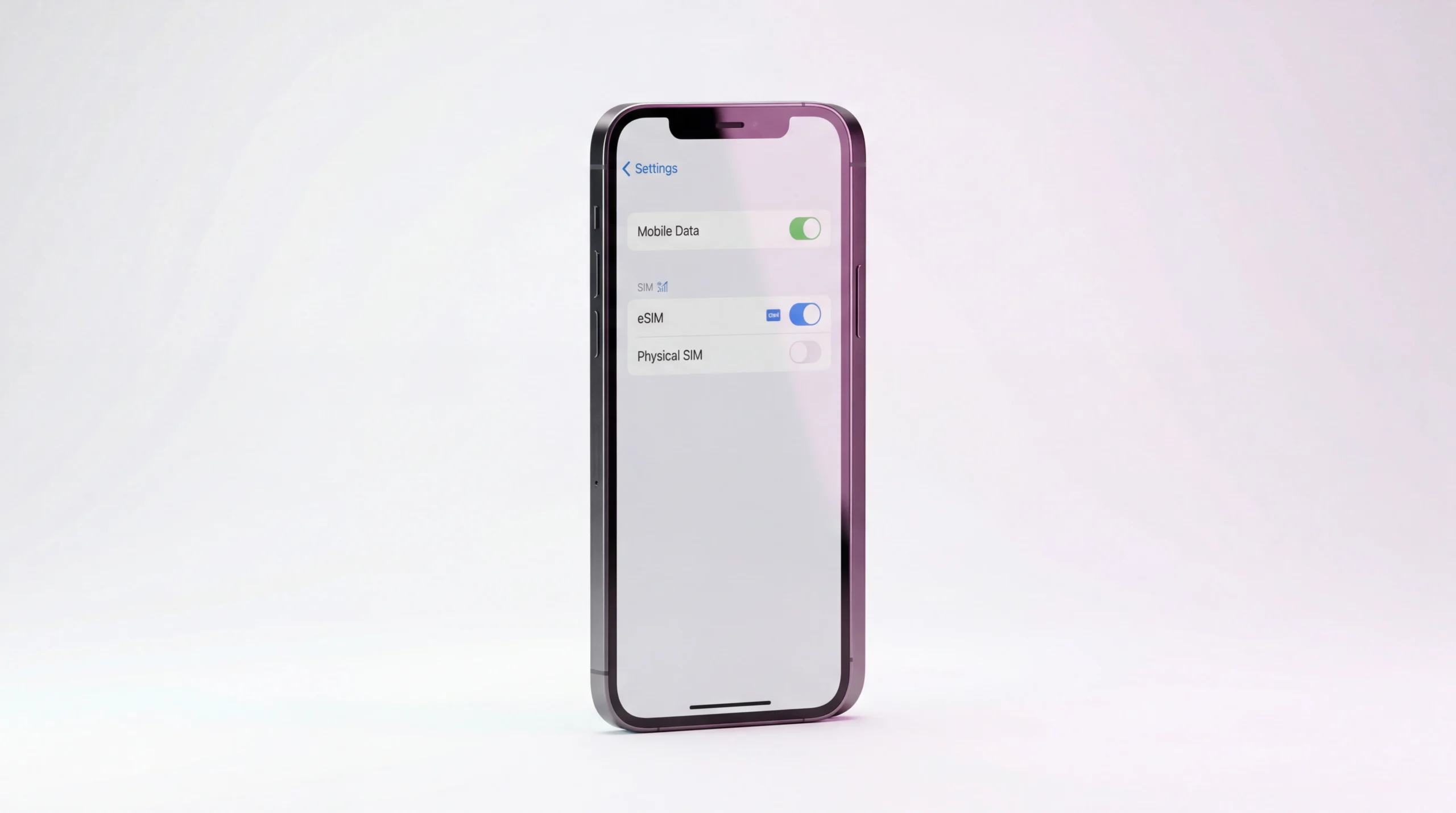
Install your eSIM in minutes
After purchase, NoveSIM sends your QR code and activation details by email. You can scan the QR code or manually enter the setup details on your device. For more detailed help, see our iPhone eSIM installation guide and Android eSIM installation guide.
Scan the QR code
Open your phone’s mobile network settings, choose to add an eSIM, and scan the QR code from your email.
Or install manually
If needed, use the SM-DP+ address and activation code included in your installation email.
Name your eSIM
Label your eSIM as “Travel” or with your destination name to keep your lines organized.
Enable data roaming
Turn on data roaming for your travel eSIM and make sure mobile data switching is disabled if needed.
Works on both iPhone and Android
The exact menu names may vary by device, but the setup flow is similar on most modern smartphones. You can follow dedicated instructions for iPhone or Android.
Install on iPhone
Go to Settings, Mobile Data, Add eSIM, then scan your QR code or enter the setup details manually.
Install on Android
Open SIM Manager or Mobile Network settings, choose Add eSIM, and complete the process using your QR code.

Best practice before your trip
Install your eSIM before departure while you still have a stable internet connection. If you want to compare alternatives first, read our guide on eSIM vs roaming vs local SIM cards.
Install before you fly
Complete setup at home or in the office so your eSIM is ready when your trip begins.
Keep your main SIM if needed
Many phones let you keep your main number active while using your eSIM for travel data.
Activate when you land
Depending on your plan, it may be best to turn on the travel line when you arrive at your destination.
Frequently asked questions about how eSIM works
How do I receive my NoveSIM eSIM after purchase?
Do I need to remove my physical SIM card?
When should I activate my eSIM?
What if I cannot scan the QR code?
Does eSIM work on all phones?
Choose your eSIM and get connected in minutes
Browse all travel eSIM plans, check your device compatibility, and enjoy reliable mobile data wherever you travel.