


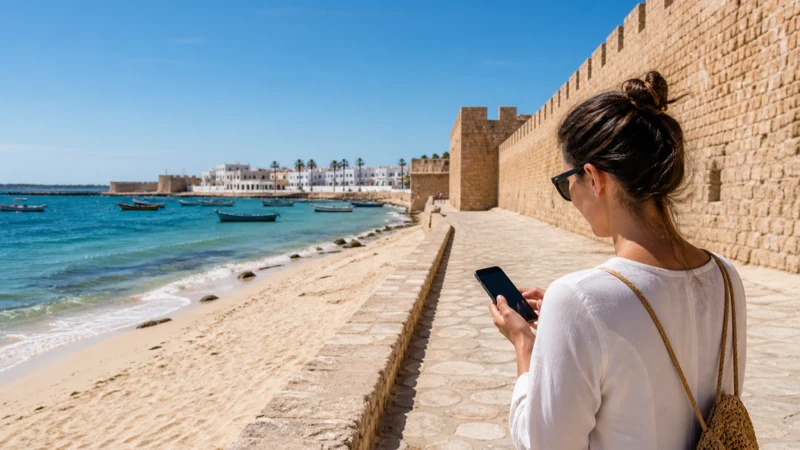

Hammamet mobile internet is most useful between the hotel and the places where hotel Wi-Fi ends: airport transfers, the medina, restaurants and day trips along the coast.
A resort can have strong Wi-Fi in reception and weak service in a distant room. Mobile reception can also differ between central Hammamet, Yasmine Hammamet and roads outside the built-up areas.
NoveSIM Tunisia plans are data-only unless the current product says otherwise. They support app-based messages and calls but do not supply a Tunisian number.
Quick answer: Install a Tunisia eSIM before departure when you want data during the transfer and away from the hotel. Confirm Wi-Fi in the actual room if work matters, download the medina and resort area offline, and save excursion pickup points before leaving Hammamet.
Top Tunisia eSIMs


Hammamet mobile internet beyond the hotel Wi-Fi zone
Large properties may use several access points and buildings. Ask where the reliable workspace is and whether evening congestion affects calls. Test the connection before uploading photos or joining a meeting.
Use mobile data as a second route, not proof that every beach section or excursion road is covered. The Tunisia coverage guide explains regional variation.
Medina and Yasmine movement
Save the hotel entrance and a return landmark. Similar property names can create confusion when showing an address to a driver. Download the broader area so navigation survives a temporary gap.
If a group separates, agree on a physical meeting point. A delayed message should not become the only way to reunite.
Day trips and the road from Tunis
Confirm the operator, pickup time and return instructions as screenshots. Traffic and current transport arrangements can change, so avoid relying on an old fixed journey time. For a multi-stop drive, use the Tunisia road-trip guide.
Data and phone protection
Pause cloud photo backup until trusted Wi-Fi is available. Sand, salt water and heat are separate risks: keep the phone secured and out of direct sun. The Tunisia data guide helps estimate connected-day use.
Connection checks
- Select the Tunisia eSIM for mobile data.
- Enable roaming on the travel line.
- Keep primary-SIM roaming off.
- Leave network selection on Automatic.
- Toggle Airplane Mode for 30 seconds if registration stalls.
Use data.esim only when manual NoveSIM APN entry is required. Keep the installed profile during troubleshooting.
Related Articles
FAQ
Does eSIM work in Hammamet?
It can work wherever the selected plan has usable local partner coverage.
Is resort Wi-Fi enough?
It may be enough inside one property, but mobile data is more useful during transfers and outings.
Can I work from a Hammamet hotel?
Confirm a recent test from the actual room or workspace before relying on it.
Will service continue on day trips?
Not necessarily. Download routes and meeting points before leaving the resort.
Final Recommendation
Use a Tunisia eSIM as the Hammamet mobile internet connection away from the hotel and verified Wi-Fi for heavier use.
Download the resort, medina and excursion route before each departure.
A fixed meeting point and offline hotel details remain useful when either connection becomes weak.