


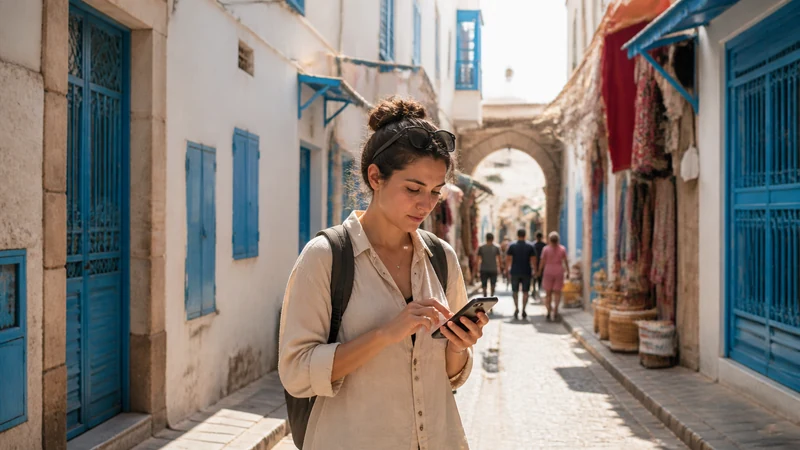

Google Maps works in Tunisia when your phone has mobile data or Wi-Fi, and downloaded map areas can provide basic navigation when the connection drops.
Offline maps do not replace every online feature: live traffic, current opening information, transit results and new searches may still require data.
A NoveSIM Tunisia travel eSIM is data-only and can provide the connection used by Google Maps without changing the account or telephone number attached to other apps.
Quick answer: Download the required Tunisia map areas before travel, save your accommodation and key places, and keep mobile data available for live searches and route changes. Test that the downloads open while the phone is offline.
Top Tunisia eSIMs


Does Google Maps Work in Tunisia?
Yes, but map detail, routing choices and business information can vary by place and change over time. Check important destinations against booking details or official addresses rather than relying on a single map pin.
Download Tunisia Maps Before Departure
- Open Google Maps while connected to dependable Wi-Fi.
- Select the offline maps area covering the actual route.
- Download it and confirm that enough storage remains.
- Save the hotel, airport and other essential places.
- Test the downloaded area with Wi-Fi and mobile data switched off.
Mobile data remains useful for updated searches and rerouting. Compare connection options in the Tunisia mobile internet guide and current plans on the Tunisia eSIM page.
What Works Offline?
Downloaded map areas can support basic driving navigation and saved places. Live traffic, newly changed roads, real-time transit, reviews and some walking details may be unavailable or outdated. Keep the written address and a screenshot of critical arrival directions.
Reduce Map Data Use
Download maps on Wi-Fi, restrict automatic updates and use mobile data mainly for live searches. The Tunisia SIM card guide helps compare ways to keep navigation online.
Related Articles
FAQ
Can I use Google Maps offline in Tunisia?
Yes for supported functions in a downloaded area, but live traffic, new searches and current information can require data.
Does GPS need mobile data?
GPS positioning can work without mobile data, although loading maps, searching and rerouting may need a connection.
How much data does navigation use?
Usually much less than video, especially with offline maps, but usage varies with searches and route updates.
Should I save addresses separately?
Yes. Keep written addresses and screenshots for essential destinations in case the map pin or connection is unavailable.
Final Recommendation
Google Maps in Tunisia is most dependable when offline downloads and mobile data are used together.
Prepare the correct areas and saved places before departure, then use data for live changes.
Keep critical addresses separately so navigation does not depend on one app or connection.