


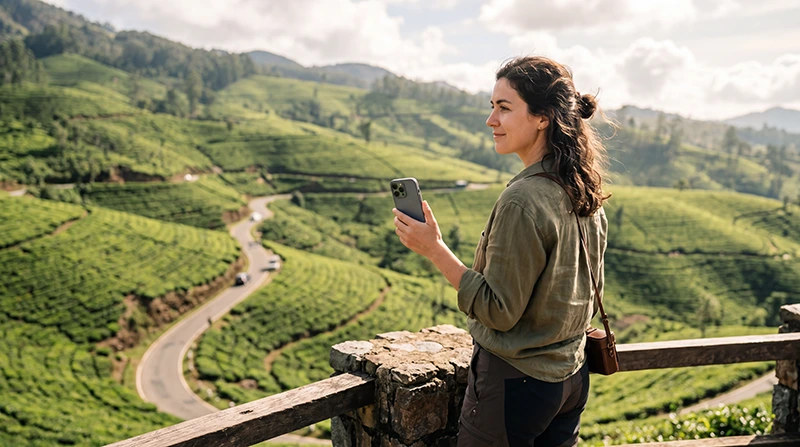

Google Maps works in Sri Lanka for road navigation, place search and route planning, but details can be less reliable on rural roads, estates and newly changed routes.
Offline areas are essential when travelling through mountains or places with intermittent signal.
NoveSIM provides data-only service for online map features where coverage is available.
Quick answer: Download every destination area, save accommodation pins and check the route before leaving reliable coverage. Use mobile data for live searches, but verify trains, buses and difficult rural access with current local information.
Top Sri Lanka eSIMs


Prepare Maps Before the Journey
- Download Colombo and every onward region.
- Save hotels, stations and trailheads.
- Keep addresses in a shareable note.
- Test offline navigation before departure.
Pair maps with the Sri Lanka travel apps.
Verify Transport and Remote Routes
Map estimates do not guarantee a road’s condition or a train’s current schedule. Confirm time-sensitive journeys locally. Prepare a Sri Lanka eSIM and review Sri Lanka internet options.
Related Articles
FAQ
Does Google Maps work in Sri Lanka?
Yes, but route detail and live information vary.
Can it work offline?
Downloaded areas support limited offline navigation.
Are train times reliable?
Verify important services through current official or station information.
Should I save hotel pins?
Yes, and keep the written address too.
Final Recommendation
Use Google Maps as a navigation tool, not the sole authority for schedules or remote roads. Download regions and retain local confirmation for important journeys.