


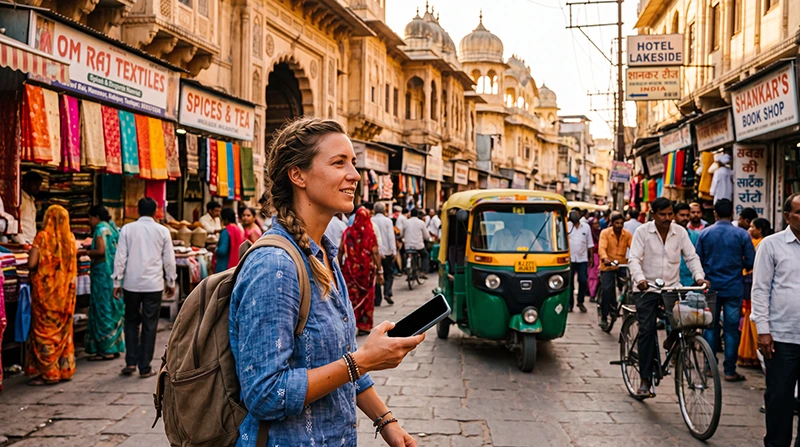

Google Maps in India is useful for city navigation, driving routes and saved destinations, but it should not be your only source for an unfamiliar route. Download offline areas, confirm pickup points and compare local instructions when a road or entrance is unclear.
Live traffic, public-transport updates and alternative routes require connectivity. Offline maps protect basic navigation but do not reproduce every online feature.
A NoveSIM travel eSIM supplies data for online map features but does not guarantee signal everywhere. Coverage depends on the location, network and device.
Quick answer: Download each itinerary area on Wi-Fi, save hotels and stations, verify the route with the operator or accommodation, and keep the destination address as text. Use mobile data for live conditions but retain an offline fallback.
Top India eSIMs


How do you prepare Google Maps in India for offline use?
- Open Google Maps while connected to reliable internet.
- Open your profile and choose Offline maps.
- Select your own map area.
- Adjust the boundary to cover the complete route area.
- Download it and confirm it appears in the offline-map list.
Google states that offline driving maps do not provide live traffic or alternative routes, and offline public-transport, cycling and walking directions may be unavailable. Update saved areas before the trip.
Save the exact destination, not only its name
Large airports, stations, hotels and attractions may have several entrances. Save the pin, written address, terminal and a screenshot of the meeting point. Ask the hotel or driver to confirm which entrance should be used.
Use extra care on road trips
Do not follow an unexpected shortcut onto an unsuitable road simply because it appears quicker. Compare road signs, current conditions and local advice. The India road-trip internet guide covers offline preparation between cities.
Prepare for mountains and weak coverage
Download a wider area before entering remote terrain and save fuel, accommodation and emergency details. Use the Indian Himalayas internet guide for high-altitude travel preparation.
Provide data for live map features
Choose mobile data before arrival, test it with Wi-Fi off and keep roaming disabled on the primary SIM. Compare India eSIM plans and the India internet options.
Related Articles
FAQ
Can Google Maps work offline in India?
Downloaded map areas can support offline driving navigation where the route is contained in the saved area.
Does an offline map show live traffic?
No. Live traffic and alternative routes require an internet connection.
Should I trust every suggested shortcut?
No. Check signs, road conditions and local advice before taking an unfamiliar route.
How much data does navigation need?
It is usually lighter than video use, and downloading map areas on Wi-Fi reduces mobile traffic.
Final Recommendation
Use Google Maps in India with both online data and downloaded offline areas.
Save precise entrances, addresses and route screenshots before each transfer.
Confirm unusual routes locally and never rely on live connectivity as the only navigation backup.