


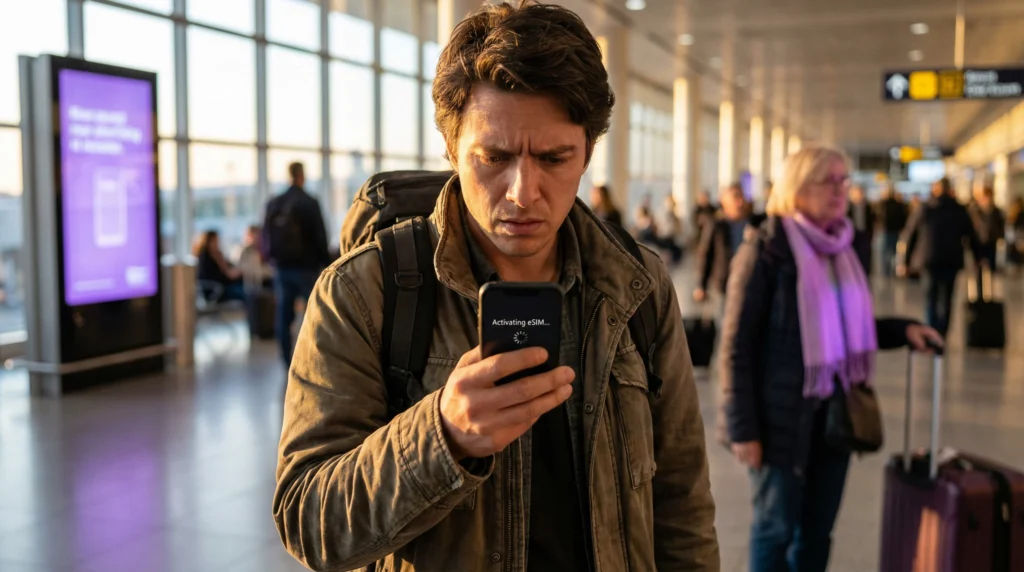
If your eSIM is stuck on “Activating” or “Activation in progress”, don’t panic — this is one of the most common eSIM issues travelers experience.
It usually happens because of:
- Network delay
- Incorrect settings
- Temporary connection issue
The important thing to know: In most cases, your eSIM is not broken — it just needs a quick fix.
Most common reason — no supported network detected
Many eSIMs activate only after connecting to a supported carrier.
If your phone:
- Isn’t in destination country yet
- Is in airplane mode
- Has no signal
activation may pause.
Fix
- Go outdoors
- Disable airplane mode
- Wait 1–3 minutes
Second common reason — roaming disabled
Travel eSIMs require roaming enabled.
- Fix: Settings → Mobile Data → eSIM → Data Roaming → ON
Third reason — network selection issue
Your phone might be trying to connect to an unsupported carrier.
Fix
- 1.Open Network Selection
- 2.Disable automatic mode
- 3.Select another network manually
Fourth reason — installation not fully completed
Sometimes installation finishes but activation screen doesn’t refresh.
Fix:
- Restart phone
- Reopen mobile settings
- Toggle eSIM off/on
Fifth reason — weak signal
Activation requires stable signal.
If you’re in:
- Airport basement
- Underground station
- Elevator
- Remote area
Activation may fail temporarily. Move to open space and retry.
Sixth reason — temporary carrier delay
Network provisioning sometimes takes a few minutes.
Typical activation times:
| Situation | Time |
| Instant | 30 seconds |
| Normal | 1–3 min |
| Delayed | up to 10 min |
If activation takes longer than 10 minutes, check settings.
Quick fix checklist (fastest method)
Try these steps in order:
- Turn roaming ON
- Restart phone
- Toggle airplane mode
- Switch network manually
- Check signal strength
This solves most activation issues.
When activation delay is normal
Activation delay is normal if:
- You installed eSIM before travel
- You just landed
- Network signal is weak
In these cases, waiting a few minutes usually solves it.
When you should reinstall eSIM
Reinstall only if:
- Activation stuck >15 minutes
- No networks appear
- profile missing
Otherwise, reinstalling is unnecessary.
Biggest myth
- Myth -> If eSIM is stuck activating, it means it failed.
- Reality -> Activation delays are usually temporary and fixable.
Real traveler example
- Traveler lands in Singapore.
- eSIM shows “Activating…”
- They toggle airplane mode → activation completes instantly.
When to contact support
Contact support only if:
- Activation stuck >15 minutes
- No signal appears
- Profile disappears
These cases are rare.
Final verdict
If your eSIM is stuck activating, it’s almost always caused by:
- Weak signal
- Roaming off
- Wrong network
- Temporary delay
Most problems resolve within minutes.
Need a reliable plan that activates instantly? 👉 https://novesim.com/destinations/
Frequently asked questions
Why is my eSIM stuck activating?
Usually because the device hasn’t connected to a supported network or roaming is disabled.
How long should eSIM activation take?
ost eSIMs activate within 30 seconds to 3 minutes.
Should I reinstall eSIM if activation is stuck?
Only if activation is stuck longer than 15 minutes.
Does restarting phone help eSIM activation?
Yes. Restarting often resolves temporary activation delays.