


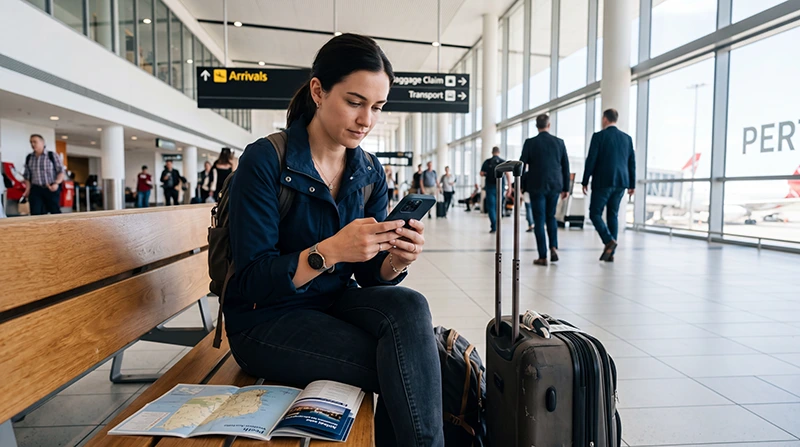

An eSIM at Perth Airport provides onward mobile data without a physical SIM purchase when the phone is compatible and unlocked. Install before departure, then test the connection in the correct terminal precinct.
Free Wi-Fi is available in T1–T4 and can support temporary setup, but it does not continue after leaving the airport.
NoveSIM travel eSIMs are data-only, without an Australian number or traditional calls and SMS.
Quick answer: Install before flying, enable the Australia profile after landing, select it for mobile data and follow its roaming instruction. Test maps before transferring terminals or travelling into Perth.
Top Australia eSIMs

Australia eSIM
Fixed
1 GB, 7 days3.00$2 GB, 15 days4.00$3 GB, 30 days5.50$Unlimited
Unlimited, 1 day3.00$Unlimited, 3 days6.50$Unlimited, 5 days9.50$
Asia eSIM
Fixed
1 GB, 7 days5.00$2 GB, 15 days9.00$3 GB, 30 days12.00$Unlimited
Unlimited, 1 day6.50$Unlimited, 3 days17.50$Unlimited, 5 days28.50$Prepare an eSIM at Perth Airport before arrival
- Confirm compatibility and unlocked status.
- Check plan validity and activation timing.
- Install on trusted Wi-Fi.
- Label the profile and save setup details.
- Store the correct terminal and transfer route offline.
Use the Australia installation guide before departure.
Connect after landing
- Enable the travel profile.
- Select it for data.
- Disable data switching.
- Follow the roaming instruction.
- Leave network selection automatic.
- Test a webpage and map.
Use terminal Wi-Fi as backup
Join Perth Airport Free WiFi and register in a browser. The Perth Airport Wi-Fi guide covers security and portal issues.
Fix a failed connection
Toggle flight mode, restart and recheck the selected line. Use data.esim if NoveSIM APN entry is required. Do not delete the profile unless support instructs you. See Australia eSIM troubleshooting.
Related Articles
FAQ
Should I install before arriving?
Yes. Trusted Wi-Fi before travel is more predictable; check what starts validity.
Can I install over airport Wi-Fi?
It may work, but keep the setup details offline and avoid sensitive activity.
Will it work between terminal precincts?
Mobile data works where the partner network has coverage; verify the connection before transferring.
Should I delete it if data fails?
No. Keep it installed and contact support after safe checks.
Final Recommendation
Prepare an eSIM at Perth Airport before departure and use arrival for testing.
Select it for data and use data.esim where required.
Save precinct-transfer and city transport information offline.