


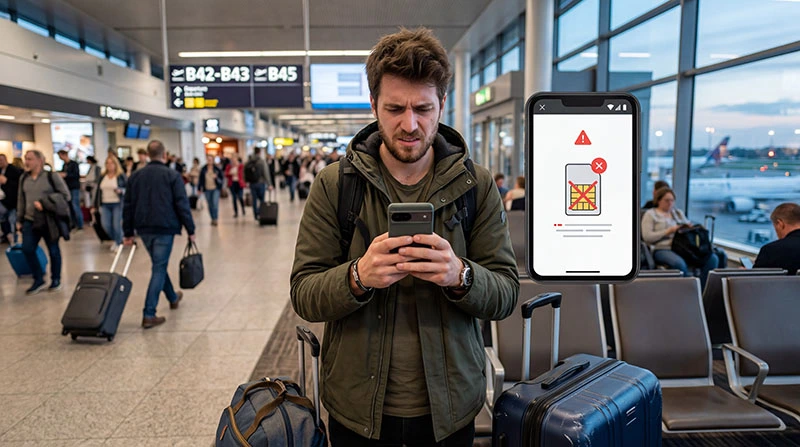

Is your eSIM not working abroad? This is one of the most common issues travelers face after arriving in a new country.
In most cases, the problem can be fixed in just a few minutes by checking your settings and network connection.
Quick Fix Checklist
- ✔ Mobile Data → set to eSIM
- ✔ Data Roaming → ON (for eSIM)
- ✔ Airplane Mode → toggle ON/OFF
- ✔ Restart your phone
- ✔ Check network selection
If your eSIM still does not work, follow the steps below.
Why Your eSIM Is Not Working Abroad
The most common reasons include:
- incorrect mobile data settings
- data roaming disabled
- network not selected automatically
- eSIM not activated yet
- coverage limitations in certain areas
No Signal or No Network on eSIM
If your phone shows No Service or No Signal:
- go to Settings → Mobile Network
- select your eSIM
- enable automatic network selection
- wait 30–60 seconds
Try switching networks manually if needed.
eSIM Connected but No Internet
If you have signal but no internet:
- check that mobile data is set to eSIM
- enable data roaming
- disable primary SIM data
- restart your device
This is usually a configuration issue.
eSIM Not Activated Yet
Some eSIM plans activate only when you connect to a supported network.
Make sure:
- you are in the destination country
- your plan is valid
- activation instructions were followed
Helpful guide:
How to Install eSIM Before Travel
Wrong SIM Used for Mobile Data
Many phones support dual SIM, which can cause confusion.
Always check:
- Mobile Data → eSIM
- Primary SIM → calls only
- Primary SIM roaming → OFF
Learn more:
Do I Need to Turn Off My Primary SIM?
Network Coverage Issues
In some areas, coverage may be limited:
- rural locations
- mountains
- remote islands
Try moving to a city area or restarting your device.
Still Not Working?
If your eSIM is still not working:
- reinstall the eSIM profile
- check your plan validity
- contact support
Need a reliable connection? Choose a high-quality eSIM plan before traveling.
Final Thoughts
Most eSIM issues abroad are caused by incorrect settings rather than network problems.
By checking your configuration and following the steps above, you can usually fix the issue in minutes.
Frequently Asked Questions
Why is my eSIM not working abroad?
The most common reason is incorrect settings, such as mobile data not set to eSIM or roaming disabled.
Should roaming be on for eSIM?
Yes. In most cases, data roaming must be enabled for eSIM to work abroad.
Why do I have signal but no internet?
This usually means the wrong SIM is selected for mobile data or APN settings are incorrect.
Can I fix eSIM issues myself?
Yes. Most issues can be fixed by checking settings and restarting your phone.