


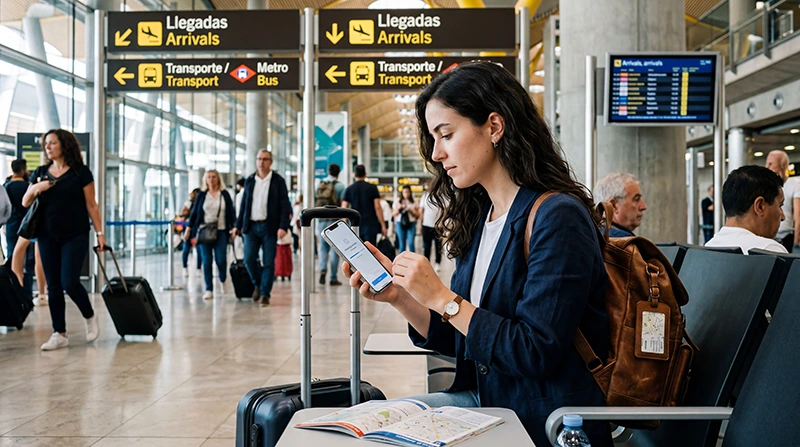

An eSIM at Madrid Airport can provide mobile data for the journey into the city without waiting to buy a physical SIM, as long as the phone is compatible and the plan covers Spain.
Adolfo Suárez Madrid-Barajas Airport also provides official Aena Wi-Fi. It is useful for temporary access, but advance eSIM installation makes the arrival less dependent on a portal and email verification.
NoveSIM Spain travel eSIMs are data-only. They do not include a Spanish telephone number or conventional calls and SMS, while internet calling and messaging work through data.
Quick answer: Install the Spain eSIM before departure, then enable it at Madrid Airport, select it for Mobile Data and turn on Data Roaming. If a backup is needed, join Airport Free Wifi Aena and follow the official verification steps.
Top Spain eSIMs

Spain eSIM
Fixed
1 GB, 7 days€ 1.772 GB, 15 days€ 3.553 GB, 30 days€ 4.44Unlimited
Unlimited, 1 day€ 2.22Unlimited, 3 days€ 4.88Unlimited, 5 days€ 7.99
Europe Extra eSIM
Fixed
1 GB, 7 days€ 2.222 GB, 15 days€ 3.553 GB, 30 days€ 4.44Unlimited
Unlimited, 1 day€ 2.66Unlimited, 3 days€ 5.32Unlimited, 5 days€ 8.87Europe+ eSIM
Fixed
1 GB, 7 days€ 2.662 GB, 15 days€ 3.993 GB, 30 days€ 5.32Unlimited
Unlimited, 1 day€ 2.66Unlimited, 3 days€ 6.21Unlimited, 5 days€ 10.20Prepare the Spain eSIM before Departure
- Confirm that the phone supports eSIM and is not carrier-locked.
- Check that Spain is included in the selected plan.
- Install the profile on reliable Wi-Fi if advance setup is allowed.
- Label the line and save the order details offline.
- Download the first route from the airport.
For device and plan checks, see whether an eSIM will work in Spain.
Connect after Landing at Madrid-Barajas
- Leave Airplane Mode after arrival.
- Switch on the Spain eSIM.
- Select it as the Mobile Data line.
- Enable Data Roaming on the travel line.
- Disable automatic data switching to the home SIM.
- Wait with Network Selection on Automatic.
Use a webpage or map to test the connection. A normal call does not test a data-only travel plan.
Using Aena’s Free Airport Wi-Fi
Aena instructs passengers to join Airport Free Wifi Aena. The welcome portal allows guest access by email or an Aena Club login. Guest users receive an email to verify the account and have 15 minutes of free access to complete that verification; after verification, Aena states that access has no time limit.
Network and portal details can change, so confirm them on current airport signage. The Madrid Airport Wi-Fi guide covers the connection flow in more detail.
Mobile Data for the Journey into Madrid
Airport Wi-Fi ends when you leave its coverage. A working eSIM can then support live transport information, pickup coordination and walking directions to the final address.
For a comparison with physical purchase, see the Madrid Airport SIM card guide. The Madrid Airport internet guide covers all arrival options.
If the Spain eSIM Does Not Register
Confirm Spain coverage, plan validity, the selected data line and Data Roaming. Refresh registration with Airplane Mode and restart the phone. If required by the plan instructions, enter the NoveSIM APN data.esim.
Available networks, speed and 4G or 5G service depend on the plan, device, partner network and local conditions. Do not delete the installed eSIM unless NoveSIM Support instructs you to do so.
Related Articles
- Internet at Madrid Airport
- Wi-Fi at Madrid Airport
- SIM Card at Madrid Airport
- Best eSIM for Spain Travel
- Spain eSIM Plans
FAQ
Can I activate an eSIM at Madrid Airport?
Yes, if the phone and plan support it, but advance installation reduces dependence on airport Wi-Fi.
What is the official Madrid Airport Wi-Fi network?
Aena currently identifies it as Airport Free Wifi Aena. Verify the name on airport signage before connecting.
Do I need Data Roaming in Spain?
Usually yes for a travel eSIM. Enable it for the travel line and prevent the home SIM from switching into mobile data.
Can I use the same eSIM outside Madrid?
Yes, when the plan includes Spain, subject to its partner networks, validity and local coverage.
Final Recommendation
Prepare the Madrid Airport eSIM before travel and keep your first route available offline.
After landing, select the Spain eSIM for data, enable roaming and let the phone register automatically.
Use Aena’s official Wi-Fi as a temporary backup, then rely on mobile data beyond the airport.