


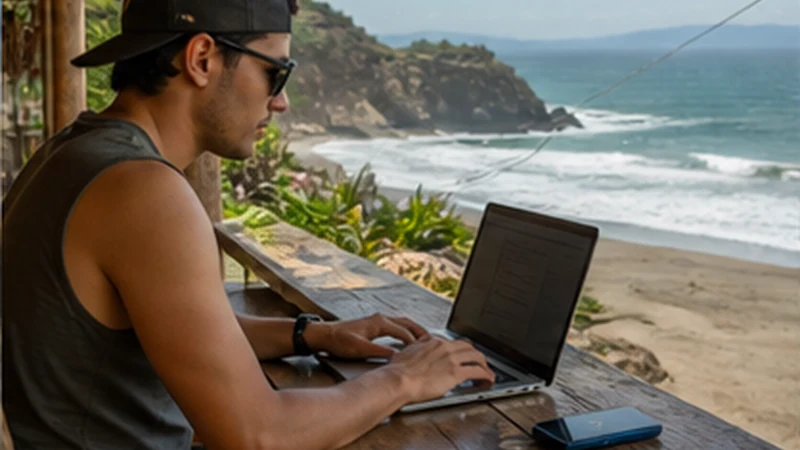

An El Salvador eSIM hotspot can connect a laptop, tablet or companion’s phone when the travel plan and device both permit tethering. It is a useful backup, but it should not be assumed to replace reliable accommodation Wi-Fi for a full working day.
The shared devices use the phone’s allowance and the same local mobile connection. Weak reception, video meetings and background updates can therefore affect every connected user at once.
NoveSIM plans are data-only and do not provide a Salvadoran number, standard calls or SMS. Hotspot availability depends on the exact plan, phone, operating system and local network conditions.
Quick answer: Verify that hotspot use is included, test with one device, set a password and pause cloud backups. Keep the phone cool and powered, and use fixed Wi-Fi for long calls or large transfers when possible.
Top El Salvador eSIMs

El Salvador eSIM
Fixed
1 GB, 7 days€ 3.992 GB, 15 days€ 7.103 GB, 30 days€ 11.98Unlimited
Unlimited, 1 day€ 5.32Unlimited, 3 days€ 17.75Unlimited, 5 days€ 24.40
Caribbean eSIM
Fixed
1 GB, 7 days€ 9.322 GB, 15 days€ 16.863 GB, 30 days€ 23.52Unlimited
Unlimited, 1 day€ 13.75Unlimited, 3 days€ 39.49Unlimited, 5 days€ 65.22Central America eSIM
Fixed
1 GB, 7 days€ 7.102 GB, 15 days€ 11.543 GB, 30 days€ 15.53Unlimited
Unlimited, 1 day€ 6.66Unlimited, 3 days€ 16.42Unlimited, 5 days€ 26.18Check whether tethering fits the job
| Task | Hotspot suitability |
|---|---|
| Messages and light browsing | Usually a practical short session |
| Maps on a second phone | Useful if the main phone remains nearby |
| Video meeting | Test first and keep another connection available |
| System update or cloud backup | Delay or use trusted Wi-Fi |
| Several laptops all day | Use fixed internet where possible |
Estimate the shared allowance with the El Salvador data guide. The host phone cannot distinguish essential work from a connected device’s automatic downloads.
Start an El Salvador eSIM hotspot deliberately
- Confirm in the plan details that hotspot or tethering is supported.
- Select NoveSIM as the phone’s mobile-data line.
- Enable data roaming on the travel profile when required.
- Turn off automatic updates and photo backup on every device.
- Create a strong hotspot password.
- Connect one device and load a normal webpage.
- Check the phone’s data counter before beginning a larger task.
If two SIMs are active, use the Dual SIM configuration guide to prevent the phone from sharing expensive home-line roaming data.
Reception on the host phone controls the session
Moving the phone near a window may improve indoor reception, but do not leave it exposed in an unsecured place. San Salvador, a surf town and an inland route can produce different results; coverage depends on the plan, partner network, building and terrain.
Read the El Salvador coverage guide before relying on tethering away from populated areas. Download documents and maps before a road stage rather than expecting the hotspot to recover missing radio coverage.
Protect the battery, device and allowance
- Keep the phone ventilated and out of direct sun.
- Use a trusted charger, but disconnect if the phone becomes unusually hot.
- Remove devices after their task is finished.
- Use lower video quality and close unused browser tabs.
- Check the plan balance after a long call or upload.
A hotspot combines mobile-radio use, Wi-Fi broadcasting and charging load. Heat can reduce performance even when reception remains available.
If another device connects but has no internet
First test mobile data directly on the host phone. If the host cannot load a page, follow the eSIM troubleshooting guide before changing hotspot settings. If the host works, forget the hotspot network on the client and reconnect with the current password.
Use data.esim only when the NoveSIM instructions require manual APN entry. Do not delete the installed eSIM during diagnosis unless support tells you to do so.
Related Articles
- Digital Nomad Internet in El Salvador
- Business Travel Internet in El Salvador
- Slow eSIM Data in El Salvador
FAQ
Can I use a NoveSIM plan as a hotspot in El Salvador?
Only when the specific plan and device support tethering. Check the plan details rather than assuming all offers have the same terms.
Does a laptop use a separate data allowance?
No. Connected devices consume the host phone’s travel-plan allowance.
Why does hotspot speed feel slower?
Several devices, weak reception, background traffic, phone heat and Wi-Fi interference can all reduce practical performance.
Should I leave the hotspot running overnight?
No. Switch it off when it is not needed to protect the battery, allowance and connection security.
Final Recommendation
Use an El Salvador eSIM hotspot as a controlled bridge for specific devices and short tasks.
Confirm plan support, secure the connection and monitor both data use and phone temperature.
For sustained work, pair travel data with verified property Wi-Fi instead of making one phone the only connection.