


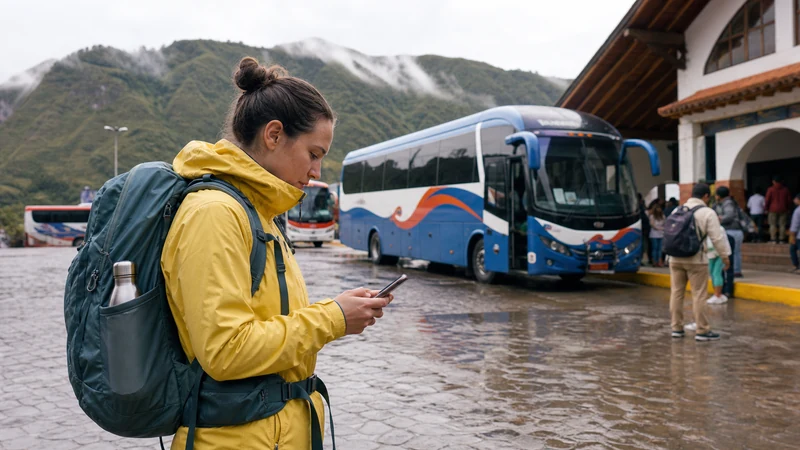

A long stay in Ecuador needs a different data plan from a short holiday. The useful questions are whether the allowance can last, whether it can be topped up, and how the connection will fit around home or accommodation Wi-Fi.
Mobile coverage is generally easier to use in major cities than on Andean roads, in Amazon areas or on the Galápagos Islands. Keep offline copies of essential documents and maps even when mobile data is your everyday connection.
NoveSIM travel eSIM plans are data-only. They do not provide an Ecuadorian telephone number or traditional calls and SMS, although internet calling and messaging apps work over data.
Quick answer: For several weeks in Ecuador, choose by total allowance and renewal options rather than the cheapest headline price. Use stable Wi-Fi for large downloads, keep your home SIM only for essential messages, and review usage every few days.
Top Ecuador eSIMs


Plan Mobile Data for a Long Stay in Ecuador
Start with the tasks that must work away from Wi-Fi: maps, transport apps, banking checks, accommodation messages and two-factor authentication. Then add optional use such as video calls, cloud backup and hotspot tethering.
| Use pattern | Practical approach |
|---|---|
| Mostly Wi-Fi | Reserve mobile data for travel days and outages. |
| Frequent city travel | Choose a larger allowance and monitor app usage. |
| Remote work | Confirm hotspot support and keep a second connection option. |
| Multi-region itinerary | Plan offline gaps and check coverage for each stage. |
The Ecuador data-planning guide helps estimate an allowance, while the current Ecuador eSIM page is the place to confirm validity and product terms before purchase.
Do Not Depend on One Connection for Work
Accommodation Wi-Fi can vary by building and room. If a call or deadline matters, test the connection before the event, ask the host where the router is located and keep enough mobile data for a short backup session. Hotspot availability and performance depend on the plan, device and local network conditions.
For regional travel, read the Ecuador coverage guide. Signal in a city does not predict service on a volcano route, inside a forest lodge or between towns.
Set Up Dual SIM for Several Weeks
- Install the eSIM over dependable Wi-Fi before it is urgently needed.
- Label the lines clearly, for example Home and Ecuador Data.
- Select the travel eSIM for mobile data and enable Data Roaming on that line.
- Turn off roaming on the home SIM and disable automatic data switching.
- Check which line is used before making a traditional call or sending an SMS.
Use the installation guide and arrival activation checklist for the exact sequence.
Review Usage Before It Becomes Urgent
- Pause automatic photo and video backup on mobile data.
- Download operating-system updates over trusted Wi-Fi.
- Check the plan balance before weekends and intercity travel.
- Keep booking confirmations, addresses and identity documents available offline.
Related Articles
- Mobile Internet in Ecuador
- Using an Ecuador eSIM as a Hotspot
- Mobile Internet on an Ecuador Road Trip
- Troubleshoot an Ecuador eSIM
FAQ
Is an eSIM suitable for a month in Ecuador?
It can be, if the validity, allowance and top-up terms match the whole stay. Confirm those details on the current product page.
Should I cancel my home SIM?
No. Many travellers keep it active for essential messages while disabling roaming and automatic data switching to control charges.
Can mobile data replace apartment Wi-Fi?
It may cover light use, but sustained work, video and backups need a suitable allowance and confirmed hotspot support. Keep an alternative for important sessions.
What APN should I keep for a long stay?
Use data.esim only when manual APN entry is required. Keep the installed eSIM profile and contact support before removing it.
Final Recommendation
For a long stay in Ecuador, choose around allowance, validity and renewal rather than a short-trip price comparison.
Use mobile data for movement and backup, trusted Wi-Fi for heavy downloads, and dual-SIM controls to protect the home line.
Review usage and the next part of the itinerary regularly so a remote travel day does not begin with an empty allowance.