


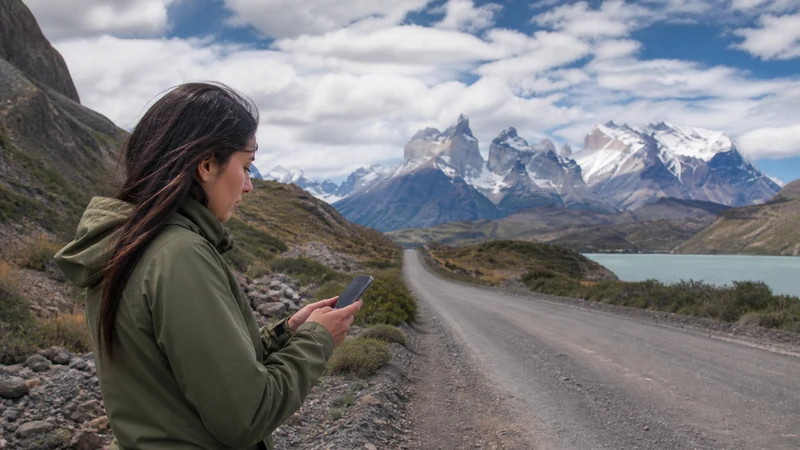

A Chile road trip needs an offline-first mobile plan because long distances, mountain terrain and sparse settlements can interrupt service between towns. Mobile data is valuable for live updates and messages, but it should not be the only copy of your route.
The network experience can change sharply between Santiago, coastal cities, the Atacama region and Patagonia. Plan each stage separately instead of judging the whole country from the first connection.
NoveSIM travel eSIMs are data-only. We do not provide conventional calls, SMS or a Chilean number, while internet communication works where mobile data is available.
Quick answer: Install a Chile eSIM before departure, download every route segment and save fuel, accommodation and emergency information offline. Expect gaps on remote roads and do not schedule connection-dependent tasks while driving between settlements.
Top Chile eSIMs

Chile eSIM
Fixed
1 GB, 7 days€ 4.912 GB, 15 days€ 8.033 GB, 30 days€ 11.16Unlimited
Unlimited, 1 day€ 6.25Unlimited, 3 days€ 15.62Unlimited, 5 days€ 25.44
Prepare each route segment
- Download the next day’s map while connected.
- Save the accommodation address and arrival instructions.
- Mark fuel, food and medical stops offline.
- Take screenshots of bookings and border documents.
- Share the planned route before isolated stages.
The Chile coverage guide explains why terrain and population density matter more than a national coverage percentage.
Choose data for navigation and stops
Navigation and messaging are moderate data uses, while video, cloud backup and hotspot work can consume far more. Use the Chile data guide and include a buffer for changed plans.
Understand the regional differences
Santiago–Valparaíso is not equivalent to a remote desert or southern park route. Patagonia needs stricter preparation; see the Patagonia mobile-data guide. Border crossings also require saved documents and separate plan checks because network selection can change near another country.
Keep the phone configured safely
- Select the travel eSIM for mobile data.
- Enable roaming for that line when the plan requires it.
- Keep the home SIM from using roaming data.
- Leave network selection automatic first.
- Carry a charging cable and car power adapter.
If the signal disappears
Continue with the offline route and wait until reaching a populated area before concluding the eSIM has failed. If service should be available, restart the phone and use the Chile troubleshooting steps. Never delete the eSIM unless support instructs you to.
Related Articles
- Internet in Chile for Tourists
- Chile–Argentina Border Internet
- Chile–Peru Border Internet
- Internet in San Pedro de Atacama
FAQ
Will mobile data work throughout a Chile road trip?
No. Cities and towns are more predictable, while remote roads and parks can have long gaps.
Should I download offline maps?
Yes. Download every remote stage and keep key addresses outside the map app as well.
Can I use a phone hotspot in the car?
Yes if the plan permits hotspot use and the route has coverage, but secure the phone and avoid handling it while driving.
What happens near an international border?
The phone may detect another network. Confirm plan coverage and keep automatic selection unless support advises otherwise.
Final Recommendation
Use a Chile eSIM for live navigation and communication, but build the journey around offline information.
Prepare every stage while you have dependable service and power.
Expect natural gaps on remote routes and treat reconnection in the next town as normal.