


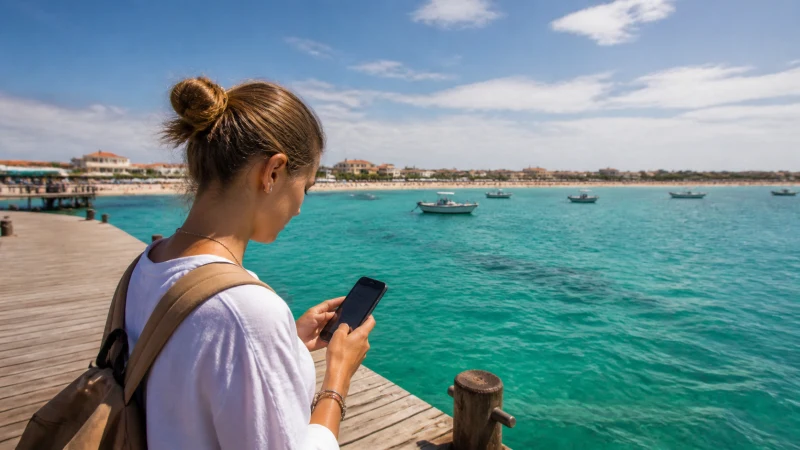

Setting up a Cape Verde eSIM on an iPhone is handled entirely through the Settings app, and confirming your specific iPhone model supports eSIM before purchasing a plan avoids any compatibility surprises once you’ve already committed to a provider.
Quick answer: Most iPhones from recent years support eSIM, with installation happening through Settings, then Cellular, then Add eSIM, either by scanning a QR code or entering details manually. Setting your Cape Verde eSIM as the default for cellular data, while keeping your home line for calls, is the typical configuration.
Top Cape Verde eSIMs

Cape Verde eSIM
Fixed
1 GB, 7 days€ 10.662 GB, 15 days€ 19.553 GB, 30 days€ 25.33Unlimited
Unlimited, 1 day€ 11.55Unlimited, 3 days€ 31.10Unlimited, 5 days€ 50.65
Checking your iPhone’s eSIM compatibility
Most iPhones released in recent years support eSIM, though confirming your specific model against Apple’s official specifications avoids wasted money on an incompatible purchase.
Installing the eSIM profile
Within Settings, then Cellular, then Add eSIM, you can scan the QR code provided by your eSIM provider or enter the details manually if scanning isn’t convenient — the install eSIM guide covers this process more generally.
Configuring your APN settings
After installation, entering data.esim as your APN ensures data actually passes through the connection — the APN settings guide covers this configuration.
Setting your default line for data
Within your cellular settings, choosing your Cape Verde eSIM as the default for cellular data while keeping your home line active for calls and texts is the typical dual-SIM configuration for this kind of trip — the roaming charges guide covers avoiding accidental home carrier charges with this setup.
Activating your eSIM upon arrival
Waiting until you’ve landed on your first island to activate and enable data roaming for your eSIM line preserves your plan’s validity period for the days you’re actually in Cape Verde — the activate eSIM guide covers this timing, and the manual network selection guide covers what to do if your iPhone doesn’t connect automatically.
FAQ
Does my iPhone support eSIM for Cape Verde?
Most iPhones from recent years do, though confirming your specific model is worth doing.
Where do I install an eSIM on iPhone?
Settings, then Cellular, then Add eSIM, either scanning a QR code or entering details manually.
Do I need to configure APN settings after installing?
Yes, entering data.esim ensures your data connection actually works.
Can I keep my home number active alongside the eSIM?
Yes, iPhone supports dual SIM, letting you keep calls on your home line while using the eSIM for data.
When should I activate my eSIM?
Generally upon arrival at your first island, to preserve your plan’s validity period.
What if my eSIM isn’t working after setup?
Check your APN settings first, then try manual network selection if issues persist.
Final Recommendation
Install your eSIM before you travel, configure your APN settings correctly, and activate upon arrival. See the APN settings guide for the correct configuration details.