


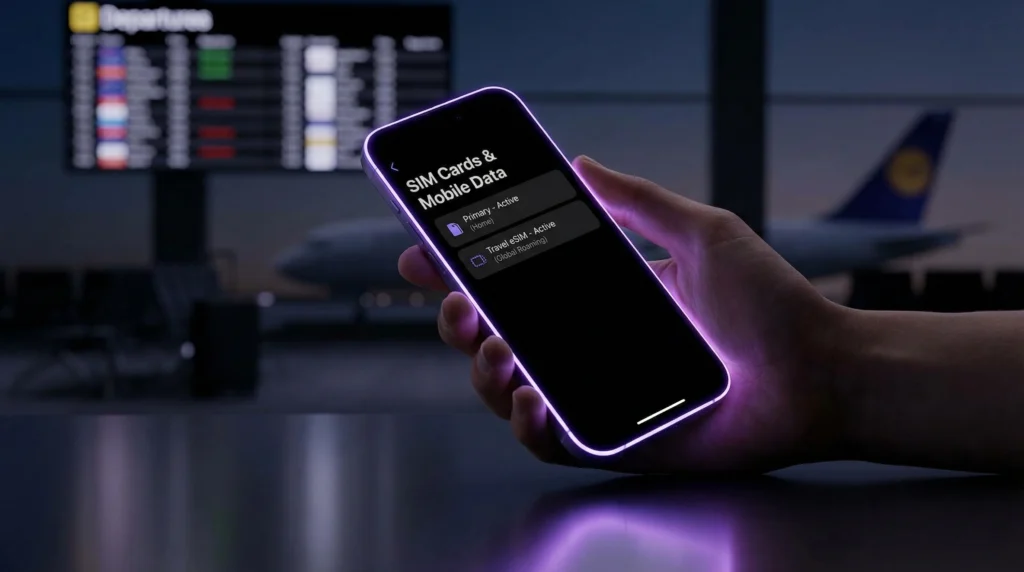
Yes—on most modern smartphones you can use an eSIM and a physical SIM at the same time. This setup is called Dual SIM and it’s perfect for travel: keep your main number for calls/SMS while using a travel eSIM for mobile data.
In this guide you’ll learn:
- How Dual SIM works
- What combinations are possible (eSIM + SIM, dual eSIM)
- How to set it up on iPhone and Android
- Common mistakes to avoid.
What is Dual SIM?
Dual SIM means your phone can use two mobile lines. Depending on the device, that can be:
- 1 physical SIM + 1 eSIM (most common)
- 2 eSIMs (supported on many newer iPhones and some Android devices)
- 2 physical SIMs (older Dual SIM devices)
For travelers, the best option is usually: ✅ Physical SIM (home number) + eSIM (travel data)
What you can do with eSIM + physical SIM
With Dual SIM you can:
- Keep your main number active for calls and SMS
- Use travel eSIM for mobile data
- Avoid roaming charges on your home SIM
- Use WhatsApp/Telegram/iMessage as usual (they use internet)
Important: If your travel eSIM is data-only, you’ll still use your main SIM for calls/SMS—but apps keep working normally.
The key setting: choose which SIM is used for data
Dual SIM works best when you set:
- Mobile Data = travel eSIM
- Calls/SMS = primary SIM (optional)
This is the most common travel configuration.
Setup on iPhone (eSIM + physical SIM
- 1. Go to Settings → Cellular (or Mobile Data)
- 2. You will see your lines (Primary + eSIM)
- 3. Tap Cellular Data and choose your eSIM
- 4. (Optional) Keep Default Voice Line as your primary SIM
- 5. Turn Data Roaming ON for the travel eSIM (when abroad)
- 6. Turn Data Roaming OFF for your main SIM to avoid charges
Tip: You can name your lines (e.g., “Primary” and “Travel eSIM”) to avoid confusion.
Setup on Android (Samsung example)
- 1. Go to Settings → Connections → SIM manager
- 2. Set Mobile data = your travel eSIM
- 3. Choose default Calls and Messages (usually your main SIM)
- 4. When traveling, enable Data roaming for the eSIM if required by your plan
On some devices the menu names differ slightly, but the logic is the same: pick which SIM provides data.
Can I receive SMS while using travel eSIM data?
Usually yes—as long as your primary SIM stays active in the phone.
However, note:
- Some carriers charge for receiving SMS abroad (rare, but possible)
- If you want to avoid any roaming risk, keep your primary SIM active for SMS but disable data roaming on it
Does Dual SIM drain battery faster?
Slightly—because the phone manages two connections. In practice, the difference is usually small.
Tips to reduce battery use:
- Disable the SIM you don’t need temporarily
- Use 4G/5G settings wisely
- Avoid constant network searching in low-signal areas
Common mistakes and how to avoid them.
- Mistake 1: Mobile data is still set to the primary SIM → Fix: Set Mobile data to your travel eSIM.
- Mistake 2: Data roaming is off on the eSIM → Fix: Turn on Data roaming for the travel eSIM.
- Mistake 3: Phone is carrier-locked → Fix: You may not be able to add a third-party eSIM unless the device is unlocked.
Want to travel without swapping SIM cards? Choose your destination plan here: https://novesim.com/destinations/
Frequently asked questions
Can I use an eSIM and a physical SIM at the same time?
Yes. Most modern phones support Dual SIM, allowing you to keep your main SIM active while using a travel eSIM for data.
Will my WhatsApp work if I switch to an eSIM for data?
Yes. WhatsApp uses your phone number, but it works through internet. If your number stays on your primary SIM, everything remains the same.
Do I need data roaming on for a travel eSIM?
Often yes. Many travel eSIMs use partner networks abroad and require data roaming to be enabled for the eSIM line.
Can I receive SMS on my main number while using eSIM data?
Usually yes, as long as your primary SIM stays active. To avoid charges, keep data roaming off on your main SIM.