


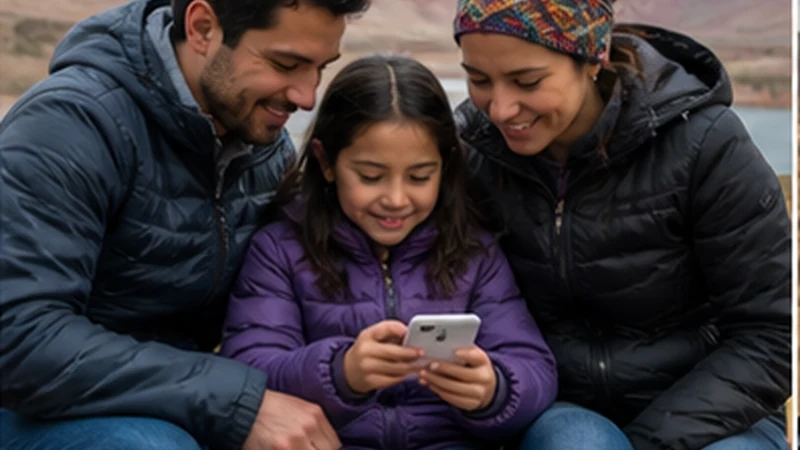

Bolivia family travel internet works best when the adults decide in advance which phone provides the main data connection and how every family member will access essential information.
A travel eSIM can support maps, accommodation messages and booking changes, while hotspot sharing may connect a tablet or a child’s phone. It should not be the family’s only way to regroup or reach important contacts.
Coverage can weaken during road journeys and visits outside major cities. Give every traveller an offline copy of the accommodation address, daily meeting point and emergency contacts before leaving reliable Wi-Fi.
Quick answer: For Bolivia family travel internet, install data on at least one unlocked, compatible adult phone, confirm whether the plan permits hotspot use, limit background downloads and keep essential trip details offline on every device.
Top Bolivia eSIMs


Bolivia Family Travel Internet: Main and Backup Devices
Use one adult phone as the primary navigation and booking device. If another adult has a compatible phone, keep key documents and offline maps there too, even when only one device has a data plan. A shared hotspot is useful, but its battery, signal or owner may become unavailable.
Before departure, follow the Bolivia eSIM installation guide. After arrival, select the travel eSIM for mobile data, enable Data Roaming on that line, and disable both roaming and automatic data switching for the home line. Do not delete the installed eSIM during routine troubleshooting.
Hotspot Sharing for Children and Multiple Devices
Check that hotspot use is included in the chosen plan and supported by the phone. The Bolivia hotspot guide explains setup and common limits. Protect the hotspot with a strong password and turn it off when the family no longer needs it.
Streaming, cloud photo backup, app updates and video calls can consume a shared allowance quickly. Download children’s entertainment and large map areas over Wi-Fi, then review the Bolivia data-planning guide before selecting an allowance.
Coverage and an Offline Separation Plan
Signal quality varies with terrain, buildings, congestion and distance from local infrastructure. Compare the expected route with the Bolivia eSIM coverage guide, but do not treat a coverage map as a guarantee.
- Save the accommodation name, full address and phone number on every device.
- Agree on a specific meeting place and time if the group becomes separated.
- Keep emergency contacts and identification details available offline.
- Carry charged power banks for the primary and backup adult phones.
Messaging apps cannot replace this plan because delayed messages or a lost connection may prevent coordination. For broader preparation, see the mobile internet guide for Bolivia.
Safe Family Troubleshooting
- Confirm that the travel eSIM is enabled and selected for mobile data.
- Turn Airplane Mode on for 30 seconds, then reconnect.
- Restart the phone and leave network selection on Automatic.
- If the family phone registers but pages still do not load, add data.esim only when that handset requires a manual APN.
- Keep the profile installed and use the Bolivia eSIM troubleshooting steps before contacting support.
Related Articles
FAQ
Can one Bolivia eSIM connect the whole family?
It may connect several devices through a permitted hotspot, but performance and allowance are shared. Keep essential information offline on each device rather than depending entirely on one phone.
How much data does a family need in Bolivia?
It depends on trip length and use. Maps and messaging are relatively light, while streaming, cloud backup, video calls and tethering can use data quickly.
Should children rely on messaging apps if the family separates?
No. Agree on a fixed meeting point and ensure every family member has accommodation and emergency details offline because mobile coverage and messages can fail.
Should I delete a Bolivia eSIM that stops connecting?
No. Keep the profile installed and try reversible settings checks first. Delete it only if NoveSIM Support explicitly instructs you to do so.
Final Recommendation
For dependable Bolivia family travel internet, assign a primary data phone and prepare a second adult device with the same offline maps, addresses and contacts.
Use hotspot sharing selectively, block automatic downloads and keep roaming disabled on home lines to control both data use and unexpected charges.
Most importantly, give every family member a simple offline separation plan. Mobile data improves a family trip, but it is not a substitute for agreed meeting points and accessible travel details.