


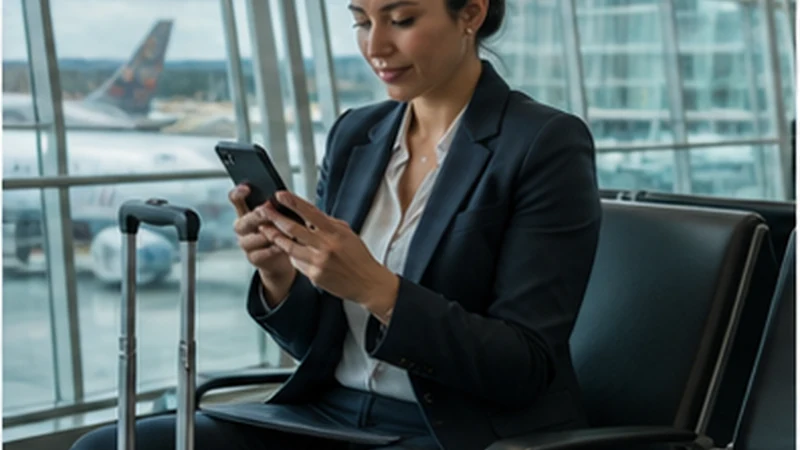

Bolivia business travel internet should use two independently tested connections: suitable accommodation or workspace Wi-Fi and mobile data on a separate travel eSIM.
A listing that says “Wi-Fi available” does not prove that the actual room can support a client call. Test the connection, device and time period before an important commitment.
A NoveSIM plan supplies mobile data rather than a Bolivian business number. Client calls, messaging and cloud tools therefore consume the selected allowance.
Quick answer: Keep tested Wi-Fi as the primary work connection, an eSIM as the independent backup, essential files offline and enough power to finish a meeting during an interruption.
Top Bolivia eSIMs


Build a Bolivia business travel internet stack
| Layer | Purpose |
|---|---|
| Primary Wi-Fi | Long calls and large transfers after room-level testing. |
| Mobile backup | Independent access when the fixed connection fails. |
| Offline files | Briefs, tickets, contacts and presentation copies. |
| Power | Charged phone, laptop and permitted backup battery. |
Use the Bolivia hotspot guide before relying on tethering.
Test before the meeting
- Run a real call from the intended room or workspace.
- Test the travel eSIM with Wi-Fi disabled.
- Confirm hotspot support and the remaining allowance.
- Download the agenda and presentation locally.
- Share a fallback contact method with participants.
For data estimates, use the Bolivia allowance guide.
Protect work traffic
- Avoid sensitive work on an unknown open network.
- Confirm the official Wi-Fi name with staff.
- Use encrypted websites and the employer’s approved security tools.
- Keep QR codes, order details and account-recovery messages private.
- Disable automatic connection to remembered public networks.
Account for travel days
La Paz and Santa Cruz are more realistic meeting bases than remote transfers. Connectivity can change on the Altiplano, around Uyuni and beyond Amazon gateways. Review the Bolivia coverage guide and avoid scheduling critical calls during uncertain routes.
If the backup does not connect
Confirm the selected line, Data Roaming, allowance and network registration. Use data.esim only when manual APN entry is required. Do not delete the installed eSIM; follow the Bolivia troubleshooting guide.
Related Articles
FAQ
Is hotel Wi-Fi enough for business travel?
Only after testing the actual room and workload. Keep independent mobile data as a backup.
Can a Bolivia eSIM support video calls?
It can where coverage, allowance and congestion permit, but test before the meeting.
Should I schedule calls during a transfer?
Avoid critical calls on remote routes because continuous coverage is not guaranteed.
Should I delete a backup eSIM that fails?
No. Preserve the profile and use reversible diagnostics first.
Final Recommendation
Design Bolivia business travel internet around continuity rather than one advertised connection.
Test Wi-Fi and mobile backup before each important commitment.
Keep secure offline files, power and a fallback contact method ready.