


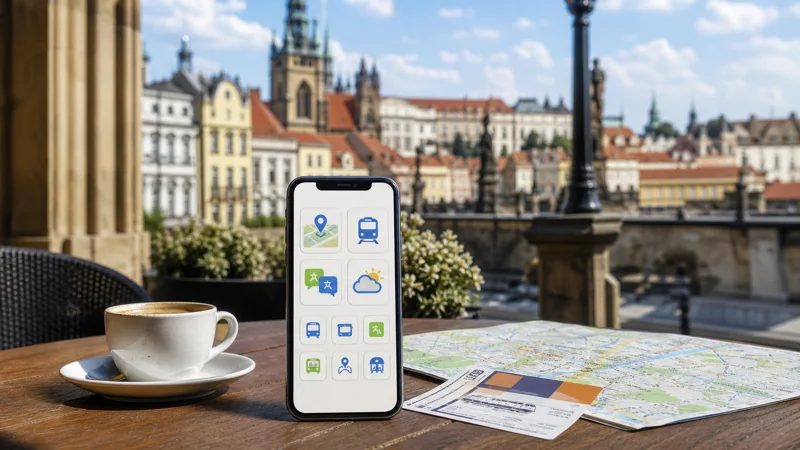

The best travel apps for the Czech Republic are the ones prepared before departure: navigation with offline maps, official transport tools for the cities and routes being used, a translation app and a messaging service that remains accessible abroad.
Quick answer: Install a map app, the relevant city-transport and rail tools, a translation app and the official apps for booked airlines or accommodation. Download maps and tickets offline, verify payment methods and test every account before travel.
Top Czech Republic eSIMs

Czech Republic eSIM
Fixed
1 GB, 7 days2.00$2 GB, 15 days4.00$3 GB, 30 days5.00$Unlimited
Unlimited, 1 day2.50$Unlimited, 3 days5.50$Unlimited, 5 days9.00$
Europe Extra eSIM
Fixed
1 GB, 7 days2.50$2 GB, 15 days4.00$3 GB, 30 days5.00$Unlimited
Unlimited, 1 day3.00$Unlimited, 3 days6.00$Unlimited, 5 days10.00$Europe+ eSIM
Fixed
1 GB, 7 days3.00$2 GB, 15 days4.50$3 GB, 30 days6.00$Unlimited
Unlimited, 1 day3.00$Unlimited, 3 days7.00$Unlimited, 5 days11.50$Europe Lite eSIM
Fixed
1 GB, 7 days2.50$2 GB, 15 days4.00$3 GB, 30 days5.00$Unlimited
Unlimited, 1 day3.00$Unlimited, 3 days6.00$Unlimited, 5 days10.00$Navigation and offline maps
Save Prague, Brno and any road-trip regions for offline use. GPS can locate the phone without mobile data when map files are stored locally, although live traffic, new searches and route changes require a connection.
Pin the accommodation, airport or station, university or meeting venue and an emergency contact point. Do not rely on a booking app as the only copy of an address.
Public transport and trains
Use the current official or authorised tool for each city and operator because ticket rules differ. Confirm whether a ticket must be activated before boarding and whether inspection requires the phone to remain online. Save rail tickets offline and carry enough battery to display them.
For intercity travel, check platform and delay information shortly before departure. A temporary tunnel or rural signal gap should not make the ticket inaccessible. The Czech train internet guide explains how to prepare for moving coverage.
Ride booking and taxis
Ride-hailing apps can be useful where supported, but verify the vehicle registration and driver inside the app before entering. Confirm the pickup point at airports and busy stations; GPS may place the pin on the wrong side of a road or terminal.
Keep an alternative such as public transport or an official taxi contact. Do not assume one app operates equally in every Czech town.
Translation, payments and messaging
Download Czech language support for offline translation and save important phrases. Payment apps and digital wallets are convenient, but carry a backup card and know its PIN. Bank verification may still depend on the home telephone number.
WhatsApp and similar services work over mobile data without changing the registered number. Review using WhatsApp in the Czech Republic and enable two-step verification before departure.
How much data do travel apps need?
Maps, messages and ticket checks are relatively light. Automatic photo uploads, social video and app updates use far more. Download large files on trusted WiFi and use mobile data for live information while moving.
A travel eSIM can provide data as soon as the phone registers after arrival. NoveSIM is data-only and does not include a Czech number, calls or SMS. Compare plans on the Czech Republic eSIM page and estimate an allowance with the Czech data guide.
Prepare the phone before departure
- Update essential apps on trusted WiFi.
- Sign in and complete verification.
- Download maps, language packs and tickets.
- Add payment methods only through official apps.
- Disable cellular app updates and cloud backup.
- Carry a charging cable or power bank.
Frequently asked questions
Which apps should I install for Prague?
Prepare navigation, the current official public-transport tool, rail access if travelling onward, translation and the apps tied to existing bookings.
Will maps work without internet?
GPS works, but the map region must be downloaded first. Live traffic, new searches and transport changes still need data.
Can digital tickets be used offline?
Some can, while others require activation or a live display. Check the exact operator’s rules and keep the phone charged.
Do travel apps need a Czech phone number?
Many do not, but account verification or certain local services may require a number. Check before relying on an app.
Final Recommendation
Prepare Czech Republic travel apps before the flight, not at the station. Keep maps, tickets and addresses offline, use mobile data for live changes and retain a non-app backup for transport, payment and important contacts.