


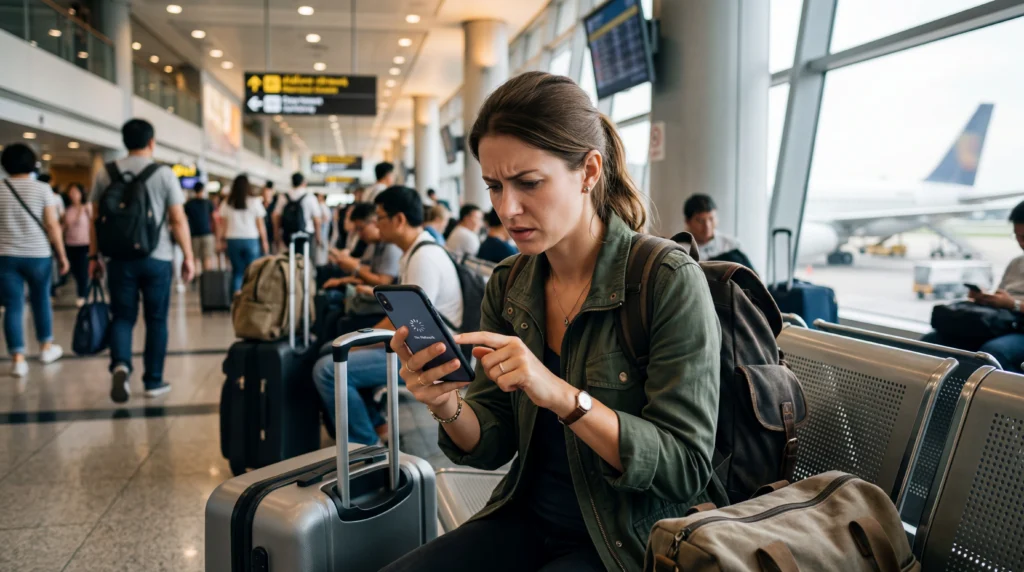

Most eSIM problems during travel are not caused by the technology — they are caused by simple mistakes.
From wrong settings to choosing the wrong plan, small errors can lead to no internet, slow speeds, or unnecessary stress while traveling.
This guide covers the most common eSIM travel mistakes and how to avoid them.
Start here: best eSIM for travel.
Why Avoiding Mistakes Matters
When you travel, your phone becomes essential:
- maps and navigation
- transport bookings
- accommodation access
- communication
If your internet does not work, everything becomes harder.
Mistake #1 – Not Installing eSIM Before Travel
Many travelers wait until they arrive.
Why this is a problem:
- you may not have WiFi
- setup becomes stressful
- you lose time at arrival
Fix: install before departure.
Guide: install eSIM before travel.
Mistake #2 – Choosing the Cheapest Plan Only
Cheap does not always mean good.
Problems:
- lower speed priority
- network limitations
- unstable performance
Decision guide: choose the right eSIM.
Mistake #3 – Underestimating Data Usage
Travel uses more data than expected.
- maps
- booking apps
- social apps
- transport apps
This often leads to running out of data too early.
Mistake #4 – Not Turning On Data Roaming
This is one of the most common issues.
Even with an active eSIM, internet will not work if roaming is disabled.
Fix:
- enable data roaming for the eSIM
- disable it for your primary SIM if needed
Mistake #5 – Wrong Network Selection
Sometimes automatic network selection does not choose the best option.
This can cause:
- slow internet
- no connection
Solution: manually select a supported network.
Mistake #6 – Expecting All eSIMs to Be Equal
Not all providers offer the same quality.
- different routing systems
- different carrier agreements
- different speed priorities
Compare: which eSIM should I choose.
Mistake #7 – Not Checking Device Compatibility
Not all phones support eSIM.
Before buying, confirm your device supports it.
Mistake #8 – Relying Only on WiFi
Public WiFi is not always reliable.
- slow speeds
- limited availability
- security risks
Mobile data is essential during movement.
Mistake #9 – Ignoring Troubleshooting Basics
Many issues have simple fixes.
- toggle airplane mode
- restart device
- reselect network
See: eSIM not working, no service, connected but no internet.
Mistake #10 – Buying Without Understanding Your Travel Style
Your plan should match your trip:
- short trip vs long trip
- light use vs heavy use
- single country vs multi-country
The wrong match leads to poor experience.
Quick Checklist Before You Travel
- install eSIM
- check device compatibility
- estimate data usage
- enable roaming
- save QR code
Avoid mistakes. Travel stress-free.
Choose the right eSIM and stay connected from the moment you arrive.
Final Thoughts
Most eSIM issues are preventable.
With the right preparation, you can avoid problems and enjoy a smooth travel experience.
FAQ
Why is my eSIM not working abroad?
Common reasons include roaming disabled, wrong network, or incorrect setup.
Should I install eSIM before travel?
Yes, this is one of the most important steps to avoid issues.
What is the biggest eSIM mistake?
Choosing the wrong plan or not setting up the device correctly.
Can I fix eSIM issues easily?
Yes, most issues have simple solutions like restarting or changing settings.
Is eSIM reliable for travel?
Yes, when used correctly and configured properly.