


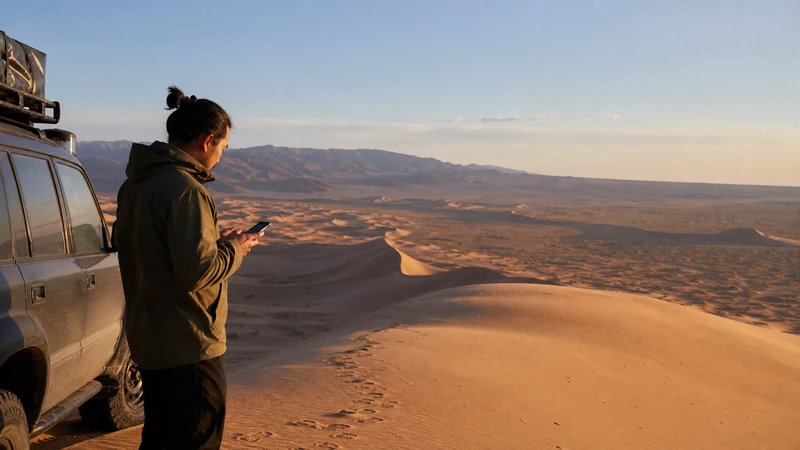

Gobi Desert mobile internet is intermittent and route-dependent. Data may be available around towns, settlements and some tourist facilities, while long driving sections can have no usable signal.
Quick answer: install and test your Mongolia eSIM before leaving a reliable connection, then download the entire itinerary, camp details and maps offline. Do not rely on ordinary mobile coverage for emergencies in the desert.
Top Mongolia eSIMs


Why Gobi Desert mobile internet is different
The Gobi is not one compact attraction with uniform coverage. Trips connect widely separated locations over long paved and unpaved sections. Signal near one settlement says nothing certain about the next road leg, and detours caused by weather or road conditions can change the connectivity picture.
Ask the tour operator or driver where they normally reconnect, but treat that as experience rather than a guarantee. The broader coverage guide explains the network factors involved, while the Mongolia road-trip guide covers preparation between towns.
Prepare at the last connected stop
- Download the full route and alternatives, not only a single pin.
- Save camp names, contacts and meeting instructions as screenshots.
- Update weather and transport information.
- Charge the phone and power bank; carry more than one cable.
- Share the itinerary and expected check-in time.
A travel eSIM is valuable when coverage returns because messages can send and bookings can update automatically. It remains a convenience tool, not a substitute for the guide’s communications equipment or local safety procedure.
Use data and battery deliberately
Pause cloud photo backup, automatic updates and video autoplay. Store entertainment before departure and reserve data for communication, navigation checks and changed arrangements. During a known no-service section, Airplane Mode can reduce battery drain caused by repeated network searching.
For NoveSIM, select the Mongolia eSIM for Mobile Data, enable Data Roaming on it and keep the home line from switching into roaming data. If manual APN entry is required, use data.esim. Do not delete the profile during a coverage gap.
Related Articles
- Mongolia Road Trip Internet
- Mobile Internet in Mongolia
- Best eSIM for Mongolia
- How Much Data for Mongolia
FAQ
Is there mobile coverage throughout the Gobi?
No. Service can be useful near populated places, but long gaps should be expected.
Will an eSIM give better desert signal?
An eSIM does not amplify signal. It connects only where a permitted partner network is available.
Can ger-camp Wi-Fi replace mobile data?
Do not assume it can. Availability, backhaul, power and shared demand can all affect camp Wi-Fi.
What should I download before departure?
Save maps, route alternatives, camp details, contacts, translation tools and essential documents for offline access.
Final Recommendation
Treat Gobi Desert mobile internet as an occasional travel tool: prepare the route, power and contacts before leaving town, then use the eSIM where coverage returns. Follow the guide’s safety and communication plan throughout.