


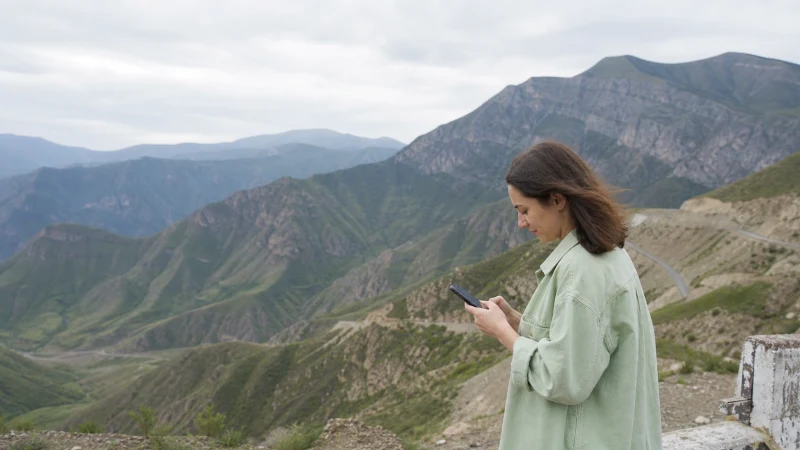

Azerbaijan eSIM coverage is generally easiest to use in Baku and other populated areas, while signal and speed can change on mountain roads, long rural stretches and near remote borders. An eSIM uses a supported local partner network; it does not create separate coverage.
The exact result depends on the selected plan, partner access, phone bands, terrain, building materials and congestion. A national coverage map cannot guarantee service at every stop.
NoveSIM travel eSIMs are data-only. We do not provide an Azerbaijani number, conventional calls or SMS. Internet apps can use the data connection where coverage is available.
Quick answer: Expect the most consistent mobile-data options in Baku and major towns, but prepare offline maps for regional, mountain and border journeys. Check the partner network shown for the exact eSIM plan and leave network selection on Automatic when connecting.
Top Azerbaijan eSIMs


What Determines Azerbaijan eSIM Coverage?
| Factor | Effect |
|---|---|
| Partner network | Defines which local infrastructure the plan can use. |
| Phone model and bands | Affects compatibility with available 4G and 5G frequencies. |
| Terrain | Mountains and valleys can block or weaken radio signal. |
| Indoor location | Stone walls, lower floors and underground spaces can reduce reception. |
| Congestion | Busy places and events can reduce usable speed even with strong signal bars. |
Coverage in Baku and at the Airport
Baku offers the strongest general environment for mobile service, but indoor performance still varies. Configure the eSIM before leaving reliable Wi-Fi so the airport transfer does not depend on editing settings at the kerb. See the Baku Airport internet guide for arrival-specific preparation.
Coverage in Ganja, Sheki, Gabala and Quba
Major towns normally provide more dependable service than the roads between them. Refresh navigation, booking details and messages while connected. Mountain approaches and rural accommodation can produce short gaps or slower data even when the town itself has service.
A separate city product is not required: the important question is whether the selected Azerbaijan plan supports a suitable partner network for the whole route.
Remote and Border Areas
Near Georgia or Iran, in Nakhchivan, and on less populated mountain routes, keep travel plans usable without mobile data. A phone may also detect a network across a border; avoid manual selection of an unsupported or unintended network.
- Download the complete map area and an alternative route.
- Save accommodation addresses and check-in instructions.
- Keep transport, roadside and emergency information offline.
- Carry enough battery for navigation and network searching.
The Azerbaijan road-trip guide provides a fuller offline checklist.
Does 5G Improve Coverage?
5G can improve capacity or speed in supported locations, but it does not replace broader 4G coverage. The phone may use 4G outside rollout areas or when 5G is weak. Read the Azerbaijan 5G guide for current practical expectations.
How to Connect to the Supported Network
- Enable the Azerbaijan eSIM after arrival.
- Select it for Mobile Data.
- Turn on Data Roaming for that line.
- Keep the primary SIM’s roaming off.
- Leave Network Selection on Automatic.
- If support requests a manual test, choose only a network permitted by the plan.
If signal appears without data, check the allowance and APN. For NoveSIM, use data.esim only when manual APN entry is required. Do not delete the profile during troubleshooting.
Related Articles
- Azerbaijan eSIM plans
- Best network in Azerbaijan
- 5G in Azerbaijan
- Mobile internet in Azerbaijan
- Azerbaijan road-trip internet
- Mobile internet in Nakhchivan
- Azerbaijan eSIM troubleshooting
FAQ
Does an Azerbaijan eSIM have coverage outside Baku?
It can connect wherever its supported partner network and your phone have service. Performance may vary more on rural, mountain and border routes.
Which network will my Azerbaijan eSIM use?
That depends on the selected plan’s current partner access. Check the product details rather than assuming every eSIM uses every operator.
Will I have 5G throughout Azerbaijan?
No. 5G is limited by operator rollout, plan access, device support and location. The phone may use 4G elsewhere.
Should I download offline maps?
Yes, especially for mountain roads, border regions and long journeys between towns. Offline preparation also helps during temporary congestion or indoor signal loss.
Final Recommendation
Plan Azerbaijan eSIM coverage around the route and supported partner network, not a nationwide promise.
Use automatic network selection, keep the correct roaming settings and download offline essentials before leaving major towns.
That approach keeps the trip workable when signal quality changes between Baku, regional centres and remote roads.