


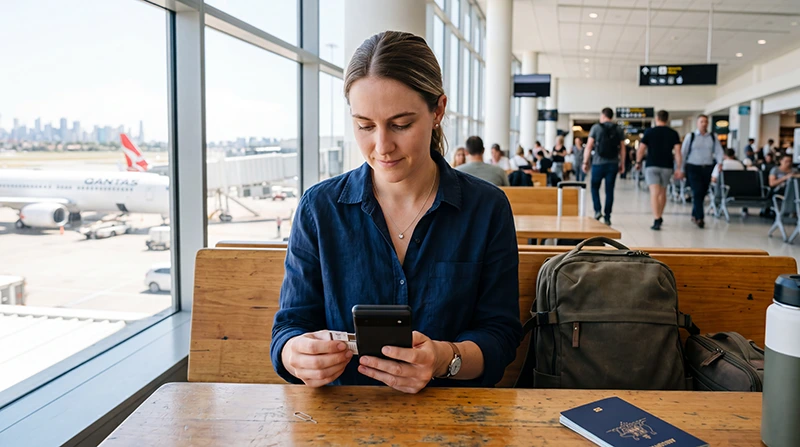

An Australia eSIM for Android works only when the exact phone model supports eSIM and is carrier-unlocked. Brand name alone is not enough because support can vary by model, region and carrier version.
Install the plan on reliable Wi-Fi before departure, then select it for mobile data after landing. Android menu names differ between Samsung, Google Pixel and other manufacturers.
NoveSIM travel eSIMs are data-only, without an Australian number or conventional calls and SMS. Internet messaging and calling work through data.
Quick answer: Check for an “Add eSIM” or “Download SIM” option, confirm the phone is unlocked and install before flying. On arrival, enable the Australia profile, choose it for mobile data and follow the plan’s roaming instruction.
Top Australia eSIMs

Australia eSIM
Fixed
1 GB, 7 days€ 2.662 GB, 15 days€ 3.553 GB, 30 days€ 4.88Unlimited
Unlimited, 1 day€ 2.66Unlimited, 3 days€ 5.77Unlimited, 5 days€ 8.43
Asia eSIM
Fixed
1 GB, 7 days€ 4.442 GB, 15 days€ 7.993 GB, 30 days€ 10.65Unlimited
Unlimited, 1 day€ 5.77Unlimited, 3 days€ 15.53Unlimited, 5 days€ 25.29Check an Australia eSIM for Android compatibility
- Find the exact model number in Settings.
- Look for SIM Manager, Network & Internet or an equivalent mobile-network menu.
- Confirm an option to add or download an eSIM appears.
- Ask the original carrier whether the device is unlocked.
- Check that the plan and partner network support the device.
Use the Australia eSIM compatibility guide when the regional model is uncertain.
Install on Samsung or Pixel
On Samsung, the path commonly begins under Settings → Connections → SIM Manager. On Pixel, it commonly begins under Settings → Network & internet → SIMs. Android versions and manufacturer interfaces can change the wording, so follow the device prompts rather than forcing an identical path.
The Australia installation guide explains QR and manual entry.
Configure data after arrival
- Enable the installed Australia profile.
- Select it as the preferred mobile-data SIM.
- Disable automatic data switching.
- Follow the plan’s roaming instruction.
- Leave network selection automatic initially.
- Use data.esim if NoveSIM APN entry is required.
Troubleshoot without deleting the profile
Toggle flight mode, restart the phone and recheck line selection and APN. Do not delete the eSIM unless NoveSIM support instructs you. Continue with Australia eSIM troubleshooting.
Related Articles
FAQ
Does every Android phone support eSIM?
No. Support varies by exact model, market version and sometimes carrier firmware.
Can I keep my physical SIM?
Usually yes on a dual-SIM device; select the travel eSIM for data and review home-line roaming costs.
Why can I not see Add eSIM?
The model may not support it, the carrier version may restrict it or the menu may use different wording.
Should I delete and scan again?
No. Keep the profile installed and contact support before any deletion.
Final Recommendation
Use an Australia eSIM for Android only after confirming the exact model and unlocked status.
Install before travel, select it for data and use data.esim where manual NoveSIM APN entry is required.
Keep the profile installed while resolving any Android menu or connection issue.